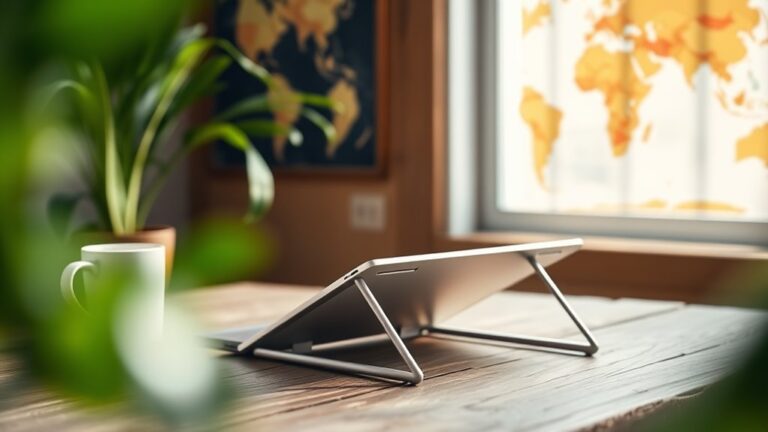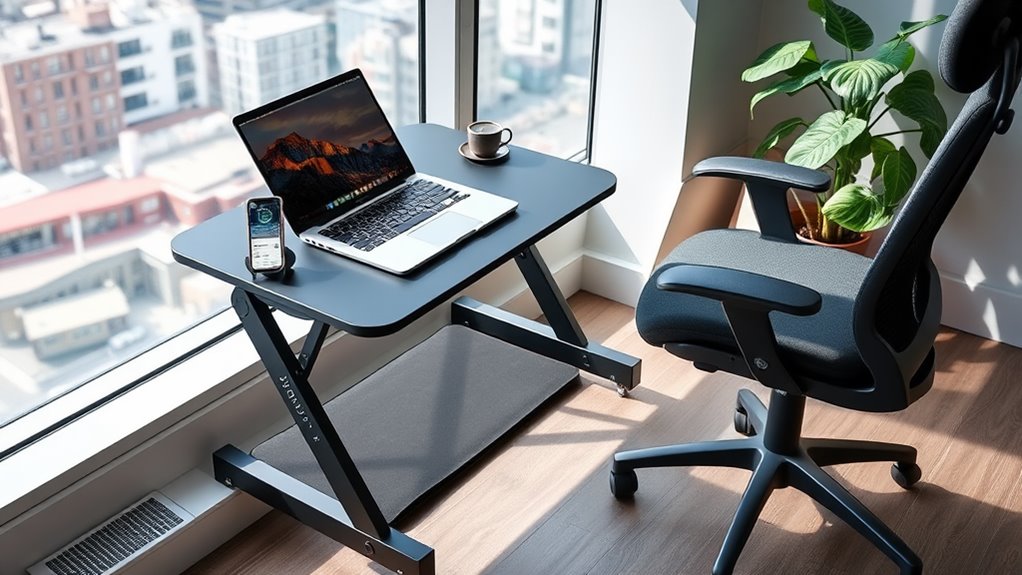
To adapt any workspace for better ergonomics on the road, start by evaluating your current setup. Make sure your chair and desk allow your feet to rest flat and that your monitor's at eye level to avoid neck strain. Use ergonomic tools like a portable laptop stand and a comfortable keyboard. Don't forget to take regular breaks to stretch and hydrate. With these adjustments, you'll enhance your comfort and efficiency, and there's more to discover about optimizing your workspace.
Nomad Highlights
- Use a portable laptop stand to elevate your screen to eye level and reduce neck strain while working on the road.
- Invest in an ergonomic keyboard and mouse to maintain proper wrist alignment and prevent discomfort during extended use.
- Choose a comfortable, adjustable chair or cushion to support your lower back and ensure your feet rest flat on the ground.
- Take frequent breaks to stretch, walk, and hydrate, promoting circulation and reducing fatigue during long work sessions.
- Maintain good posture by keeping shoulders relaxed, ears aligned with shoulders, and shifting your weight regularly to avoid stiffness.
Assess Your Current Setup
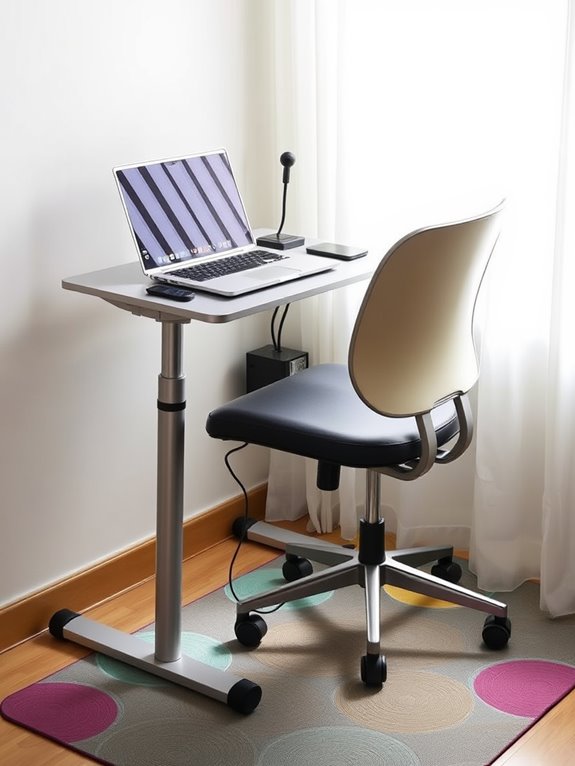
Before you can make any improvements, it's essential to assess your current setup. Start by evaluating your workspace layout. Make sure your desk and chair heights are comfortable, allowing your feet to rest flat on the floor. Incorporating adjustable footrests can enhance your comfort and support proper leg positioning. Additionally, using an adjustable phone stand can help maintain optimal viewing angles for your devices.
Check if your monitor's top is at eye level to prevent neck strain. Pay attention to your posture: are your shoulders relaxed, and your elbows at a 90-degree angle? Remember that ergonomic chairs should offer comprehensive support for head, back, hips, and arms to enhance comfort and productivity. The importance of ergonomic design in reducing discomfort cannot be overstated; ensuring your workspace is tailored to your needs can lead to greater overall well-being. Take note of any discomfort you experience during your workday; it's a sign that something needs changing. Also, consider how often you take breaks; standing up and stretching can greatly improve your comfort. Additionally, incorporating adjustable height options into your workspace can significantly enhance your ergonomic experience.
Choose the Right Equipment
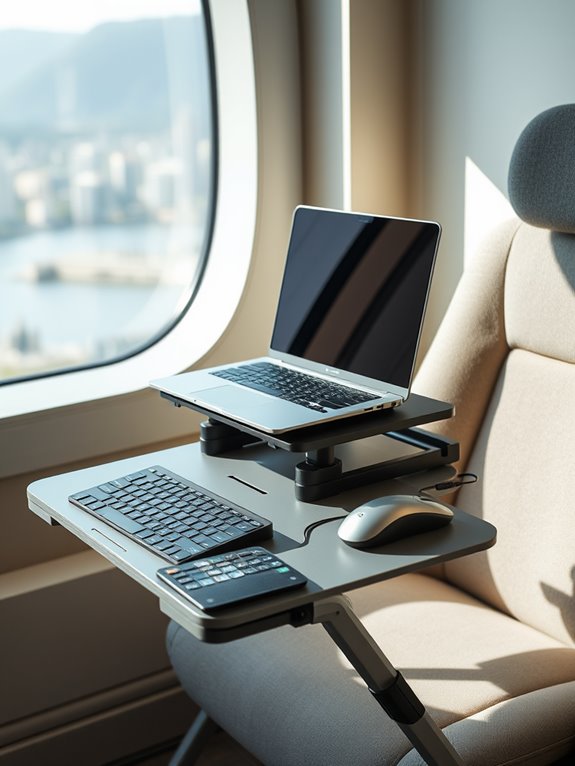
Choosing the right equipment can make a significant difference in your comfort and productivity. Start with a portable laptop stand to keep your screen at eye level, reducing neck strain.
Invest in a compact, ergonomic keyboard and mouse that fit your hands well, promoting better wrist alignment. Consider using a keyboard with multi-device connectivity to seamlessly switch between your devices, enhancing your workflow. Noise-canceling headphones can help you focus in busy environments, enhancing your workflow. Additionally, using ankle resistance bands during breaks can help maintain leg strength and improve circulation while working on the road. Ergonomic designs, such as vertical mouse options, can further reduce strain during extended periods of use.
If you spend long hours on video calls, consider a high-quality webcam and microphone for clearer communication. Don't forget a reliable bag or case to protect your gear while traveling. Additionally, incorporating ergonomic monitor mounts can further improve your workspace setup, allowing for optimal screen positioning and reducing strain.
Optimize Your Seating Position
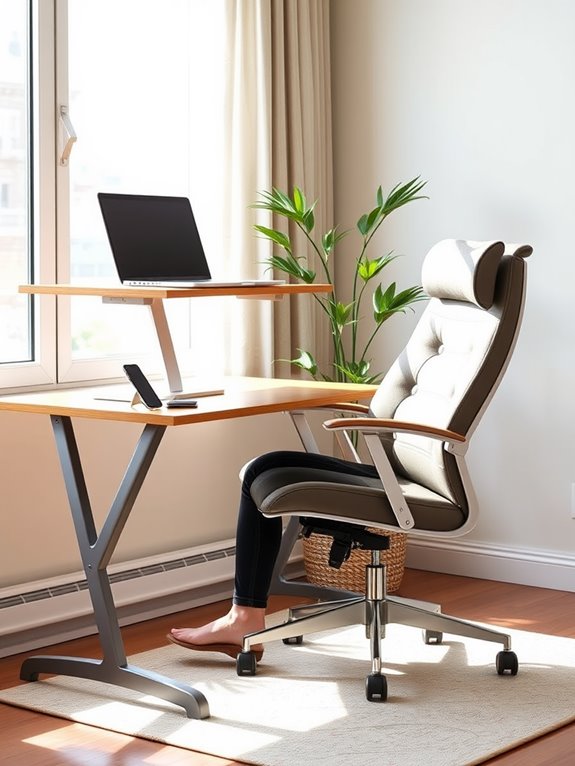
A well-optimized seating position is essential for maintaining comfort and preventing strain during long work hours. Start by adjusting your chair height so your feet rest flat on the floor. Your knees should be at or slightly below hip level. Use lumbar support to maintain the natural curve of your lower back, and position your arms so they're relaxed at your sides. To enhance comfort even further, consider using a cushion made of high-density memory foam, which effectively contours to your body's shape. Additionally, look for ergonomic designs that cater to individual body curves to further improve your posture and support. Incorporating an adjustable tablet stand can also help ensure your device is at a comfortable viewing angle, reducing neck strain. A well-designed lapstand can improve posture support while enhancing your overall work experience. Furthermore, utilizing a portable standing desk converter can enhance workspace ergonomics and comfort by allowing for adjustable heights and better screen alignment.
Here's a quick reference table to help you optimize your seating:
| Adjustment | Recommendation |
|---|---|
| Chair Height | Feet flat on the floor |
| Knee Position | At or slightly below hips |
| Lumbar Support | Supports lower back curve |
| Arm Position | Relaxed at your sides |
Following these tips can greatly enhance your comfort while working on the road.
Mind Your Posture
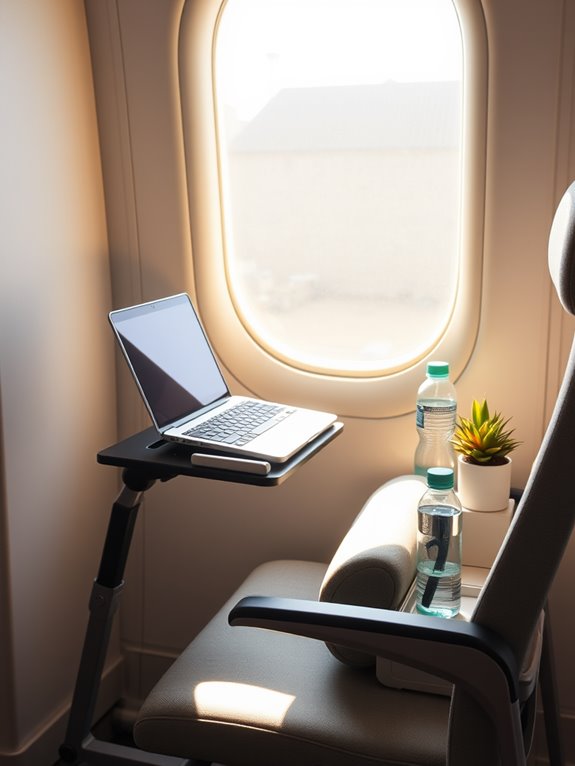
Maintaining good posture is just as important as optimizing your seating position. When you sit or stand, keep your shoulders relaxed and back, with your spine aligned. Your ears should be over your shoulders, and your hips should be positioned directly under your shoulders.
Good posture is essential; keep your shoulders relaxed, spine aligned, and ears above your shoulders for optimal comfort.
Avoid slouching or leaning forward, as this can strain your back and neck.
If you're using a laptop, elevate it to eye level to prevent hunching. When typing, keep your wrists straight and your elbows close to your body. Additionally, consider incorporating an aromatherapy diffuser to create a calming environment, as certain scents can enhance focus and relaxation. Utilizing calming essential oils in your diffuser may help to reduce stress and improve overall well-being while working.
It's also helpful to shift your weight from one side to the other occasionally. By being mindful of your posture, you'll reduce discomfort and enhance your focus, making your work on the road much more enjoyable. Additionally, consider investing in compact printers that can fit into tight spaces, ensuring you maintain a clutter-free workspace.
Take Regular Breaks
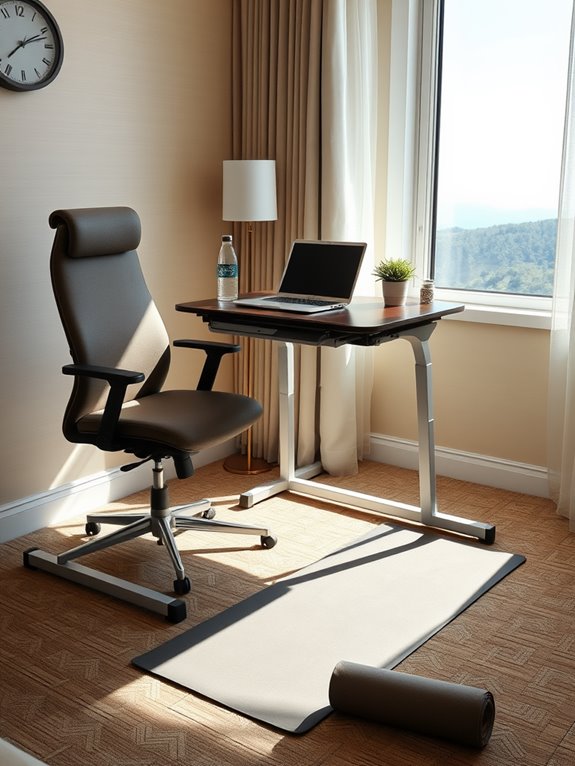
Although you might feel tempted to power through your tasks without interruption, taking regular breaks is essential for maintaining both productivity and well-being.
Frequent breaks help recharge your mind and body, reducing fatigue and enhancing focus. Here's how you can make the most of your breaks:
- Stand up and stretch your muscles.
- Step outside for fresh air.
- Hydrate with a glass of water.
- Take a quick walk to clear your mind.
- Practice deep breathing or mindfulness exercises.
Incorporating these short breaks into your routine can greatly improve your overall performance.
Frequently Asked Questions
How Can I Create a Portable Ergonomic Workstation?
To create a portable ergonomic workstation, choose a lightweight desk and chair that adjust easily. Use a laptop stand, ergonomic keyboard, and mouse. Remember to maintain proper posture and take breaks to avoid strain.
What Are the Best Travel-Friendly Ergonomic Products?
Did you know that 70% of remote workers experience discomfort? To ease your travels, consider a portable laptop stand, an ergonomic mouse, and a supportive travel pillow. These products can enhance your comfort considerably wherever you work.
How Can I Maintain Good Posture While Driving?
To maintain good posture while driving, adjust your seat so your back's supported, keep your feet flat on the floor, and hold the steering wheel at a comfortable height. Remember to take breaks during long drives.
Are There Specific Stretches for Road Travelers?
Yes, you can incorporate specific stretches during breaks. Try neck rolls, shoulder shrugs, and seated twists to relieve tension. Standing hamstring stretches and calf raises also help keep your muscles flexible and reduce fatigue on the road.
How Do I Manage Eye Strain on the Road?
Imagine your eyes as weary travelers, crossing vast deserts of brightness. To ease their journey, you'll blink often, adjust lighting, and take breaks to gaze at distant horizons. You'll find refreshment in these simple acts.
Conclusion
So, you've got your fancy new gear and a perfectly adjusted chair, but if you're still slumped over your laptop in a coffee shop, what's the point? Ironically, the best ergonomic setup in the world won't help if you don't actually use it properly. Remember, it's not just about the tools; it's about how you engage with them. So, stand tall, stretch those legs, and embrace the irony of being uncomfortable in a comfortable setup.