For digital nomads working long hours, portable travel monitors like the ASUS ZenScreen MB16AC and Lenovo ThinkVision M14 can greatly enhance your productivity. Look for features like 1080P resolution, USB-C connectivity, and lightweight designs for easy transport. Battery life is key, so opt for monitors that last up to 24 hours on a single charge. Setting it up ergonomically can help reduce neck strain and keep you comfortable. There's plenty more to explore on optimizing your workspace!
Nomad Highlights
- Look for portable monitors with 1080P resolution for clear visuals and enhanced multitasking capabilities during long work hours.
- Opt for models like ASUS ZenScreen MB16AC or Lenovo ThinkVision M14, known for their lightweight and slim designs.
- Ensure connectivity options, such as USB-C and HDMI, for versatile compatibility with various devices while traveling.
- Choose monitors with long battery life, ideally lasting 4-6 hours or more, to support uninterrupted productivity on-the-go.
- Invest in ergonomic accessories like portable stands and keyboard/mouse combos to enhance comfort and reduce strain during extended use.
Understanding the Benefits of Portable Travel Monitors
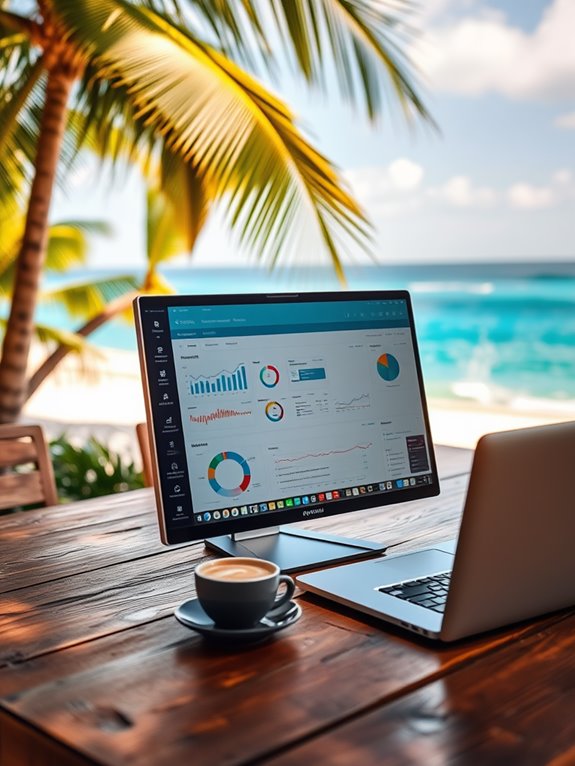
When you're on the move, having a portable travel monitor can greatly enhance your productivity and overall experience. These monitors provide extra screen real estate, allowing you to multitask efficiently, whether you're working on spreadsheets or attending virtual meetings.
They're lightweight and slim, making them easy to pack alongside your laptop. With a portable monitor, you can set up an ergonomic workspace anywhere, reducing neck strain and improving comfort during long hours of work. Additionally, most portable monitors offer 1080P resolution, ensuring that your visuals are vibrant and clear. Regular use of ergonomic setups can promote muscle relaxation and enhance your overall well-being. Furthermore, using a portable monitor can support better posture by allowing you to adjust the screen height to eye level, which is crucial for reducing strain. A portable monitor can also facilitate health monitoring capabilities, allowing you to track your wellness metrics while working.
Plus, their versatility means you can use them for streaming your favorite shows after a day of work. Overall, a portable travel monitor is a game-changer for digital nomads, helping you maintain focus and elevate your work environment while traveling. Additionally, using a portable monitor can help you create a healthier environment by reducing eye strain and enhancing your ergonomic setup.
Key Features to Look for in a Portable Monitor
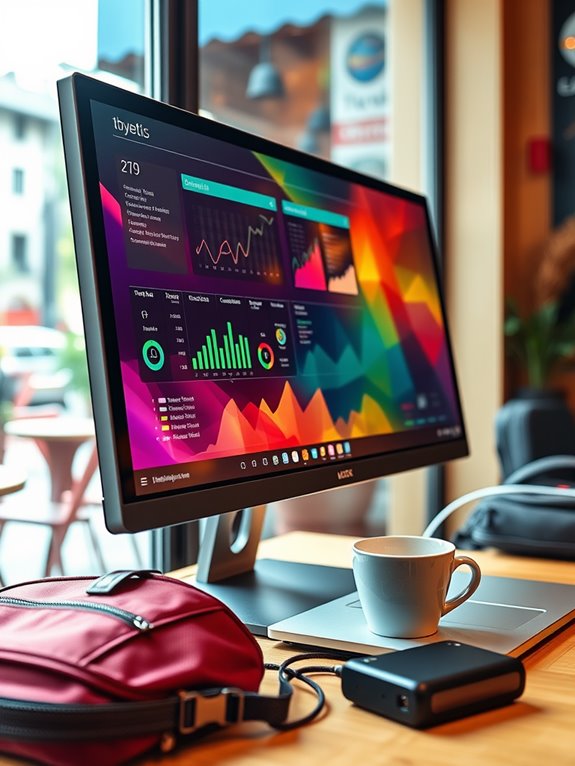
Choosing the right portable monitor can substantially impact your travel experience.
To guarantee you pick the best one, keep an eye out for these key features:
- Screen Size: A balance between portability and usability is essential.
- Resolution: Higher resolutions provide clearer images, making work easier on the eyes. Additionally, consider higher resolutions as they can help reduce eye strain during long working hours. Monitors with continuous health monitoring can also help remind you to take breaks and stay active during long hours of work. The ideal monitor should also feature high motor power to ensure smooth operation without lag. Look for monitors that support Wi-Fi connectivity to enhance your ability to work wirelessly.
- Connectivity Options: Look for USB-C, HDMI, or other versatile ports to connect easily to your devices.
- Battery Life: A longer battery life means you can work without constantly searching for an outlet. Additionally, consider energy-saving designs that help extend battery performance during travel.
Top Portable Travel Monitors for Digital Nomads
For digital nomads on the go, having the right gear can make all the difference, and a portable travel monitor is no exception. Here are some top picks that'll enhance your workspace:
| Monitor Model | Key Features |
|---|---|
| ASUS ZenScreen MB16AC | 15.6" Full HD, USB-C connection |
| AOC I1601FWUX | 15.6" IPS, ultra-slim, lightweight |
| Lenovo ThinkVision M14 | 14" Full HD, dual USB-C ports |
These monitors offer portability and high-quality displays, ensuring you can work efficiently anywhere. Additionally, many of these portable monitors are designed with durable construction that withstands the rigors of travel, making your travels smoother and more enjoyable. Whether you're at a café or in a co-working space, these options will help you stay productive and focused, making your travels smoother and more enjoyable. Additionally, consider the image quality standards when selecting a monitor to ensure vibrant visuals for your work.
Comparing Screen Sizes and Resolutions
How do screen sizes and resolutions impact your productivity on the go? Choosing the right portable monitor can greatly enhance your workflow.
Larger screens provide more real estate for multitasking, while higher resolutions guarantee that text and images remain sharp. Here are a few factors to take into account:
- Screen Size: A 15-inch monitor might be adequate, but a 17-inch can improve visibility.
- Resolution: 1080p offers clarity, while 4K provides stunning detail for creative work.
- Aspect Ratio: Wider ratios can help with side-by-side app usage.
- Portability: Make sure it fits into your travel gear without adding bulk.
Balancing these features can help you find the perfect monitor to keep your productivity soaring, no matter where you are.
Connectivity Options: USB-C, HDMI, and More
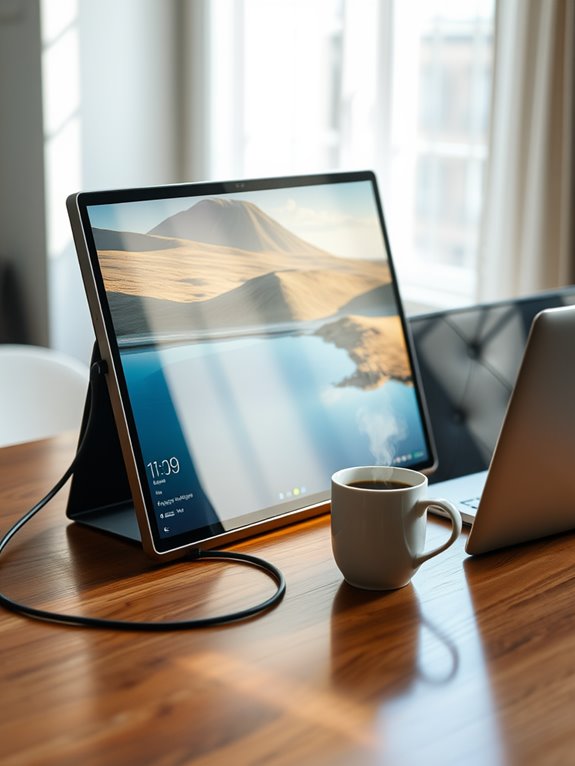
While you might prioritize screen size and resolution, connectivity options are equally essential when selecting a portable monitor.
You'll want to verify compatibility with your devices, and USB-C is a game-changer. It allows for both power and data transfer, meaning fewer cables cluttering your workspace. Additionally, consider choosing a monitor that supports advanced protocols to further enhance your connectivity experience. Many modern devices benefit from fast charging capabilities, which can significantly improve your workflow when using a portable monitor. Furthermore, monitors with quick adjustment mechanisms provide a seamless transition between devices, enhancing your overall productivity. For added security, consider tools that offer robust offline protection while you work on-the-go.
HDMI is another popular option, especially for connecting to laptops or projectors. Some monitors also offer DisplayPort or mini DisplayPort, which can be handy if you use specific laptops or gaming devices.
HDMI is widely used for connecting laptops or projectors, while DisplayPort options cater to specific devices and gaming setups.
Consider additional features like USB hubs that let you connect peripherals directly to your monitor. Additionally, look for monitors that use lightweight materials to enhance portability for your on-the-go lifestyle.
Battery Life Considerations for On-the-Go Use
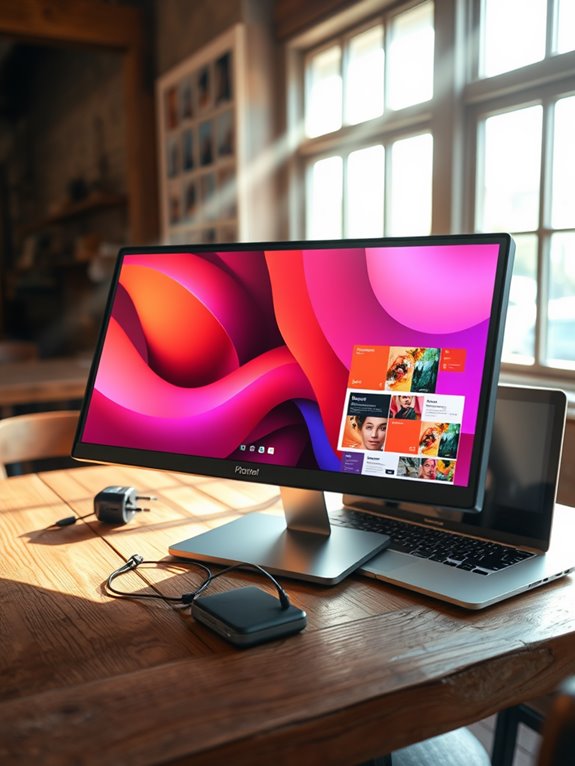
When you're on the move, battery life can make or break your productivity. You'll want to contemplate how efficiently your screen uses power, along with your options for charging and powering the monitor. Knowing these factors helps you stay connected without worrying about running out of juice. Many portable devices, such as portable blenders, offer USB-C rechargeable batteries that enhance convenience while traveling. Additionally, some portable monitors have solid weight capacity which ensures they can be used effectively in various environments. Choosing models with long battery life is crucial, as they can provide uninterrupted use, similar to the best portable white noise machines for sleep. Ideally, these machines last up to 24 hours on a single charge, ensuring you can enjoy a restful environment without interruptions. Furthermore, selecting monitors with low power consumption features can significantly extend battery life during long work sessions.
Screen Time Efficiency
As you navigate the demands of a digital nomad lifestyle, optimizing screen time efficiency becomes essential, especially when it comes to battery life.
To make the most of your portable monitor, consider these key strategies:
- Adjust Brightness: Lowering the brightness can greatly extend battery life.
- Use Power-Saving Modes: Activate any energy-saving settings your monitor offers.
- Limit Background Apps: Close unnecessary applications to reduce power consumption.
- Choose the Right Connection: Use USB-C connections when possible for better efficiency. Additionally, selecting a device with a high filtration efficiency can help enhance your overall productivity while on the go. Compact air purifiers can also serve to improve air quality in your workspace, ensuring a more comfortable environment. Furthermore, consider investing in lightweight designs that facilitate easy transport, echoing the features of portable ergonomic chairs that prioritize mobility and comfort.
Furthermore, consider using a device that features energy efficiency to further enhance your portable setup while reducing power consumption. Using compact designs can also help maintain a lightweight and efficient travel experience.
Power Source Options
Choosing the right power source is essential for ensuring your portable monitor lasts throughout your travels. When you're on the go, battery life becomes a significant factor.
Look for monitors that offer extended battery life, ideally lasting at least 4-6 hours on a single charge. Consider models with energy-efficient screens, as they can maximize usage time.
If you frequently work in remote locations, having a monitor with a built-in battery might be beneficial. Alternatively, you could invest in a high-capacity power bank to keep your device charged. Just make sure it's compatible with your monitor. Additionally, consider using a monitor with adjustable resistance levels to optimize your energy consumption based on your working conditions.
Charging Solutions Available
While you're traveling, having reliable charging solutions is essential for keeping your portable monitor powered up. You don't want to be stuck with a dead battery when you need to get work done. Here are some effective charging options to reflect upon:
- Power Banks: High-capacity power banks can recharge your monitor multiple times without needing an outlet. Additionally, look for options with fast charging capabilities to minimize downtime. It's important to consider the power source options of your monitor to ensure compatibility with your power bank. Regular charging can also help enhance eye comfort during long hours of screen time.
- USB-C Hubs: These often include power delivery, allowing you to charge your monitor while connecting other devices.
- Car Chargers: If you're on the road, a car charger can be a lifesaver for on-the-go charging.
- Solar Chargers: For the adventurous, solar chargers can keep your devices powered during outdoor excursions. Additionally, consider options with large battery capacity to ensure extended use without frequent recharges.
Choose the solution that best fits your travel style and work needs!
Lightweight and Compact Designs for Easy Transport
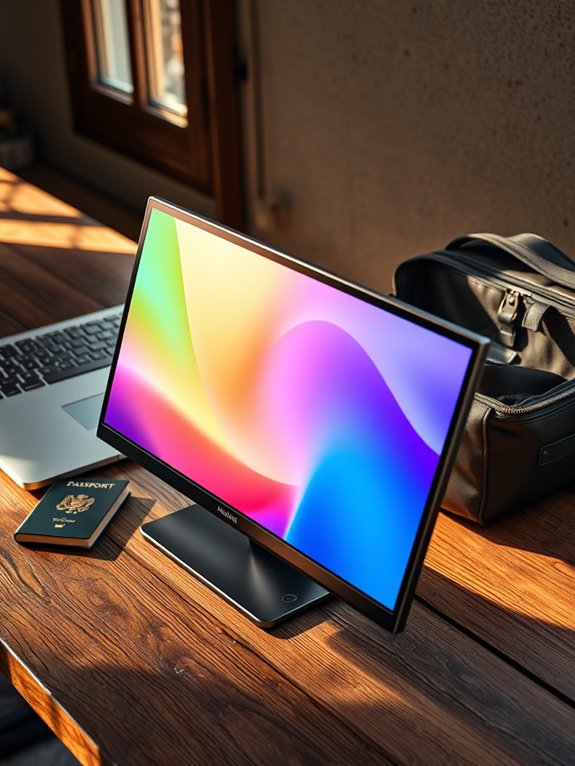
When you're on the move, having a lightweight and compact monitor can make a world of difference. You'll want to take into account size and weight to guarantee it fits easily into your travel gear. Plus, look for travel-friendly accessories that enhance portability and make your setup a breeze. Additionally, considering brewing capacities of portable monitors can help ensure you choose one that meets your work needs while traveling. Adjustable features can greatly enhance your comfort and productivity during long work hours on the go. Many models also offer self-cleaning functions, simplifying maintenance and ensuring your setup stays in top shape.
Essential Portability Features
To thrive as a digital nomad, you need gear that won't weigh you down, and portable travel monitors are no exception.
When choosing the right monitor, focus on essential portability features that enhance your travel experience.
Look for:
- Lightweight materials that make it easy to carry.
- Compact designs that fit snugly in your backpack.
- Durable builds to withstand the rigors of travel.
- Flexible connectivity options to work with various devices.
These features guarantee your portable monitor isn't just easy to transport but also reliable.
Size and Weight Considerations
Choosing the right size and weight for your portable travel monitor can make all the difference in your nomadic lifestyle. When you're constantly on the go, a lightweight and compact design guarantees that you won't be weighed down.
Look for monitors that are under 2 pounds and less than 0.5 inches thick; these dimensions make it easy to slip them into your backpack without sacrificing precious space. A smaller screen size, typically around 15 inches, strikes a balance between usability and portability.
Travel-Friendly Accessories Included
While traveling, having the right accessories can enhance your experience with a portable monitor. These travel-friendly additions make it easier to set up and work efficiently, no matter where you are.
Here are some must-have accessories to take into account:
- Compact carrying case: Protects your monitor while making it easy to transport.
- Portable stand: Elevates your screen for better ergonomics and comfort.
- HDMI and USB-C cables: Guarantees compatibility with various devices.
- Screen protector: Guards against scratches and damage during your travels.
With these lightweight and compact accessories, you won't just streamline your workspace; you'll also make your travel experience more enjoyable and productive.
Setting Up Your Portable Monitor for Maximum Productivity
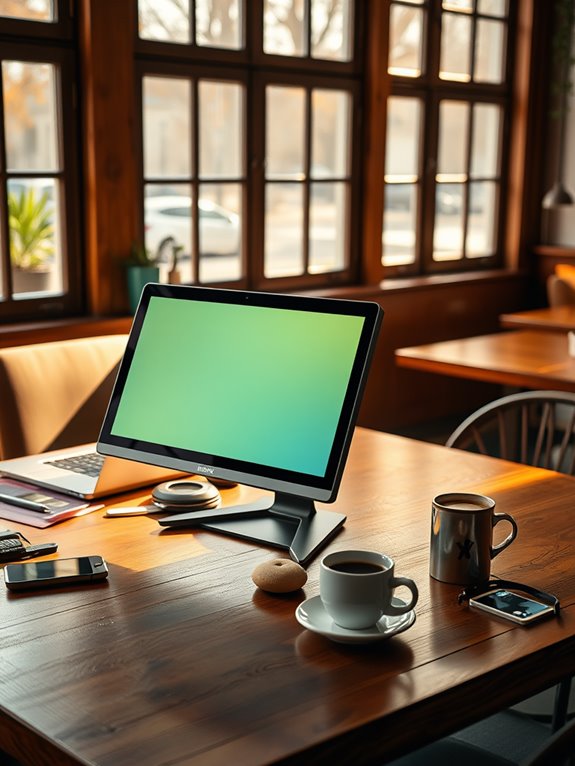
When you set up your portable monitor effectively, you can greatly boost your productivity as a digital nomad.
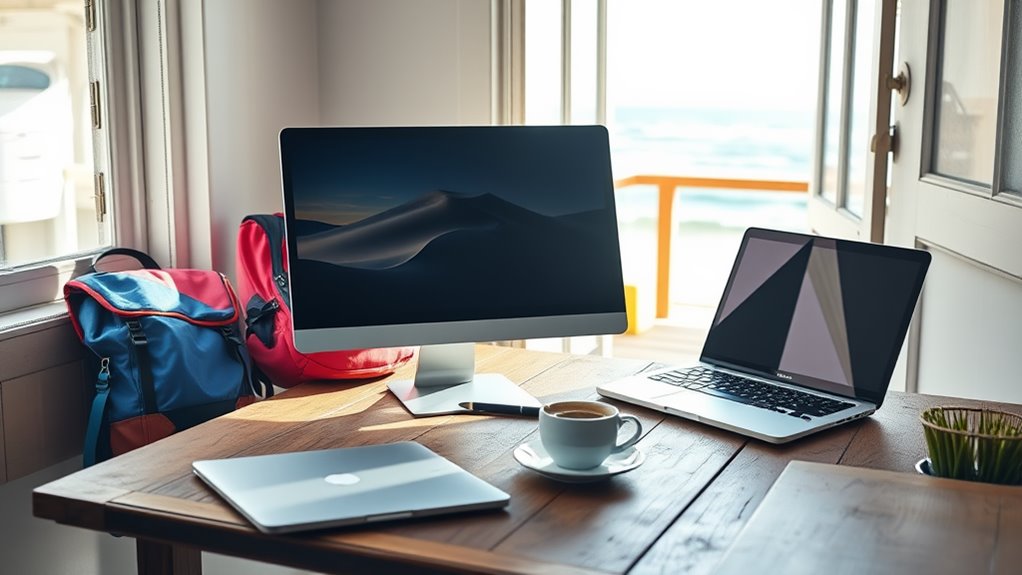
Start by positioning the monitor at eye level, so you avoid straining your neck during long work sessions. Next, connect it to your laptop using the right cables, ensuring a stable connection.
Adjust the display settings to match your preferences for brightness and contrast, which can help reduce eye fatigue. Organize your workspace by keeping essential items within arm's reach, allowing for a seamless workflow.
Utilize the monitor's screen real estate by arranging your windows side by side, enhancing multitasking. Finally, take regular breaks to recharge, keeping your mind sharp and focused.
Follow these steps for an optimized work experience.
Enhancing Your Remote Work Setup With Accessories
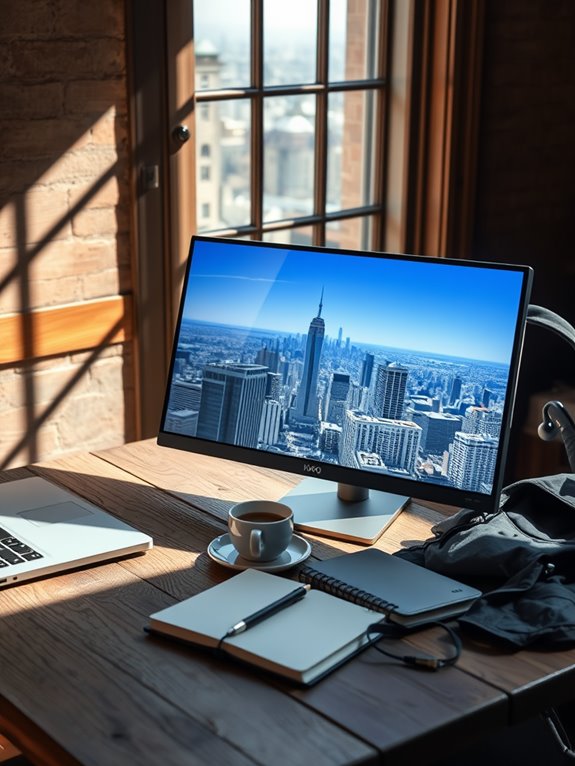
To truly enhance your remote work setup, incorporating the right accessories makes a significant difference.
These tools not only boost your productivity but also create a more comfortable work environment.
Here are some must-have accessories for your portable monitor:
- Ergonomic laptop stand: Elevates your screen to eye level, reducing neck strain.
- Portable keyboard and mouse: Improve typing comfort and efficiency while maintaining a compact setup.
- Cable management solutions: Keep your workspace tidy and organized, eliminating clutter distractions.
- Noise-canceling headphones: Block out background noise, allowing you to focus better on tasks.
Frequently Asked Questions
Are Portable Monitors Compatible With Gaming Consoles?
Yes, portable monitors are compatible with most gaming consoles. You'll just need the right cables or adapters. Their lightweight design makes them perfect for gaming on the go, enhancing your experience wherever you are.
Can I Use a Portable Monitor With My Tablet?
Absolutely, you can connect a portable monitor to your tablet! It's like giving your screen a boost, making multitasking easier. Just verify your tablet supports the right connections, and you're good to go!
How Do I Clean and Maintain My Portable Monitor?
To clean and maintain your portable monitor, gently wipe the screen with a microfiber cloth. Avoid harsh chemicals. Regularly check connections, store it safely, and keep it away from extreme temperatures to guarantee longevity.
What Is the Average Lifespan of a Portable Monitor?
When you think about your portable monitor's journey, expect it to last around 3 to 5 years with proper care. Regular maintenance and gentle handling can help it shine longer, so treat it well!
Can I Connect Multiple Portable Monitors to One Laptop?
Yes, you can connect multiple portable monitors to one laptop, provided your laptop supports it. You'll need the right ports and adapters, but once set up, you'll enjoy an expanded workspace for increased productivity.
Conclusion
In the fast-paced world of digital nomadism, having the right portable monitor can make all the difference. By choosing a lightweight, versatile device tailored to your needs, you'll be well-equipped to tackle any work challenge that comes your way. So, when it comes to setting up your remote office, remember: you don't have to reinvent the wheel—just find the right tools to help you hit the ground running. Happy travels and productive work!