To prevent back pain while working remotely as a digital nomad, create an ergonomic workspace that supports good posture. Use portable ergonomic gear, like adjustable laptop stands and supportive chairs. Keep your screen at eye level and maintain a 90-degree angle with your knees. Take regular breaks to stretch and move, and stay hydrated to reduce tension. Listen to your body and adjust as needed. There's so much more to explore for a pain-free work experience!
Nomad Highlights
- Establish a dedicated ergonomic workspace with proper lighting, desk height, and chair support to promote comfort and productivity.
- Use adjustable laptop stands to elevate screens to eye level, reducing neck strain during remote work.
- Implement regular posture checks and movement breaks to prevent stiffness and maintain proper alignment throughout the day.
- Listen to your body signals; take breaks and stretch when experiencing discomfort or tension in your back, neck, or shoulders.
- Prioritize well-being by creating a comfortable work environment and consistently applying ergonomic practices to reduce back pain.
Choose the Right Workspace
When setting up your remote workspace, aim for a dedicated area that promotes comfort and productivity.
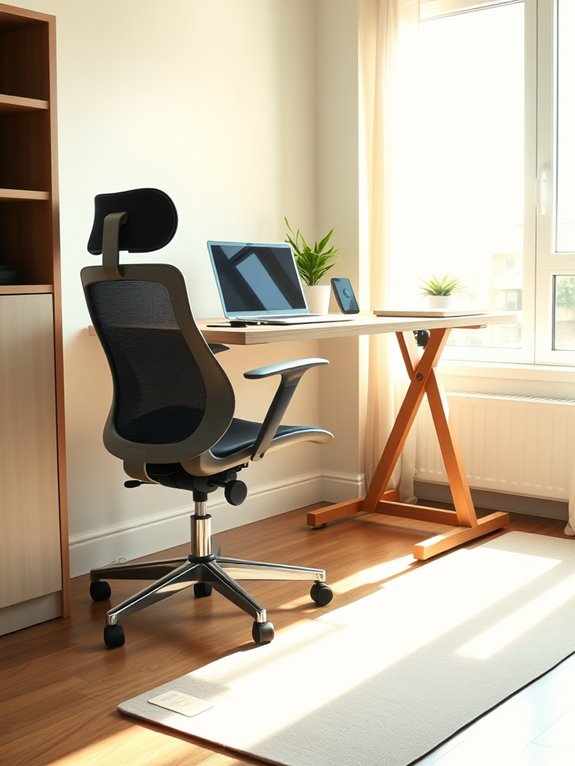
Choose a spot with good lighting, preferably near a window, to boost your mood and focus. Make sure your desk is at the right height; your elbows should rest comfortably at 90 degrees.
Select a well-lit area, ideally by a window, and ensure your desk height allows for a comfortable elbow position.
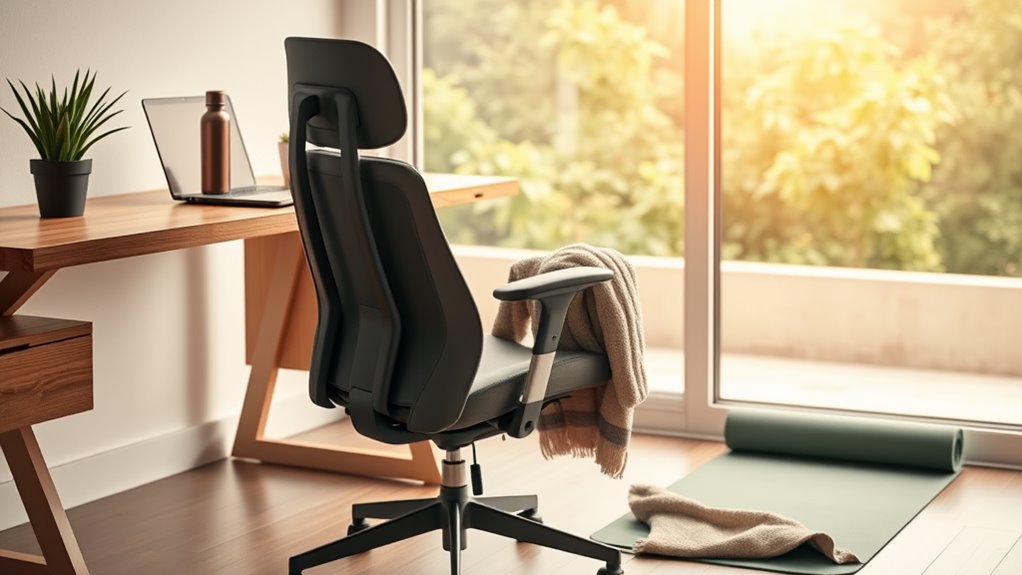
Select a chair that supports your lower back and encourages good posture. Consider using a lumbar support cushion to enhance comfort during long sitting hours. High-quality ergonomic chairs with adjustable features can provide customized support to reduce discomfort. Additionally, incorporating a compact foam roller into your routine can help alleviate muscle soreness and improve flexibility. Keep essential tools within reach to minimize unnecessary strain.
If possible, create a separation between work and leisure spaces to mentally switch between the two.
Remember, the right environment can greatly impact your well-being and work efficiency, so take time to arrange it thoughtfully. Additionally, incorporating an ergonomic design in your workspace, such as using an ergonomic mouse, can help reduce strain and enhance comfort during long hours of work.
A well-chosen workspace can help you prevent back pain and enhance your overall remote working experience.
Invest in Portable Ergonomic Gear
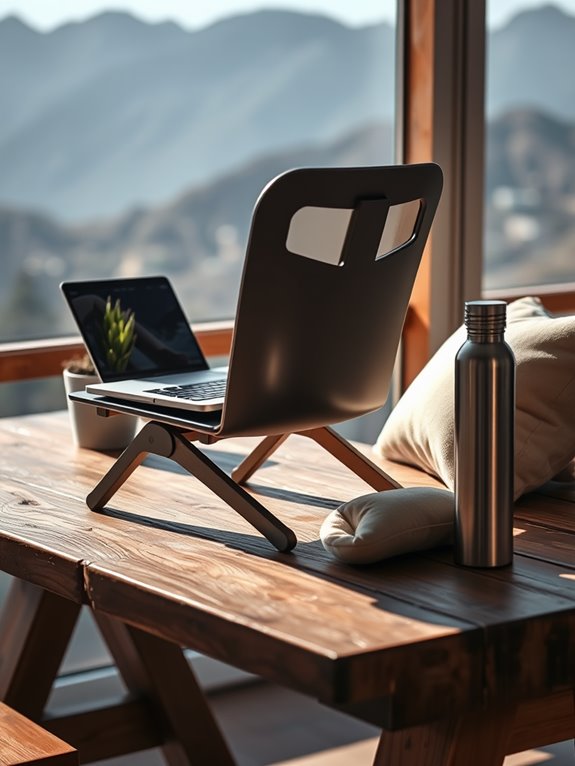
To keep your back healthy while working remotely, investing in portable ergonomic gear is key. Consider essential accessories like adjustable laptop stands and supportive travel chairs that can make a big difference. These tools help you maintain proper posture no matter where you set up shop. Additionally, selecting a chair with high-density memory foam can significantly enhance your comfort during long work sessions. Choosing a portable standing desk converter can further improve your workspace ergonomics and comfort, allowing for easy height adjustments throughout the day. Furthermore, utilizing adjustable height options in your ergonomic gear can help reduce neck and shoulder strain, enhancing your overall comfort while working. Investing in an ergonomic lapstand with user-friendly height adjustment mechanisms can also provide the flexibility you need to adapt to various working environments. Moreover, integrating non-slip features into your ergonomic accessories ensures stability during use, which is crucial for maintaining focus and productivity.
Essential Ergonomic Accessories
Investing in portable ergonomic gear can be a game-changer for your home office setup. Accessories like an ergonomic chair cushion or lumbar support can greatly enhance your comfort while working long hours. A foldable desk with space-saving features can also contribute to a more organized and efficient workspace. Additionally, consider incorporating a desk lamp with adjustable brightness levels to optimize your lighting and reduce eye strain during late-night work sessions.
A quality mouse and keyboard designed for ergonomics can help reduce strain on your wrists and hands. Don't underestimate the value of a footrest; it promotes better posture and circulation, especially when considering height adjustability features that cater to individual needs. Investing in ergonomic monitor mounts can further enhance your setup by providing flexibility and stability, allowing you to position your screen at an optimal height for comfort.
Consider a portable laptop stand, which helps keep your screen at eye level, reducing neck strain. Additionally, a supportive travel pillow can provide comfort during remote work sessions in various locations. With these essential ergonomic accessories, you'll improve your workspace and help prevent back pain, allowing you to focus on your work without distractions. Furthermore, compact designs in equipment can enhance your workspace efficiency, making it easier to maintain an organized environment.
Adjustable Laptop Stands
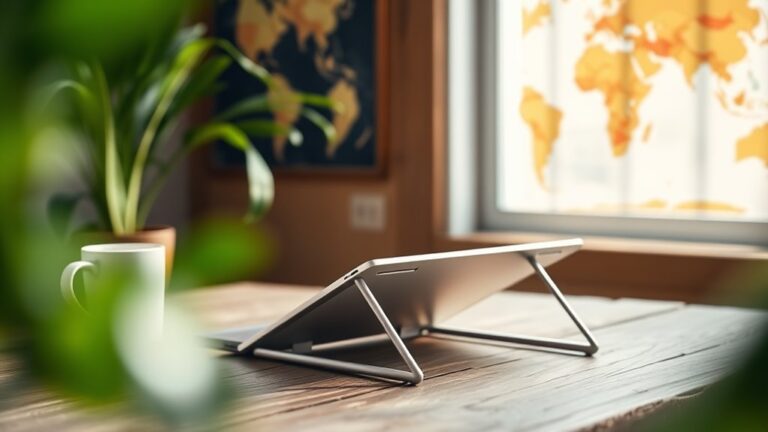
Adjustable laptop stands are a must-have for anyone looking to enhance their remote work setup. They elevate your screen to eye level, which helps reduce neck strain and promote better posture. With a portable ergonomic stand, you can work comfortably from anywhere—be it a café or a beach. Additionally, adjustable height ranges from 9 to 14 inches facilitate optimal positioning for various tasks. These stands can even help prevent ankle resistance bands from affecting your overall body alignment during long working hours. Incorporating space-saving designs into your workspace can also help maintain an organized and efficient environment. Furthermore, using a compact elliptical machine during breaks can help keep your body active and reduce the risk of back pain.
| Feature | Benefit |
|---|---|
| Height Adjustment | Customizes viewing angle |
| Lightweight Design | Easy to carry |
| Sturdy Construction | Supports various laptops |
Investing in an adjustable laptop stand not only boosts your comfort but also keeps you productive. Many models feature multiple height and angle configurations, allowing for a truly customized experience. Make the switch today, and your back will thank you!
Supportive Travel Chairs
A supportive travel chair can make all the difference when you're working remotely from different locations. Investing in a portable ergonomic chair helps maintain proper posture, reducing strain on your back during long hours of work. Look for lightweight options that easily fit into your luggage, yet still provide adequate support and comfort. Additionally, consider the importance of durable materials in ensuring the chair lasts through various travel conditions. Features like adjustable height and lumbar support can greatly enhance your experience. For added comfort, consider a chair with adjustable features that allow for personalized comfort during use. Don't forget to test the chair before buying; you want to make sure it suits your unique needs. Moreover, a compact massage gun can be a great complement to your ergonomic setup, providing muscle relief after long hours of sitting. Additionally, many online stores offer unique products that cater to various travel requirements. Consider incorporating an acupressure mat for pain relief effectiveness, as it can further enhance relaxation during your work sessions.
Maintain Good Posture
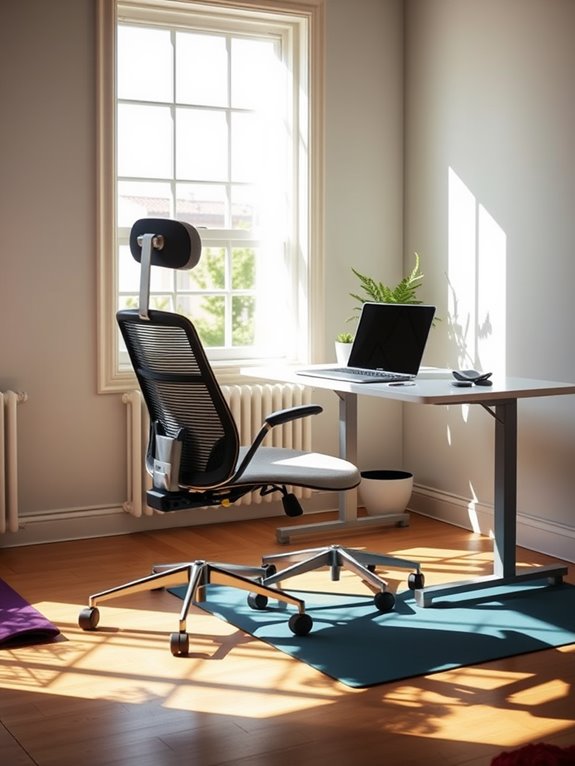
To prevent back pain while working remotely, it's essential to maintain good posture.
Start by setting up an ergonomic workspace that supports your body's natural alignment. Incorporating stretching straps into your routine can also help enhance flexibility and prevent injuries. Additionally, creating a dedicated workspace can improve your focus and productivity, leading to better work-life balance. Don't forget to check your posture regularly to guarantee you stay comfortable throughout the day. Additionally, consider incorporating compact foam rollers into your routine for effective muscle relief and recovery. These rollers can provide deep tissue pressure, which effectively targets muscle pain and soreness, enhancing your overall recovery. Using tools like resistance bands can also strengthen your core muscles, further supporting good posture during long hours of work.
Ergonomic Workspace Setup
While working remotely can offer flexibility, it's important to set up an ergonomic workspace that promotes good posture.
Start by choosing a chair that provides proper lumbar support, allowing your back to maintain its natural curve. Your feet should rest flat on the ground or on a footrest, with knees at a 90-degree angle. The size and dimensions of your desk organizer should also be considered to maximize workspace efficiency. Additionally, incorporating adjustable book stands can help maintain a comfortable reading position and reduce strain. A well-organized workspace can benefit from eco-friendly materials that enhance both functionality and sustainability.
Position your desk or table so your elbows are also at a right angle when typing. Your computer screen should be at eye level, preventing you from straining your neck. Incorporating ergonomic handles in your workspace setup can further enhance comfort during long hours of work.
Use a keyboard and mouse that are comfortable and easy to reach. Finally, make sure your workspace is well-lit to reduce eye strain. Additionally, consider integrating features similar to user-friendly features found in compact coffee makers, as these can enhance your overall workspace efficiency.
With these adjustments, you'll help prevent back pain while enjoying your remote work life.
Regular Posture Checks
Even though you've set up an ergonomic workspace, regular posture checks are essential for maintaining good posture throughout your workday.
Take a moment every hour to assess your position. Sit up straight, align your ears over your shoulders, and keep your feet flat on the ground. Avoid slouching or leaning forward, as this can strain your back and neck.
You might find it helpful to set a timer or use an app to remind you to check in with your posture. Stretching your back and neck during these breaks can also relieve tension. Additionally, consider the impact of insulation performance on your overall comfort while working, as a well-maintained workspace can contribute to better posture.
Take Regular Breaks
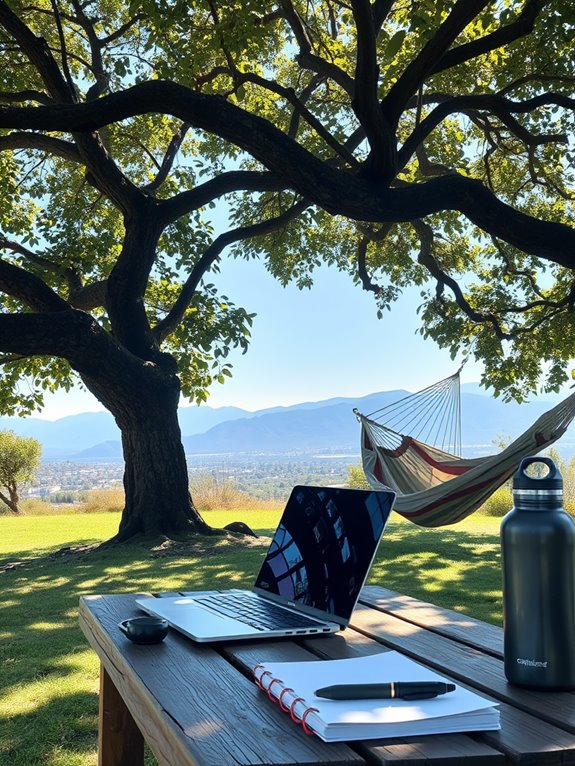
Taking regular breaks is essential for maintaining your back health while working remotely. When you sit for long periods, your muscles can stiffen and strain your spine. To combat this, set a timer to remind yourself to step away from your workspace. Use breaks to walk around, stretch your legs, and give your back a rest.
Here's a simple break schedule to help you:
| Time Interval | Activity |
|---|---|
| 25 minutes | Work |
| 5 minutes | Stand up and stretch |
| 50 minutes | Work |
| 10 minutes | Walk around |
| 90 minutes | 15-minute break |
Stretch and Strengthen Your Back
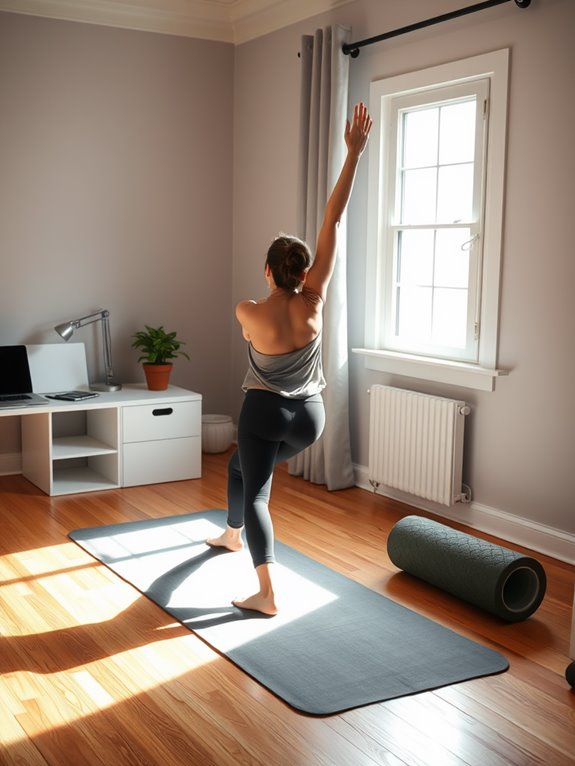
Regular breaks can greatly enhance your ability to stretch and strengthen your back. Incorporate simple stretches into your routine, like the cat-cow stretch or seated twists, to relieve tension.
Stand up every hour to do some light exercises, like shoulder rolls and hip flexor stretches. These movements help maintain flexibility and prevent stiffness.
Stand up hourly to perform light exercises like shoulder rolls and hip flexor stretches to enhance flexibility and avoid stiffness.
To strengthen your back, consider incorporating resistance exercises like planks or rows. You don't need fancy equipment; bodyweight exercises can be just as effective.
Focus on your core as it supports your spine, reducing strain on your back.
Remember to listen to your body—if something feels uncomfortable, adjust your movements. By regularly stretching and strengthening your back, you'll enhance your posture and overall comfort while working remotely.
Stay Hydrated

Staying hydrated is essential for maintaining focus and preventing fatigue while working remotely. When you're properly hydrated, your body functions more efficiently, which can help reduce discomfort, including back pain.
Make it a habit to keep a water bottle nearby and set reminders to drink throughout the day. Aim for at least eight glasses of water daily, adjusting based on your activity level and environment.
Remember, even mild dehydration can lead to decreased concentration and increased tension in your muscles. Choosing water over sugary drinks can further enhance your energy levels and overall health.
Adjust Your Screen Height
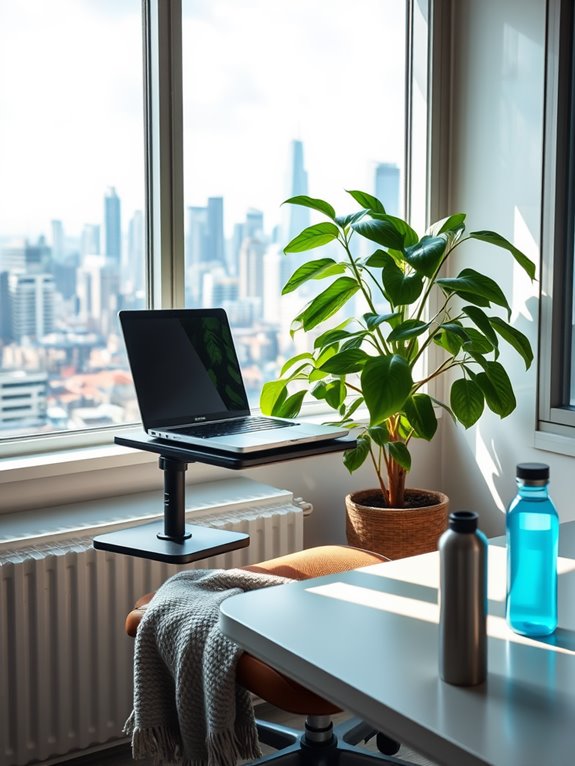
Proper screen height plays an essential role in preventing back pain while working remotely.
Ensuring your screen is at the proper height is crucial for preventing back pain while working remotely.
When your screen is at the right height, it reduces strain on your neck and back. Ideally, your monitor should be at eye level, so you don't have to tilt your head up or down. You should be able to view the screen without slouching or leaning forward.
If your screen is too low, consider using a stand or a stack of books to elevate it. If you're using a laptop, invest in an external keyboard and mouse to maintain a comfortable arm position.
Adjusting your screen height is a simple yet effective way to create a healthier workspace and keep back pain at bay.
Listen to Your Body
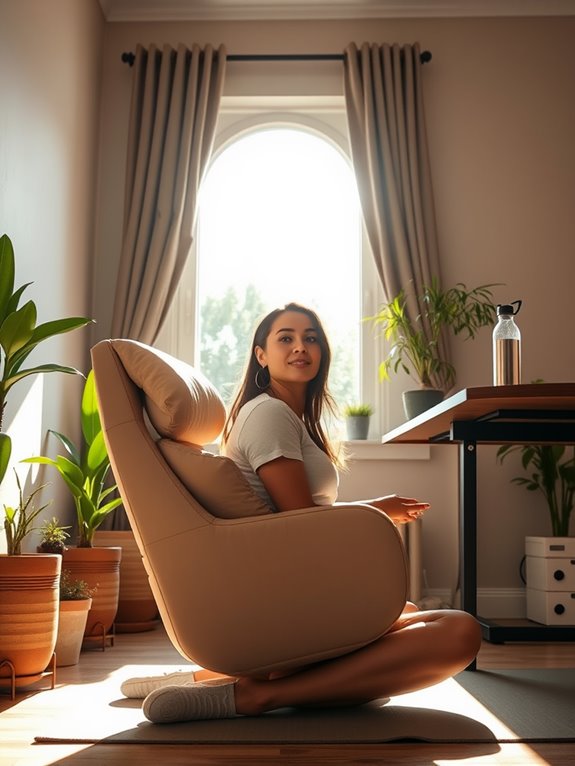
While you may be focused on your work tasks, it's important to listen to your body. Pay attention to any discomfort or tension in your back, neck, or shoulders.
If you start feeling stiff or sore, don't ignore those signals—take a break. Stand up, stretch, or walk around for a few minutes. Incorporate gentle movements to relieve tension and improve circulation.
Adjust your posture if you notice you're slouching or hunching over your screen. Remember, your body is your best guide; it'll let you know when something isn't right.
When you prioritize your well-being, you'll enhance your productivity and enjoy your remote working experience much more. Stay tuned in to those cues, and keep your back pain-free!
Frequently Asked Questions
Can Working From Bed Cause Back Pain?
Yes, working from bed can cause back pain. Poor posture and lack of support strain your spine. You might find it hard to maintain focus too, as comfort often leads to slouching and distractions.
How Can I Manage Back Pain While Traveling?
Back pain can feel like an unwelcome travel companion. To manage it, prioritize stretching, maintain good posture, and choose supportive seating. Staying active and mindful of your body's needs helps ease discomfort while you explore.
Should I Use a Standing Desk While Working Remotely?
Using a standing desk can be beneficial for your posture and energy levels. It encourages movement and reduces the risks associated with prolonged sitting. Just make sure you alternate between sitting and standing to maintain comfort.
What Are the Best Exercises for Back Pain Relief?
When your back feels a bit cranky, try gentle stretches like cat-cow or child's pose. Strengthening exercises, such as bridges and planks, can also help. You'll notice a difference in no time!
How Does Stress Affect Back Pain While Working?
Stress tightens muscles and increases tension, which can worsen back pain. When you're stressed, your body might respond with discomfort, making it essential to manage stress through relaxation techniques to alleviate back pain effectively.
Conclusion
In the dance of remote work, your back deserves a spotlight, too. By choosing the right workspace, investing in ergonomic gear, and listening to your body, you can waltz through your day without pain. Remember to take breaks and stretch—think of it as giving your spine a gentle hug. Hydration and proper screen height are the cherry on top, ensuring you stay limber and focused. With these tips, you'll keep back pain at bay and enjoy the journey as a digital nomad!