
If you're a digital nomad, you need a portable and ergonomic laptop stand to boost your comfort and productivity on the go. Look for lightweight designs that adjust to eye level, are made from high-quality materials, and feature ventilation to keep your device cool. Top picks include the Rain Design mStand and the MOFT Invisible Laptop Stand. Choosing the right stand can make a world of difference, so keep exploring for more tips on optimizing your mobile workspace.
Nomad Highlights
- Look for lightweight and compact designs that easily fit into backpacks for hassle-free travel.
- Choose adjustable height options to ensure optimal viewing angles and personalized ergonomic comfort.
- Select sturdy stands made from high-quality materials for stability on various surfaces while working remotely.
- Opt for models with ventilation features to prevent overheating during extended laptop use.
- Consider non-slip bases to protect devices from falls and maintain a secure setup in different environments.
Understanding the Importance of Ergonomics for Remote Work
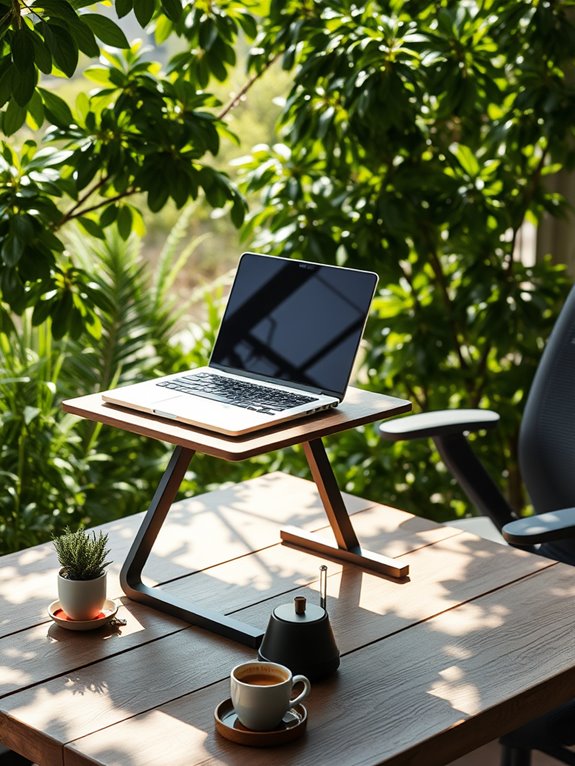
When you work remotely, understanding the significance of ergonomics can greatly enhance your productivity and comfort. Good ergonomics helps you maintain a natural posture, reducing strain on your body. By setting up your workspace correctly, you can avoid common issues like back pain and eye strain. Using an adjustable laptop stand allows you to position your screen at eye level, keeping your neck aligned and reducing discomfort. Proper posture is crucial in promoting airflow and preventing overheating during long hours of laptop use. Additionally, selecting a chair with comprehensive support ensures that your body is well-supported, allowing your feet to rest flat on the floor. Taking regular breaks to stretch and move around is essential, too. Incorporating unique products tailored for your workspace can further enhance your comfort and efficiency. For instance, using a compact foam roller can provide relief for sore muscles after long hours of sitting. Furthermore, utilizing an adjustable footrest can improve posture and circulation while you work, making your setup even more ergonomic.
Key Features to Look for in a Portable Laptop Stand

Choosing the right portable laptop stand can make all the difference in your remote work setup. When selecting a stand, you should consider a few key features to guarantee it meets your needs and enhances your productivity.
Selecting the perfect portable laptop stand is essential for optimizing your remote work experience and boosting productivity.
- Lightweight and Compact: Easy to carry around in your bag.
- Adjustable Height: Allows you to find the perfect viewing angle. Many stands offer multiple height settings that can enhance your ergonomics. Additionally, look for options with elevation options up to 7 inches for personalized comfort. Compact designs can also improve your workspace efficiency in small environments.
- Sturdy Construction: Guarantees stability, even on uneven surfaces.
- Ventilation Design: Keeps your laptop cool during long work sessions.
- Non-Slip Base: Prevents slipping, protecting your device from accidental falls.
Additionally, prioritize stands with multiple height and angle configurations for optimal viewing comfort. With these features in mind, you'll be well-equipped to choose a portable laptop stand that supports your digital nomad lifestyle while promoting comfort and efficiency.
Top 5 Portable Laptop Stands for Digital Nomads

Finding the right portable laptop stand can considerably enhance your work experience on the go. Unique products that cater to your needs can make a significant difference in your productivity. Additionally, compact designs help maximize workspace efficiency while maintaining comfort and stability. Ankle resistance bands, for example, are great tools for enhancing your physical well-being during work breaks, as they enable you to improve flexibility and strength effectively. Investing in ergonomic solutions can further enhance your comfort during long working hours.
Here are five top picks that every digital nomad should consider.
- Rain Design mStand – A sleek aluminum design that elevates your laptop and improves airflow.
- MOFT Invisible Laptop Stand – Ultra-thin and foldable, it sticks to your laptop and pops up when needed.
- Nexstand Laptop Stand – Adjustable and portable, it fits any laptop size and offers multiple height settings.
- Twelve South Curve – A stylish, lightweight option that lifts your laptop while providing a stable base.
- ZMI Laptop Stand – Compact and versatile, it's great for travel and supports various angles for comfort.
These stands combine portability with ergonomic benefits, making them ideal for your on-the-road lifestyle. Additionally, ensuring proper dimensions of your stand can prevent sacrificing style or functionality while working remotely.
How to Choose the Right Height for Your Laptop Stand

How can you determine the ideal height for your laptop stand? Choosing the right height is essential for comfort and productivity. Here are some tips to guide you:
- Eye level: Your screen should be at or just below eye level to prevent neck strain. Proper monitor height can reduce neck strain by up to 40%(40%). Additionally, using an adjustable height dumbbell set can provide insights on how to effectively manage adjustments for your ergonomic setup. An optimal setup can also lead to increased productivity and overall workflow efficiency. Regularly adjusting your setup based on pressure point effectiveness can further enhance your comfort during prolonged use.
- Elbow angle: Keep your elbows at a 90-degree angle when typing, ensuring your wrists are straight.
- Seating position: Consider the height of your chair; the stand should complement it for best posture.
- Use a measuring tool: A ruler can help you find the perfect height based on your setup.
- Test different heights: Experiment with various settings to see what feels best for you.
Finding the right height will enhance your working experience, especially as a digital nomad. Additionally, using a stand with adjustable height can significantly improve ergonomics and comfort during long work sessions.
Benefits of Using a Laptop Stand While Traveling
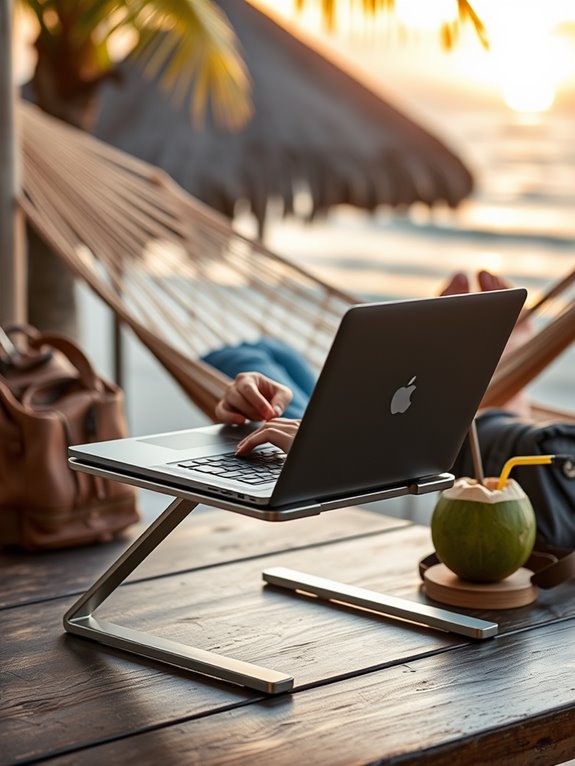
Using a laptop stand while traveling can greatly enhance your posture support, helping you avoid discomfort during long work sessions. It also improves airflow and cooling, keeping your device running smoothly. Plus, with the right setup, you'll find your productivity and focus increase, making your work more efficient on the go. Additionally, many portable stands are designed to be lightweight and durable, ensuring they can withstand frequent travel while providing optimal support. An ergonomic setup can help reduce repetitive strain injuries, enhancing your overall comfort during extended use. Investing in a quality laptop stand can significantly transform your workspace, allowing you to create a more effective environment no matter where you are. Moreover, similar to the benefits of compact massage guns, a customizable experience with adjustable settings can help you tailor your setup to your specific needs. For example, using adjustable equipment like adjustable dumbbells can enhance your workout variety and efficiency while traveling.
Enhanced Posture Support
Here are some benefits of using a laptop stand for enhanced posture support:
- Reduces neck strain by aligning your head and spine.
- Encourages a straight back so you won't slouch while typing.
- Promotes wrist comfort by keeping your hands at a natural angle.
- Improves overall circulation, reducing fatigue during travel.
- Supports a healthier work routine, allowing you to focus on your tasks. Additionally, using a laptop stand can enhance your balance and core strength by encouraging better body alignment while working. Moreover, using a laptop stand can help improve visual comfort by positioning your screen at eye level, reducing glare and eye strain. Furthermore, a well-designed stand can contribute to ergonomic benefits that support long-term health, which is vital for maintaining productivity on the go. A properly elevated laptop stand can also help reduce slouching by encouraging the user to maintain an upright posture.
With these benefits, you'll feel more energized and productive, no matter where your journey takes you.
Improved Airflow and Cooling
While you're exploring new places, keeping your laptop cool is essential for maximum performance, and a laptop stand can greatly help with that.
By elevating your laptop, you allow air to circulate underneath, preventing overheating during those long work sessions. This improved airflow is vital, especially in warmer climates or crowded cafes where ventilation might be poor. Using a stand keeps your device at a better angle, which not only enhances cooling but also reduces the risk of hardware damage from excessive heat. Furthermore, many portable lapdesks feature adjustable height and angle options, allowing for personalized comfort and optimal airflow during use. Additionally, investing in a stand with effective cooling features can significantly enhance your laptop's performance during extended usage. Compact designs, similar to those found in compact food processors, can also contribute to a more organized workspace while traveling. Moreover, choosing a stand made from high-quality materials can ensure durability and stability, enhancing your overall experience.
Furthermore, a stand can help create space-saving designs that make it easier to manage your workspace while traveling. You'll notice your laptop running smoother and more efficiently, allowing you to focus on your tasks without worrying about performance dips.
Increased Productivity and Focus
A laptop stand can considerably enhance your productivity and focus as you travel, especially in bustling environments. By elevating your screen to eye level, you'll reduce neck strain and maintain better posture, allowing you to concentrate on your tasks.
Picture yourself in a crowded café, fully immersed in your work while others chatter around you. With a laptop stand, you're not just working; you're thriving.
- A clear view of your screen, free from distractions
- Comfortable typing ergonomics that keep you engaged
- Less eye strain, enabling longer, focused sessions
- A stable platform that minimizes movement and interruptions
- A designated workspace that signals your brain it's time to work
Using a laptop stand transforms any space into a productive sanctuary. Additionally, investing in unique products for every passion can further enhance your travel experience and comfort.
Tips for Setting Up Your Mobile Workspace
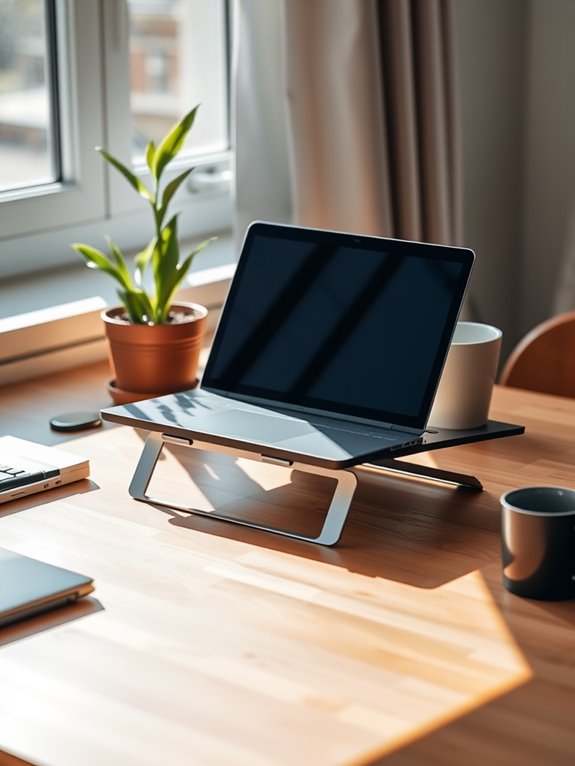
When you're on the move, setting up your mobile workspace can make all the difference.
Make sure to optimize your environment for focus and comfort, and pay attention to ergonomics to avoid strain.
With the right setup, you'll feel more productive and enjoy your digital nomad lifestyle even more.
Optimize Your Environment
To create an effective mobile workspace, you need to take into account both comfort and functionality.
Setting up your environment can greatly enhance your productivity and focus. Here are some tips to optimize your workspace:
- Choose a well-lit spot: Natural light boosts mood and energy.
- Declutter your area: A tidy space helps clear your mind.
- Incorporate plants: Greenery adds a calming touch and purifies the air.
- Use noise-canceling headphones: Block out distractions in busy environments.
- Customize your setup: Personal touches can make your workspace feel inviting.
Ergonomics and Comfort
Creating a comfortable workspace is essential for maintaining focus and preventing strain, especially when you're on the move. To set up your mobile workspace, consider your posture, screen height, and chair support.
Here's a quick reference to help you optimize your setup:
| Tip | Description | Benefits |
|---|---|---|
| Use a laptop stand | Elevates screen to eye level | Reduces neck strain |
| Adjust your chair | Keep feet flat and knees bent | Promotes good posture |
| Take breaks | Stand up and stretch every hour | Increases circulation |
| Use an external keyboard | Keeps wrists aligned | Reduces wrist strain |
| Position your screen | Arms should be at 90 degrees | Enhances comfort |
Implement these tips to enhance your productivity wherever you are!
Customer Reviews: Real Experiences With Portable Laptop Stands

Portable laptop stands have become essential tools for digital nomads, and customer reviews reveal just how transformative they can be. Users praise the convenience and flexibility these stands provide in various settings.
Portable laptop stands are vital for digital nomads, offering unmatched convenience and flexibility in any environment.
You'll find feedback highlighting:
- Lightweight designs that fit easily in your backpack
- Adjustable heights for personalized comfort
- Sturdy materials ensuring stability on any surface
- Heat dissipation features preventing laptop overheating
- Sleek aesthetics that complement any workspace
Many users mention how these stands have improved their posture and made long hours on the laptop much more comfortable.
Whether you're working from a café or a beach, the right laptop stand can make all the difference in your productivity and well-being.
Frequently Asked Questions
Can Laptop Stands Fit in My Travel Backpack?
Yes, many laptop stands fit in your travel backpack. Look for lightweight, foldable designs that easily compact. These portable options make it convenient to maintain ergonomic setups wherever you go, ensuring comfort during your travels.
Are There Weight Limits for Laptop Stands?
Every laptop stand's like a bridge; it supports your device. Most models have weight limits, typically ranging from 15 to 30 pounds. Check the specifications to guarantee your laptop fits comfortably and safely on this bridge.
How Do I Clean My Laptop Stand?
To clean your laptop stand, use a damp cloth with mild soap. Wipe down the surface, avoiding excess moisture. For stubborn stains, a gentle scrub with a soft brush should do the trick. Let it dry completely.
Are Laptop Stands Compatible With All Laptop Brands?
You might think all laptop stands fit every brand, but that's not always true. Check your laptop's size and weight specifications to guarantee compatibility. Many stands are adjustable, but some aren't universal.
Do Laptop Stands Come With Warranties?
Yes, many laptop stands do come with warranties. You should check the manufacturer's details to see what coverage they offer. A warranty can provide peace of mind and protect your investment in case of defects.
Conclusion
In your journey as a digital nomad, investing in a portable laptop stand can make all the difference. With the right setup, you'll enhance your comfort and productivity, proving that "a stitch in time saves nine." Remember to prioritize ergonomics and choose a stand that fits your needs. By doing so, you'll create a mobile workspace that feels just right, no matter where you are in the world. Happy traveling and working!