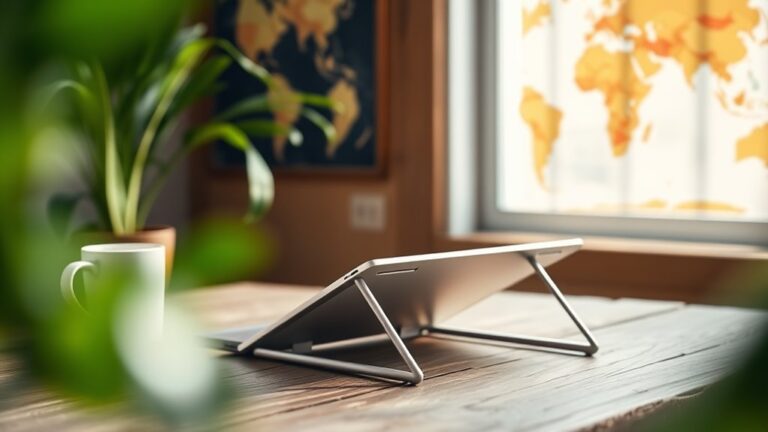
To create an ergonomic workspace for under $50, start by adjusting your desk height to keep your elbows at 90 degrees. Use a sturdy box to elevate your monitor to eye level, about an arm's length away. A simple cushion can provide lumbar support. Invest in an affordable ergonomic mouse and keyboard to reduce strain on your wrists. Don't forget to take breaks and keep your space organized. You'll discover more tips to enhance your setup.
Nomad Highlights
- Adjust your chair height to ensure elbows form a 90-degree angle when seated for better posture.
- Use sturdy books or a box to elevate your monitor to eye level and reduce neck strain.
- Incorporate a simple cushion or rolled towel for lumbar support to maintain spinal alignment while sitting.
- Set a timer to remind yourself to take breaks every 30 to 60 minutes to promote movement.
- Utilize vibrant stationery and personal décor items to enhance motivation and create a welcoming workspace atmosphere.
Assessing Your Current Workspace
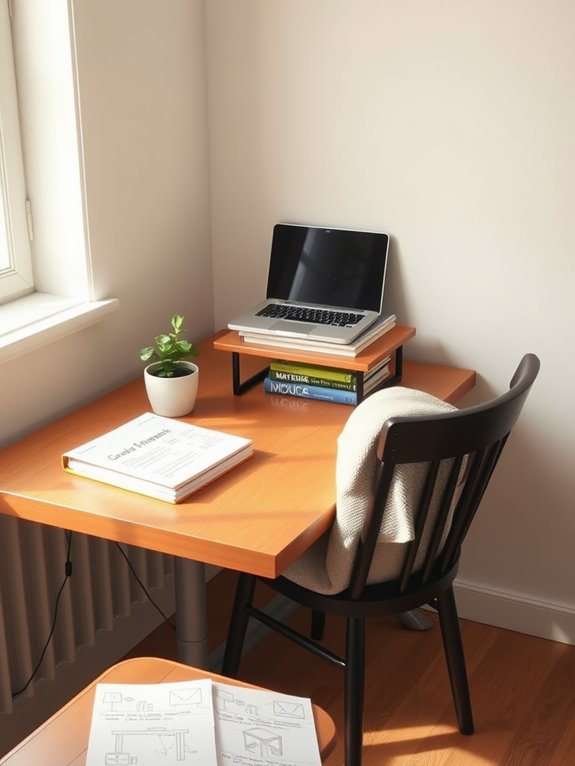
Before you can create an ergonomic workspace, you need to assess your current setup. Start by evaluating your desk height. When seated, your elbows should form a 90-degree angle, with your feet flat on the floor.
Next, look at your monitor. It should be at eye level, about an arm's length away, to prevent neck strain. A well-positioned monitor can help promote better posture and reduce the risk of discomfort over time. Additionally, using ergonomic lapstands can significantly enhance your comfort during extended laptop use. Consider incorporating an adjustable footrest to further support your posture and circulation while seated. A foldable design in your workspace tools can also increase convenience for mobile users.
Ensure your monitor is at eye level and an arm's length away to avoid neck strain.
Take note of your keyboard and mouse placement; they should be close enough to maintain a relaxed posture.
Check for clutter; a tidy workspace can improve focus and reduce stress.
Finally, consider your lighting. Confirm it's bright enough to minimize eye strain without causing glare. Additionally, using adjustable features in your workspace setup can enhance comfort and improve your overall productivity.
Choosing the Right Chair
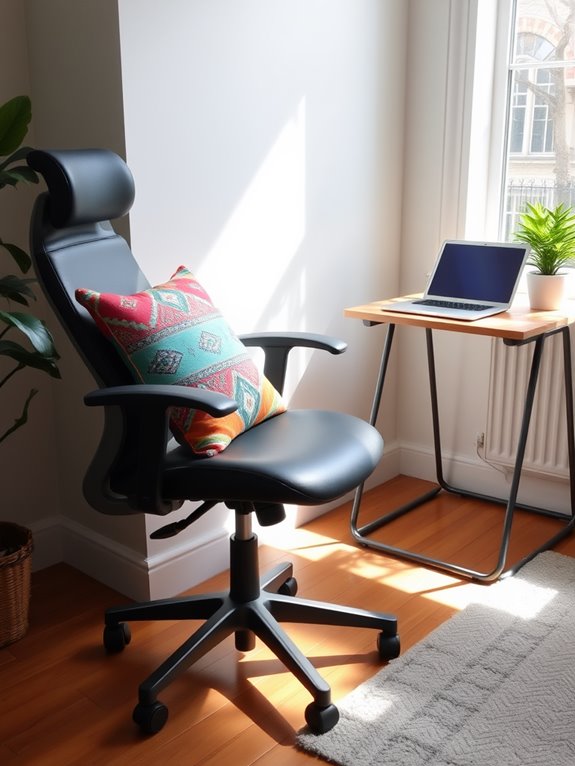
Here are some key factors to evaluate when choosing a chair that suits your needs:
- Adjustability: Look for a chair that allows you to adjust the height, backrest, and armrests for ideal support. Many ergonomic chairs come with height adjustment mechanisms to accommodate different desk heights. Additionally, an adjustable chair can help align your posture, similar to how ankle resistance bands support muscle alignment during workouts.
- Lumbar Support: A chair with good lumbar support helps maintain the natural curve of your spine, reducing fatigue. Adjustable lumbar support can be customized for individual comfort needs, enhancing overall support and posture.
- Material: Choose breathable fabric or mesh to keep you comfortable during long hours, preventing sweat buildup. Breathable mesh fabric promotes air circulation, keeping users cool during long hours of use.
- Mobility: Opt for a chair with wheels for easy movement, allowing you to reach different areas of your workspace without straining. Lightweight designs under 25 pounds facilitate easy transport for on-the-go use.
Investing in the right chair will enhance your workspace and keep you focused on the task at hand. Additionally, consider pairing your chair with ergonomic designs that can help prevent discomfort during prolonged use.
Desk Height Adjustment Tips
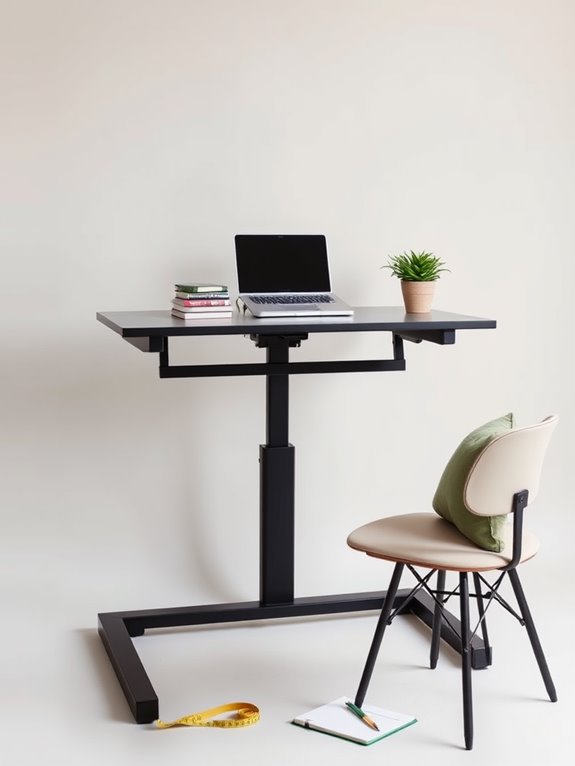
Getting your desk height right is essential for comfort and productivity. You'll want it to align with your chair and keep your elbows at a 90-degree angle. Proper monitor height can reduce neck strain by up to 40%. Additionally, using a lumbar support cushion can help maintain spinal alignment and enhance comfort during extended sitting. Let's explore some quick adjustment techniques to help you find that perfect height. Additionally, ensuring that your chair features adjustable seat height can greatly enhance your ergonomic setup and overall comfort. Incorporating an adjustable tablet stand can further improve your workspace by allowing for customizable device positioning. Using a resistance band can also enhance your desk exercises, promoting better posture and flexibility while working.
Ideal Desk Height
Finding the right desk height is essential for creating a comfortable and productive workspace. A properly adjusted desk can help reduce strain and improve your posture.
Here are four tips to help you determine the ideal height:
- Elbow Position: Your elbows should be at a 90-degree angle, close to your body.
- Wrist Alignment: Keep your wrists straight and level with the keyboard to avoid strain.
- Feet Placement: Your feet should rest flat on the floor or on a footrest, ensuring stability.
- Screen Height: The top of your monitor should be at eye level, allowing you to look straight ahead without tilting your head.
Quick Adjustment Techniques
Once you've determined the ideal desk height, adjusting it to fit your needs can make a significant difference in your comfort.
Start by ensuring your elbows are at a 90-degree angle when typing. If your desk is too high, use a chair with adjustable height or add a cushion for support. Additionally, using a multi-device connectivity option can help streamline your workflow, allowing you to switch between devices effortlessly. You can discover a range of unique products that support various setups and enhance your productivity.
Conversely, if your desk is too low, consider a footrest to elevate your feet and maintain proper posture. This is similar to how quick adjustment mechanisms in adjustable dumbbells allow for seamless transitions during workouts. Investing in a portable standing desk converter can further enhance your workspace ergonomics.
Don't forget to keep your monitor at eye level; you can use books or a sturdy box to raise it if needed.
Regularly check your setup, especially after long hours, and make quick adjustments as necessary to maintain an ergonomic position. Your body will thank you! Additionally, having a quick adjustment mechanism for your workspace can enhance efficiency, much like the easy weight adjustments in adjustable dumbbells.
Monitor Positioning for Comfort
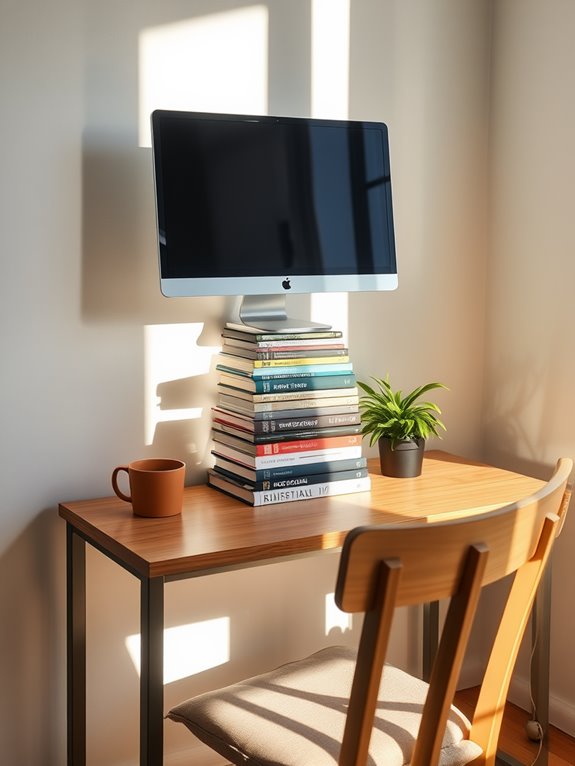
Positioning your monitor correctly is essential for maintaining comfort and preventing strain during long hours of work.
Follow these tips to get it just right:
- Eye Level: Make sure the top of your screen is at or slightly below eye level to reduce neck strain.
- Distance: Keep your monitor about an arm's length away to minimize eye fatigue.
- Angle: Tilt the screen back slightly (about 10-20 degrees) for ideal viewing without glare.
- Lighting: Position your monitor to avoid direct sunlight and overhead lights, which can cause glare. Additionally, utilizing an adjustable phone stand can provide the perfect height adjustment for your devices, enhancing your overall ergonomic workspace experience, promoting better posture and reducing discomfort. For instance, utilizing adjustable dumbbells can improve your workspace setup by allowing you to maintain proper posture while exercising during breaks. Regular breaks and stretches can also help promote muscle relaxation, preventing fatigue during long work hours. Choosing ergonomic equipment, such as a compact elliptical machine, can further enhance your workspace by promoting movement and reducing sedentary behavior.
Ergonomic Keyboard and Mouse Options
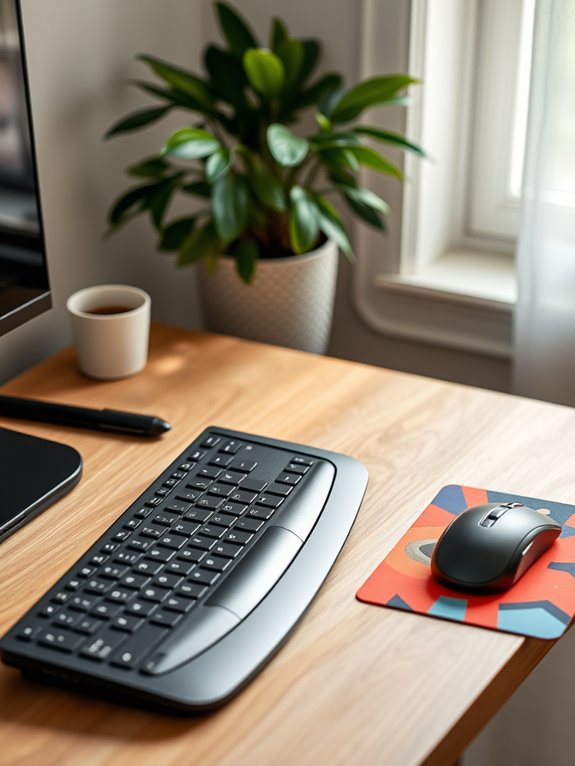
To enhance comfort and productivity, consider investing in an ergonomic keyboard and mouse.
These tools are designed to reduce strain on your wrists and hands, allowing you to work longer without discomfort. Look for a split keyboard that promotes a natural hand position, or a curved design that supports your wrists. Additionally, using an adjustable brightness lamp can help create a comfortable workspace that minimizes eye strain. Incorporating health monitoring capabilities into your routine can also help you track your physical well-being while working long hours. Regular use of ergonomic tools can significantly reduce eye strain and fatigue caused by prolonged screen use.
For a mouse, opt for one with a vertical grip to minimize wrist twisting. Ergonomic designs aim to reduce strain and enhance comfort during prolonged computer use, making them a worthwhile investment for your workspace. Additionally, investing in health monitoring devices can help you stay aware of your physical well-being while working long hours.
Affordable options are available online or at local stores. You might even find a budget-friendly combo pack that includes both.
Remember, the right ergonomic setup can greatly improve your workspace experience, making it easier to stay focused and efficient throughout the day.
Don't underestimate the impact of these simple changes!
Utilizing Footrests and Cushions
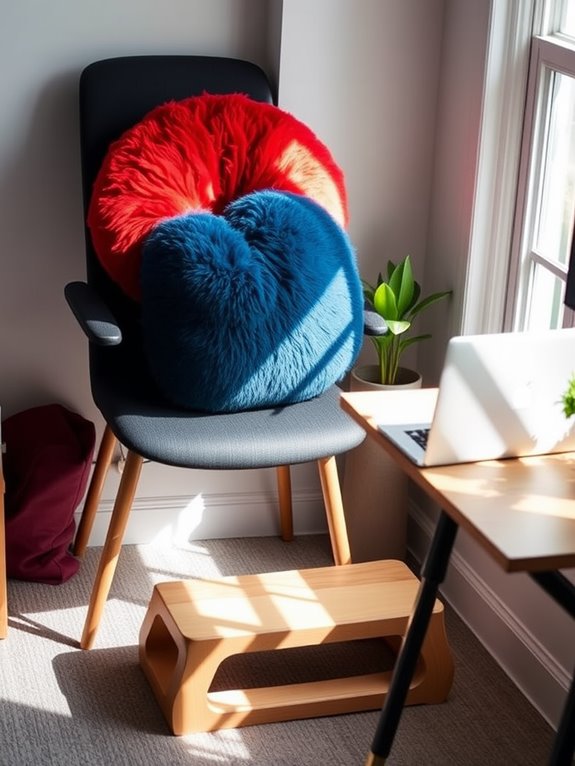
In addition to an ergonomic keyboard and mouse, incorporating footrests and cushions can greatly enhance your workspace comfort. These simple additions not only support your posture but also help reduce fatigue during long hours of sitting. Discover unique products that can help you create a more comfortable workspace, including ergonomic accessories designed specifically for optimal support. Compact foam rollers, for example, can provide muscle relief after long periods of sitting.
Here's how to effectively utilize footrests and cushions:
- Choose the Right Footrest: Look for one that's adjustable, allowing you to find your ideal height.
- Use a Cushion for Back Support: A lumbar cushion supports your lower back, promoting good posture.
- Consider a Seat Cushion: A gel or memory foam seat cushion can alleviate pressure on your hips and tailbone.
- Position Your Feet Properly: Keep your feet flat on the footrest for best support and comfort.
These changes can make a noticeable difference in your workday!
Incorporating Breaks and Movement
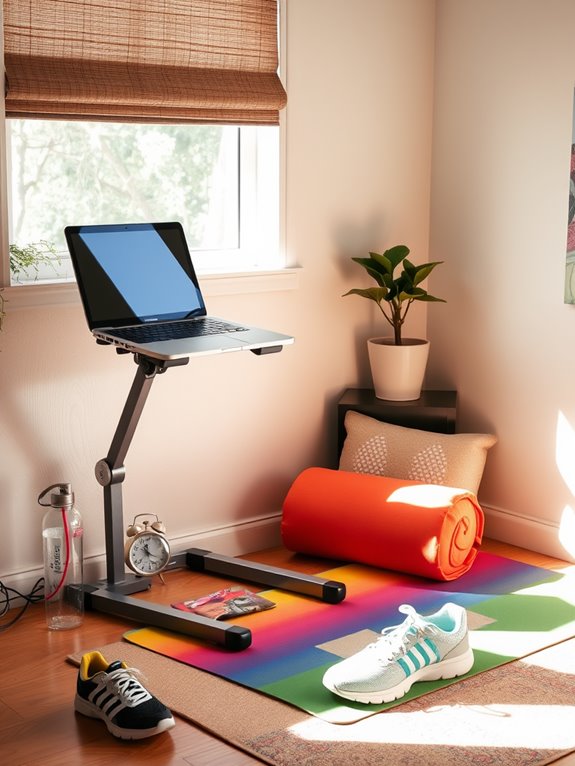
Regular breaks and movement are essential for maintaining focus and preventing discomfort during long work hours. Set a timer to remind yourself to take a break every 30 to 60 minutes.
During these breaks, stand up, stretch, or take a short walk around your space. This not only rejuvenates your mind but also promotes circulation, reducing the risk of stiffness. Engaging in core strength exercises with tools like exercise sliders can also enhance your overall physical well-being. Incorporating exercise dice into your routine can provide a fun way to mix up your breaks and keep your workouts engaging.
Incorporate simple exercises, like leg lifts or shoulder rolls, while seated to keep your body engaged. If possible, consider using a standing desk or a convertible workstation to switch up your position throughout the day. Engaging in targeted training programs can also enhance your overall physical well-being.
These small changes can notably enhance your productivity and overall comfort, making your workspace more ergonomic and enjoyable.
Don't underestimate the power of movement!
Personalizing Your Space for Productivity
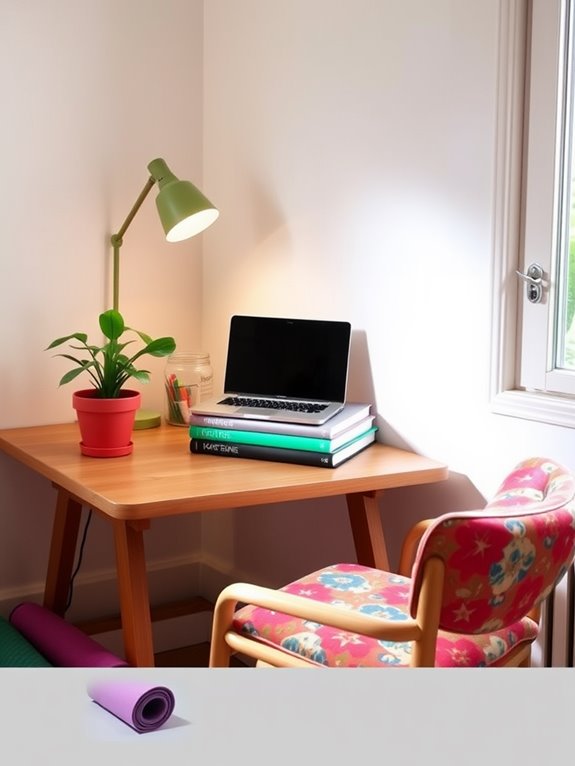
To boost your productivity, consider how personal touches can transform your workspace.
Using colors that energize you and organizing your items for clarity can create a more inviting environment.
Adding elements that reflect your personality not only enhances your mood but also keeps you focused.
Color Psychology Impact
Colors can greatly influence your mood and productivity in your workspace. By choosing the right hues, you can create an environment that enhances your focus and creativity.
Here are four colors to weigh incorporating into your workspace:
- Blue: Promotes calmness and helps with concentration, perfect for detailed tasks.
- Yellow: Inspires optimism and energy, great for boosting creativity and motivation.
- Green: Represents balance and harmony, reducing fatigue and eye strain during long work hours.
- Red: Increases energy and urgency, useful when you need a productivity boost.
Experiment with these colors through decor, wall art, or accessories. Additionally, consider the dosage variability of melatonin supplements to optimize your evening routine and enhance your workspace effectiveness.
Organizing for Clarity
Creating an inviting atmosphere with the right colors sets the stage for productivity, but an organized workspace takes it to the next level.
Start by decluttering your desk; get rid of anything that doesn't serve a purpose. Use drawer organizers or small bins to keep supplies like pens, paper, and sticky notes neatly arranged. Keep your most-used items within arm's reach to minimize distractions.
Create a filing system for important documents, whether digital or physical, to streamline access. Label folders and storage boxes for easy identification.
Finally, maintain a clean surface—clear off your desk at the end of each day to reset. An organized space not only boosts your efficiency but also helps you feel more focused and in control.
Incorporating Personal Touches
While an organized workspace lays the groundwork for productivity, adding personal touches can truly enhance your environment.
Personalizing your space not only makes it feel welcoming but also boosts your motivation. Here are four simple ways to incorporate your unique style:
- Artwork: Hang up pictures or prints that inspire you, whether they're family photos or motivational posters.
- Plants: Add a small potted plant to bring life and a sense of calm to your desk.
- Colorful Accessories: Use vibrant stationery or desk organizers that reflect your personality.
- Personal Mementos: Include a few small items that hold sentimental value, like a souvenir or a favorite book.
These touches can transform your workspace into a space that fuels creativity and focus.
Frequently Asked Questions
Can I Create an Ergonomic Workspace in a Small Apartment?
Yes, you can absolutely create an ergonomic workspace in a small apartment. Focus on furniture placement, use adjustable items, and incorporate good lighting. With creativity, you'll maximize comfort and productivity in your limited space.
What Are Inexpensive Alternatives to Professional Ergonomic Equipment?
You can use items like cushions for lumbar support, a sturdy box for your laptop, and a simple chair instead of expensive ergonomic equipment. These alternatives help maintain comfort and posture without breaking the bank.
How Do I Maintain Good Posture While Using a Laptop?
To maintain good posture while using a laptop, sit up straight, keep your feet flat on the ground, and position the screen at eye level. It'll reduce strain on your neck and back considerably.
Can I Use Household Items for Ergonomic Support?
You can definitely use household items for ergonomic support! A rolled towel can cushion your lumbar area, a sturdy box can elevate your laptop, and cushions can provide comfort for your seating. Get creative with what you have!
What Are the Signs My Workspace Needs Improvement?
If you're experiencing discomfort, frequent fatigue, or difficulty focusing, your workspace likely needs improvement. Pay attention to your posture, any aches, and how long you can concentrate—these signs indicate it's time to make changes.
Conclusion
Creating a comfy and cost-effective ergonomic workspace doesn't have to break the bank. With a little creativity, you can craft a cozy corner that promotes productivity and prevents pain. Prioritize posture, personalize your setup, and pick practical tools to enhance your environment. Remember, a well-designed workspace can work wonders for your well-being. So, embrace these budget-friendly tips and transform your space into a serene sanctuary that supports your success!