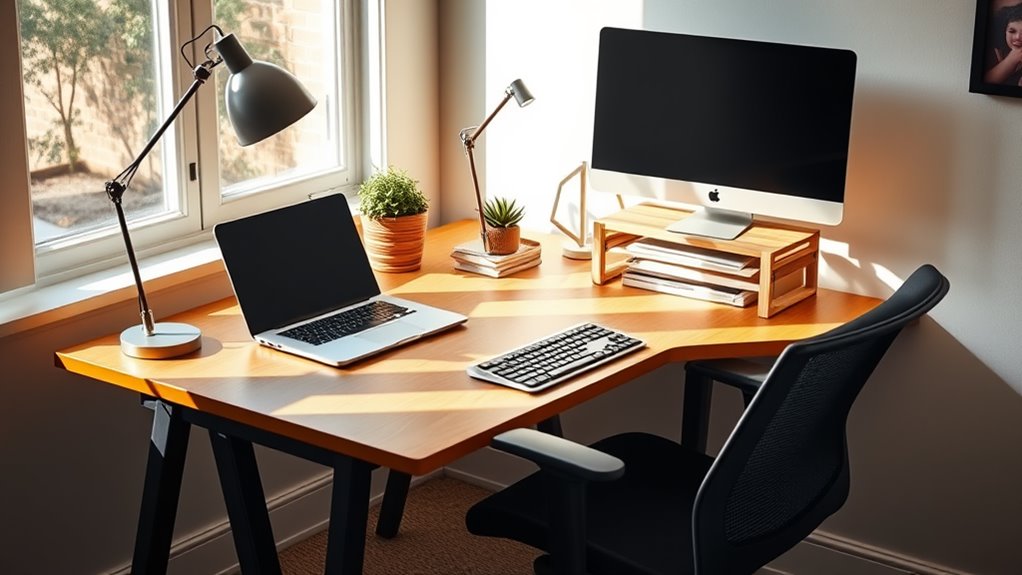
Creating an ergonomic workspace on a budget is easier than you think. Start by adjusting your desk height and monitor position; keep the screen at eye level. Invest in a comfortable chair with good support or use DIY solutions like thick books for elevation. Don't forget ergonomic accessories, like wrist rests made from rolled towels. Incorporate regular breaks to move and stretch, and add personal touches for comfort. Discover more tips to optimize your workspace effectively.
Nomad Highlights
- Elevate your monitor using thick books or a shoebox to achieve eye level without purchasing expensive stands.
- Utilize a rolled-up towel or small cushion as a DIY wrist rest to enhance typing comfort.
- Shop for second-hand chairs or look for sales to find budget-friendly ergonomic seating options.
- Implement cable management solutions using inexpensive items to keep your workspace organized and clutter-free.
- Personalize your workspace with plants or decor to improve comfort and motivation without incurring high costs.
Assess Your Current Workspace
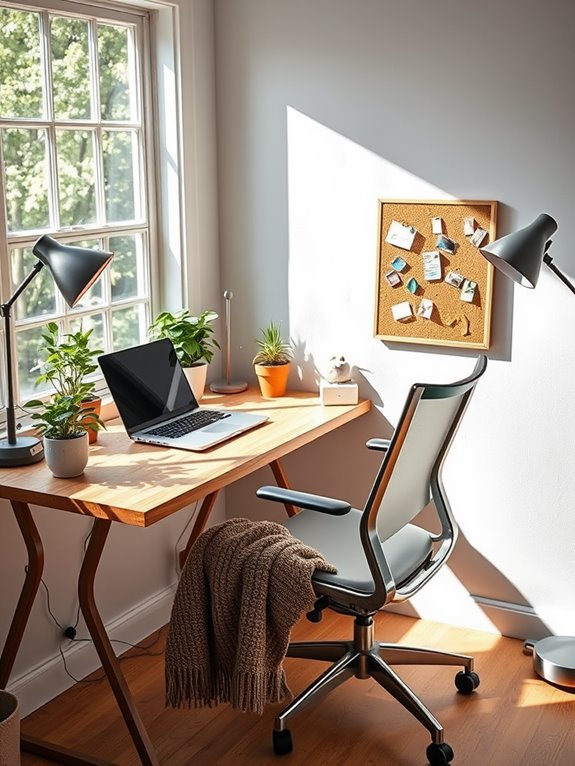
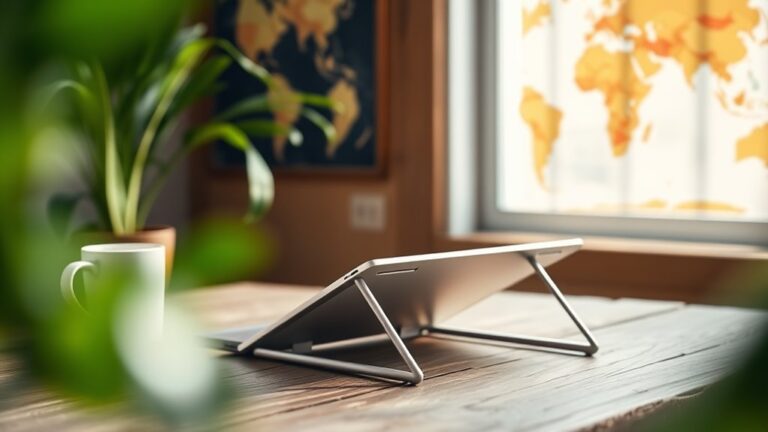
To create an ergonomic workspace, you first need to evaluate your current setup. Look around and take note of your desk height, monitor position, and keyboard placement. Your monitor should be at eye level, about an arm's length away, to avoid straining your neck. Consider incorporating a portable lapstand to elevate your laptop for better posture.
Check if your chair allows your feet to rest flat on the floor and your arms to sit at a comfortable angle while typing. A supportive lumbar cushion can help maintain proper spinal alignment, enhancing your overall comfort during long hours of sitting. Additionally, selecting an ergonomic chair with adjustable features can significantly improve your posture and reduce discomfort. Pay attention to clutter; a tidy workspace can improve focus and reduce stress. If you spend hours at your desk, consider how lighting affects your comfort. Natural light is ideal, but make sure you have sufficient task lighting to reduce eye strain. Additionally, ensure your monitor is mounted at the correct height to reduce neck strain, which can be achieved using ergonomic monitor mounts. A standing desk converter can also provide height adjustment options for a more personalized and comfortable workspace.
Evaluating these factors is essential for creating a more comfortable, productive environment.
Choose the Right Chair
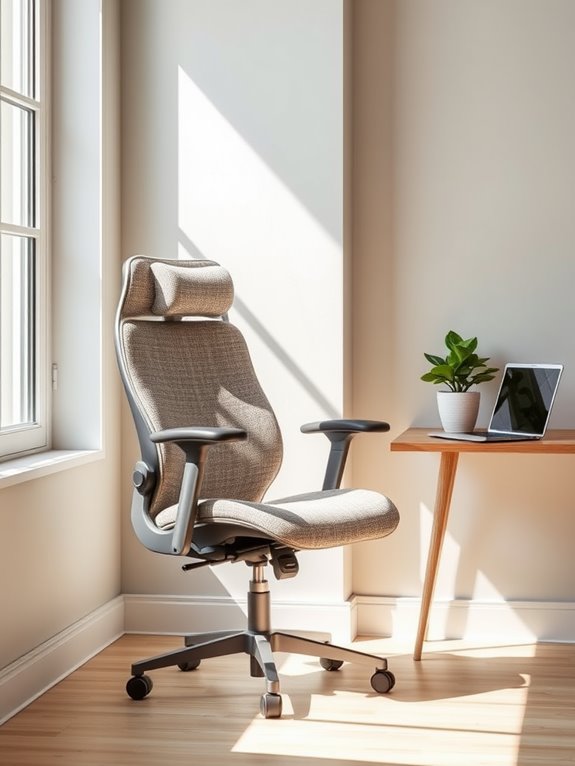
Choosing the right chair is essential for your ergonomic workspace. A good chair supports your posture and reduces strain during long hours of sitting.
Look for a chair with adjustable height, lumbar support, and a comfortable seat cushion. Test various models to find one that fits your body well; you shouldn't feel any pressure points. Additionally, consider pairing your chair with an ergonomic lapstand for improved posture and enhanced comfort during long work sessions. Many ergonomic chairs also feature height adjustability, allowing you to customize your seating position for optimal support. Furthermore, investing in an adjustable phone stand can significantly enhance your ergonomic setup, providing optimal viewing angles and reducing neck strain. Moreover, the inclusion of non-slip features in your ergonomic tools can ensure stability and security for your devices. A comfortable chair can also be complemented by ergonomic wrist rests, which help alleviate discomfort during typing.
If you're on a budget, check out second-hand options or sales; you can often find great deals on high-quality chairs.
Ultimately, investing time in choosing the right chair will pay off by boosting your productivity and overall well-being at work.
Optimize Your Desk Height
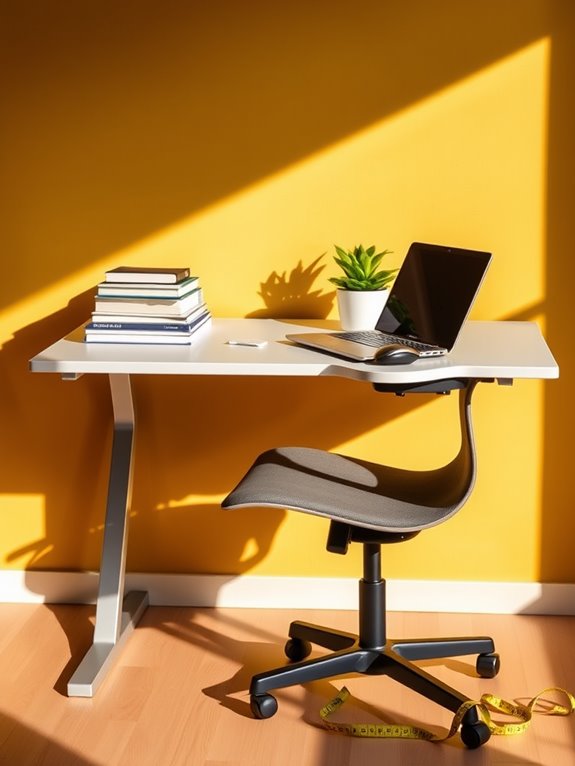
An ideal desk height can make a significant difference in your comfort and productivity. To find the perfect height, sit in your chair with your feet flat on the floor. Your elbows should be at a 90-degree angle when resting on the desk.
If your desk is too high, consider using desk risers or adjusting your chair's height. If it's too low, you might need to replace it or use a cushion to elevate yourself. Additionally, maintaining proper ergonomics can help prevent injuries similar to how ankle resistance bands are used to strengthen muscles and improve flexibility. Using a compact foam roller can also aid in relieving muscle tension and improving overall comfort during long hours at your desk. Incorporating elements of ergonomic design can enhance your workspace and promote better posture. To further improve comfort, consider investing in a compact elliptical machine, which allows for low-impact exercise while you work, supporting your overall fitness and well-being. Choosing balance boards can also provide an effective way to engage your core and improve stability throughout your workday.
Position Your Computer Monitor Correctly
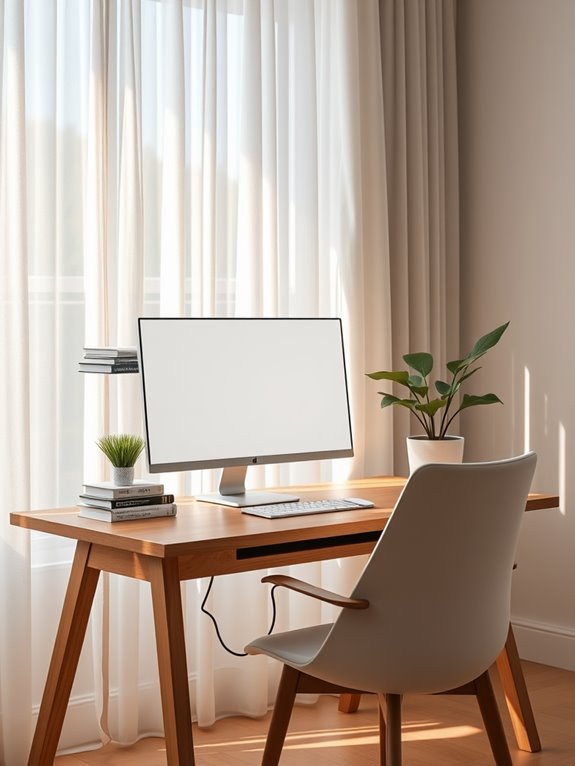
Optimizing your desk height sets the foundation for a comfortable workspace, but positioning your computer monitor correctly is just as important.
A well-placed monitor reduces strain and boosts productivity, making your workday more enjoyable. Additionally, incorporating proper health monitoring practices while working can further enhance your comfort and focus. For example, using a fitness tracker can help you stay aware of your heart rate and overall well-being throughout the day. A well-designed workspace can significantly improve your overall sleep quality, as proper ergonomics can lead to reduced discomfort and better rest.
Here's how to position your monitor for maximum comfort:
- Eye Level: Your monitor should be at or just below eye level to avoid neck strain.
- Arm's Length: Keep the screen about an arm's length away to prevent eye fatigue.
- Tilt: Angle the monitor slightly backward (10-20 degrees) to reduce glare and improve visibility.
- Center It: Position the monitor directly in front of you to maintain a natural posture and focus.
In addition to these adjustments, consider using a handheld massager for periodic muscle relief during long work sessions, which can enhance overall comfort.
With these adjustments, you'll create a more ergonomic and efficient workspace.
Utilize Ergonomic Accessories
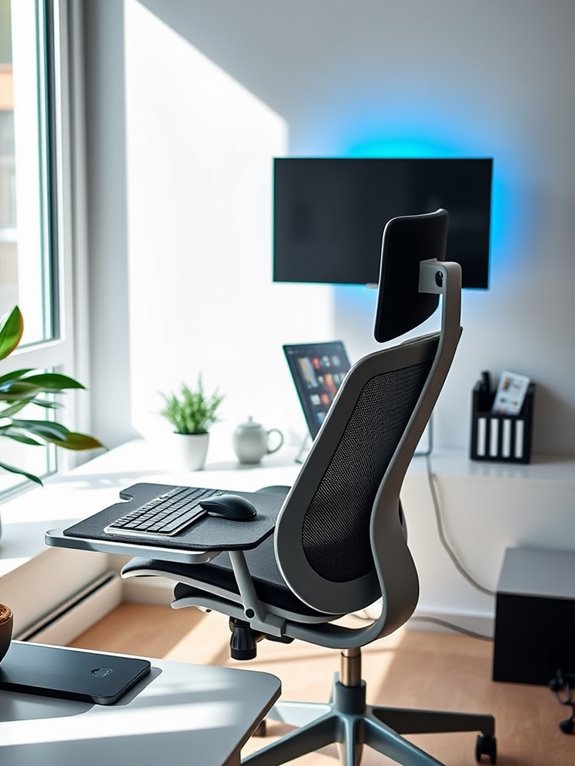
To create a truly ergonomic workspace, you need to contemplate the accessories that can enhance your comfort and productivity.
From essential tools to budget-friendly options and even DIY solutions, there are plenty of ways to boost your setup. Investing in compact desk organizers helps to keep your workspace clutter-free, which can significantly improve your focus and efficiency throughout the day. Incorporating cable management tools like adhesive cable clips also contributes to a tidy environment, allowing for better organization of your cords and cables. Adding an adjustable brightness desk lamp can further enhance your workspace by allowing you to tailor the light intensity to your specific needs, reducing eye strain during prolonged use. Additionally, considering ergonomic designs in your seating arrangements can greatly improve your posture and support during long hours of work. Using monitor stand risers can elevate your screens to eye level, reducing neck and back strain while enhancing comfort during long hours.
Essential Accessories Overview
Many essential ergonomic accessories can transform your workspace into a more comfortable and productive environment.
Investing in these items can greatly reduce discomfort and enhance your focus. Here are four must-have accessories to keep in mind:
- Adjustable Chair: A chair that supports your back and encourages good posture is vital for long hours of work. Furthermore, an ergonomic design in the chair can significantly improve comfort levels during extended use. Additionally, opting for an eco-friendly material in your chair can contribute to a more sustainable workspace. Using materials like 600D Oxford fabric can enhance durability and comfort. Moreover, the right chair can help reduce risk of writing-related injuries during your work sessions.
- Keyboard Tray: This accessory promotes a neutral wrist position, reducing strain during typing.
- Monitor Stand: Elevating your screen to eye level helps prevent neck strain and improves your overall posture.
- Footrest: A footrest encourages proper leg positioning and can alleviate pressure on your lower back.
Incorporating these accessories can make a world of difference in your daily comfort and productivity. Additionally, investing in ergonomic designs can significantly enhance your workspace's utility and comfort.
DIY Solutions for Comfort
Creating a comfortable workspace doesn't always require a hefty budget; you can easily implement DIY solutions that incorporate ergonomic principles.
Start by adjusting your chair height so your feet rest flat on the floor. If you don't have a footrest, use a sturdy box or a stack of books.
For screen height, position your monitor at eye level by placing it on a few thick books or a shoebox. This helps reduce neck strain. Additionally, consider using polycarbonate lenses as they offer high transparency and can reduce glare from your screen. Regular breaks and stretches can enhance your circulation and relaxation, contributing to overall well-being during long work hours.
You can also create a simple wrist rest using a rolled-up towel or a small cushion to support your wrists while typing.
Finally, keep your workspace organized with DIY drawer dividers made from cardboard, ensuring easy access to everything you need without unnecessary strain. Additionally, consider incorporating blue light blocking glasses into your setup to further reduce eye strain during long hours of screen time.
Budget-Friendly Ergonomic Options
While you might think ergonomic accessories come with a hefty price tag, there are plenty of budget-friendly options that can greatly enhance your workspace. Investing in these tools can lead to better posture, reduced strain, and increased productivity—all without breaking the bank. Additionally, incorporating unique ergonomic products into your workspace can further improve comfort and efficiency. Research shows that ergonomic accessories can significantly reduce discomfort during long hours of work.
Here are four affordable ergonomic accessories you should consider:
- Adjustable Laptop Stand: Elevate your screen to eye level and reduce neck strain. This is particularly important as improper screen height can contribute to poor posture and discomfort over time.
- Wrist Rest: A simple wrist rest can alleviate discomfort while typing.
- Ergonomic Chair Cushion: Add comfort and support to your current chair with a cushion.
- Footrest: Keep your feet flat and improve circulation with an inexpensive footrest.
Incorporate Movement and Breaks
To maintain productivity and reduce strain, it is essential to incorporate movement and breaks into your work routine. Aim for short breaks every hour to stand up, stretch, and move around. This practice boosts circulation and keeps your energy levels high. You can also set a timer to remind yourself to take these breaks.
Here's a simple schedule to help you stay on track:
| Time Interval | Activity | Duration |
|---|---|---|
| 0 – 30 mins | Work | 30 minutes |
| 30 – 35 mins | Stand & Stretch | 5 minutes |
| 35 – 65 mins | Work | 30 minutes |
| 65 – 70 mins | Walk Around | 5 minutes |
| 70 – 100 mins | Work | 30 minutes |
Implementing this routine can greatly enhance your productivity!
Personalize Your Workspace for Comfort
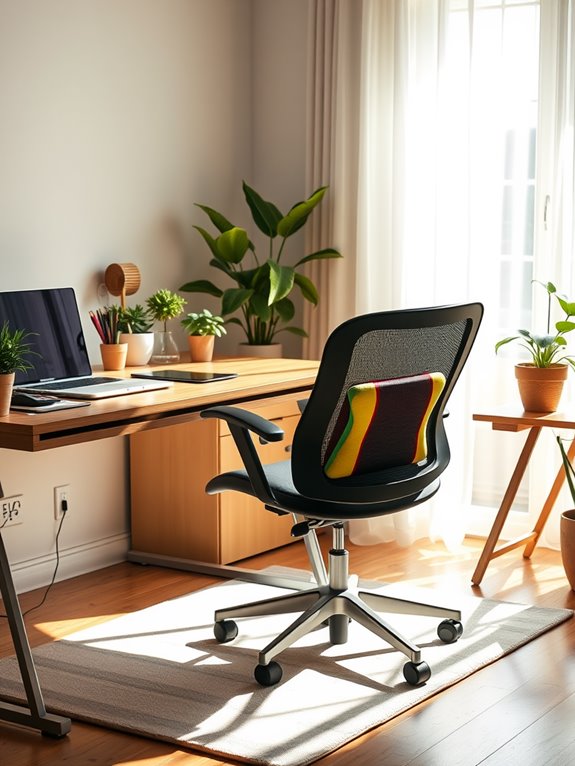
A comfortable workspace is essential for maintaining focus and productivity.
To create an inviting environment, consider adding personal touches that reflect your style and make you feel at ease.
Here are four ideas to personalize your workspace:
- Inspiring Decor: Hang artwork or quotes that motivate you and spark joy.
- Cozy Accessories: Use a soft blanket or a favorite mug that enhances your comfort.
- Plants: Incorporate greenery to purify the air and bring life to your surroundings.
- Custom Lighting: Adjust your lighting with lamps or fairy lights to create a warm atmosphere.
Frequently Asked Questions
How Can I Tell if My Chair Is Ergonomic?
To tell if your chair's ergonomic, check if it supports your lower back, keeps your feet flat on the floor, and allows your knees to be at a 90-degree angle. Adjust it for comfort!
What Are the Signs of Poor Desk Ergonomics?
You'll notice signs of poor desk ergonomics if you experience discomfort, fatigue, or repetitive strain. Your posture might be slouched, your monitor's too high or low, and your wrists may ache from improper keyboard alignment.
How Often Should I Take Breaks While Working?
Like a flower needs sunlight, you thrive on breaks. Take a five-minute break every hour to stretch and refresh your mind. This simple habit boosts productivity, reduces fatigue, and keeps your creativity blooming all day long.
Can I Create an Ergonomic Workspace in a Small Area?
Yes, you can create an ergonomic workspace in a small area. Focus on essential furniture, use vertical storage, and optimize your desk setup. Small adjustments can greatly improve comfort and productivity without requiring much space.
What Low-Cost Options Exist for Ergonomic Accessories?
You can find low-cost ergonomic accessories like adjustable laptop stands, cushioned seat pads, and wrist supports at affordable prices. Also, consider DIY solutions or second-hand items to enhance comfort without breaking the bank.
Conclusion
Creating an ergonomic workspace doesn't have to break the bank. By making simple adjustments and incorporating affordable accessories, you can notably enhance your comfort and productivity. Have you considered how a few small changes could transform your daily work experience? Remember, investing in your well-being pays off in the long run. So, take the time to assess your setup and make those tweaks—you'll be amazed at the difference it can make!