To achieve ideal work comfort, set your desk height between 28-30 inches for typing and 26-28 inches for writing. Your chair should heighten your elbows to a 90-degree angle while allowing your feet to rest flat on the floor. Make sure your monitor is at eye level, about an arm's length away. Remember, taking regular breaks helps maintain good posture and boosts productivity. Discover more tips to improve your workspace further.
Nomad Highlights
- Desk height should be 28-30 inches for typing, while 26-28 inches is ideal for sketching or writing tasks.
- Ensure chair height allows elbows to rest at a 90-degree angle on the desk for optimal comfort.
- Monitor top should be at eye level and approximately an arm's length away to minimize neck strain.
- Feet should rest flat on the floor or on a footrest, with knees at a 90-degree angle for proper circulation.
- Regular breaks, such as the Pomodoro Technique, enhance productivity and reduce physical and mental fatigue.
Understanding Ergonomics
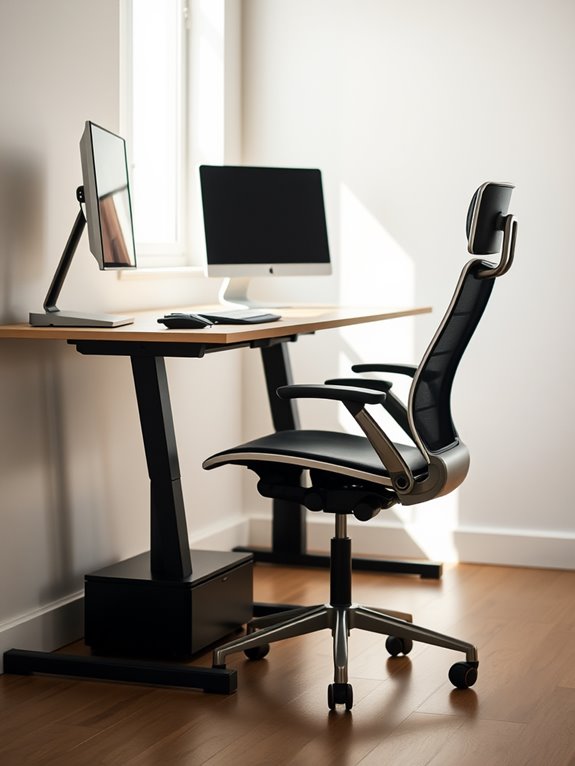
When you think about your workspace, understanding ergonomics is essential for your comfort and productivity. Ergonomics focuses on how you can arrange your environment to fit your needs and reduce strain. By adjusting your chair, desk, and equipment, you can create a setup that promotes good posture and minimizes discomfort. Pay attention to your screen height; it should be at eye level to prevent neck strain. Your feet should rest flat on the ground or on a footrest, while your knees stay at a right angle. Seek an ergonomic chair with adjustable features to further enhance your comfort and support. Additionally, utilizing multiple height settings for your desk can help accommodate different tasks and preferences. A good ergonomic setup may also include ergonomic mice to help reduce wrist strain during long periods of use. Using adjustable tablet stands can enhance your workspace by providing versatile designs that support various devices and promote better posture. Use a chair that supports your lower back and allows easy access to your desk. By prioritizing ergonomics, you'll enhance your well-being and efficiency during work hours. Additionally, investing in ergonomic monitor mounts can significantly improve your workspace setup by providing optimal screen height and adjustability.
Ideal Desk Height for Different Tasks
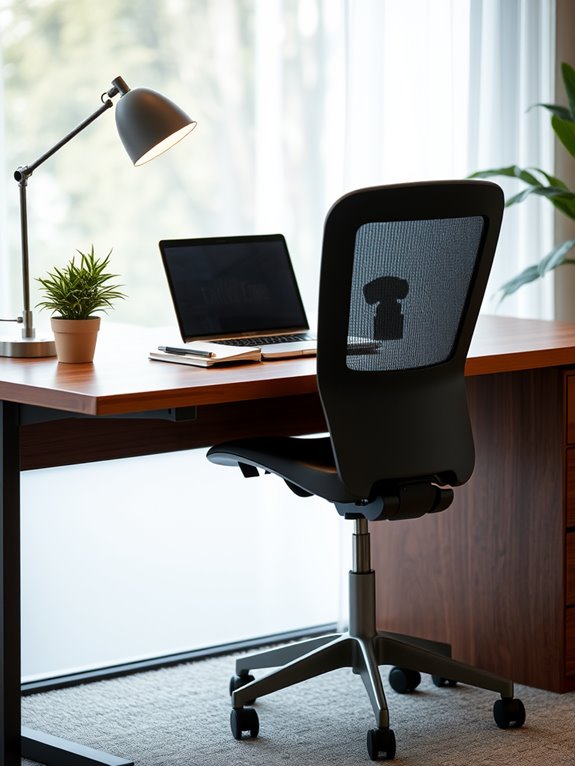
How can the right desk height transform your daily tasks? When you choose the ideal desk height, you boost your comfort and productivity.
For typing and data entry, a height of 28-30 inches is generally best. This allows your elbows to rest comfortably at a 90-degree angle while keeping your wrists straight.
If you're sketching or writing, a slightly lower desk, around 26-28 inches, can provide a better angle for your hands.
For tasks that require more focus, like reading or studying, a height of 30-32 inches works well, allowing you to maintain a good posture without straining your neck.
Ultimately, adjusting your desk to match your activities will enhance your efficiency and reduce fatigue throughout the day. Incorporating ankle resistance bands during breaks can also help alleviate tension and improve circulation.
Chair Height and Its Importance
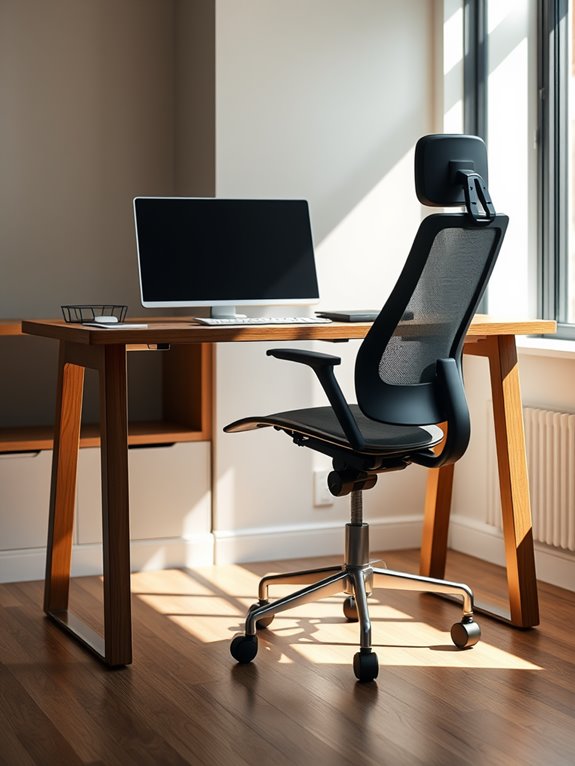
Since the right chair height is essential for your overall comfort, it directly impacts your productivity and well-being.
When your chair is at the correct height, you can enjoy several benefits:
- Proper Posture: Your feet should rest flat on the floor, promoting a natural spine alignment and reducing the risk of long-term health issues related to poor posture.
- Reduced Strain: Proper chair height minimizes pressure on your thighs and lower back, preventing discomfort and supporting your lumbar support needs.
- Enhanced Blood Circulation: Enjoy better blood flow to your legs, reducing fatigue during long work hours, especially important for those with sedentary jobs.
- Increased Focus: Comfort allows you to concentrate on tasks without unnecessary distractions from discomfort.
Additionally, using an adjustable footrest can further enhance your comfort by allowing for personalized height and tilt settings.
Adjusting your chair to the appropriate height is a simple yet effective way to enhance your work environment and keep you energized throughout the day.
The Relationship Between Desk and Chair
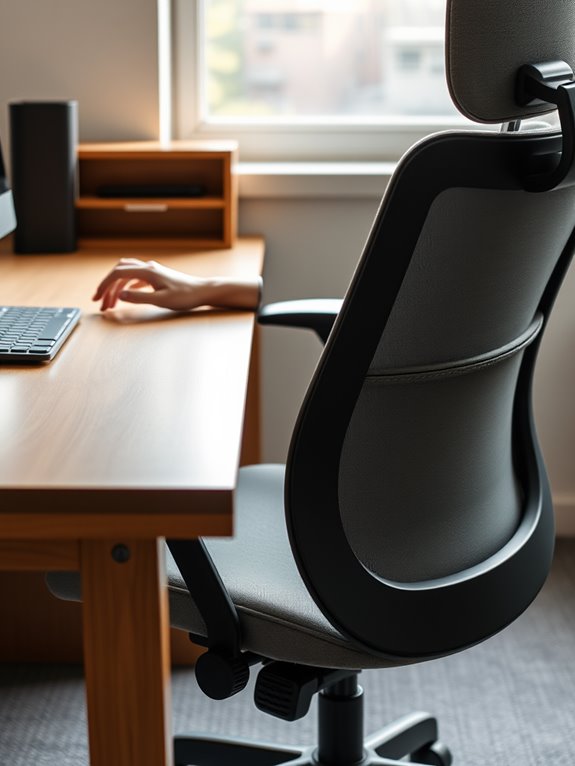
Your chair height isn't the only factor that influences your comfort while working; the relationship between your desk and chair plays a vital role as well.
Ideally, your chair should allow your elbows to rest at a 90-degree angle when your hands are on the desk. If your desk is too high or too low, you may strain your shoulders or wrists, leading to discomfort. Additionally, choosing a chair with adjustable lumbar support can enhance your overall comfort by catering to your individual needs. Furthermore, maintaining a compact design in your workspace can promote better posture and reduce distractions.
Moreover, make sure your feet can rest flat on the ground or a footrest. This position helps maintain circulation and reduces fatigue. Additionally, memory foam travel pillows can provide excellent support if you need to take breaks away from your desk.
Adjusting Your Monitor Position
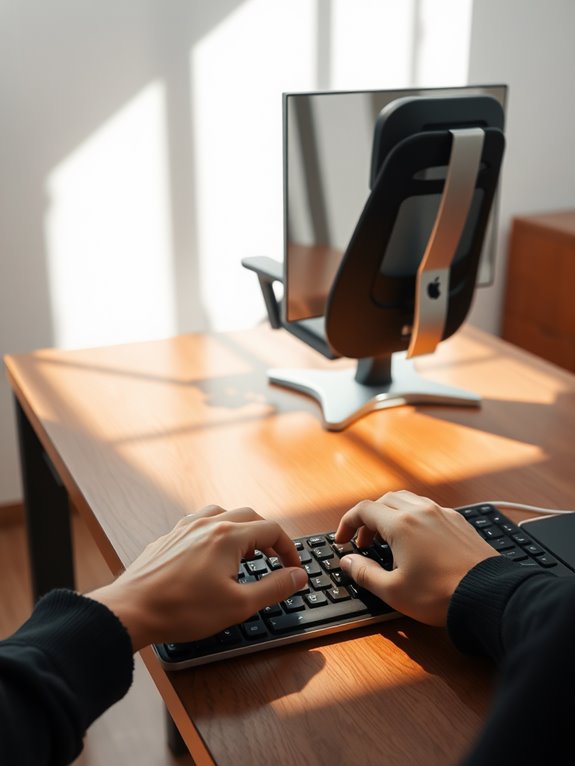
To work comfortably, you need to adjust your monitor position correctly.
Make sure the top of the screen is at eye level and about an arm's length away to reduce strain. Good ventilation designs help maintain optimal temperature, which can also enhance your comfort while working. Additionally, portable white noise machines can help create a soothing environment that minimizes distractions. Also, tilt the screen slightly back to minimize glare and improve visibility. Additionally, consider using a portable standing desk converter for enhanced ergonomic benefits and flexibility in your workspace. Maintaining ideal indoor humidity levels can further enhance your overall comfort and productivity while working. Incorporating AI tools into your daily routine can also help streamline task management and improve your work efficiency.
Ideal Monitor Height
Adjusting your monitor height is essential for maintaining comfort and preventing strain during long hours of work.
To find the ideal position, follow these simple guidelines:
- Eye Level: Your monitor's top should be at or slightly below your eye level to keep your neck in a neutral position.
- Distance: Position the monitor about an arm's length away, allowing you to see the screen clearly without leaning forward. Additionally, ensuring your workspace setup is ergonomic can lead to improved health monitoring during long working hours. Maintaining a proper ergonomic setup can also enhance your overall activity tracking performance throughout the day. Regular adjustments to your workstation can further promote muscle recovery by minimizing strain on your body. Proper screen positioning can also help prevent fatigue-related issues that may arise from prolonged computer use.
- Tilt: Angle the monitor slightly back (about 10-20 degrees) to reduce glare and promote a natural head tilt.
- Height Adjustment: Use a monitor stand or stack books to guarantee your eyes are aligned with the top third of the screen. Regular breaks and incorporating relaxation techniques can also enhance your overall comfort during long work sessions.
Distance From Eyes
Finding the right distance from your eyes to the monitor plays a significant role in overall comfort and reducing eye strain. Ideally, your monitor should be about an arm's length away—roughly 20 to 30 inches from your eyes. This distance allows you to see the screen clearly while minimizing the risk of eye fatigue.
When adjusting, verify the top of the screen is at or just below eye level; this helps maintain a relaxed neck posture. If you notice any strain or discomfort, don't hesitate to adjust the distance until it feels right. Additionally, wearing blue light blocking glasses can further enhance comfort by reducing glare and preventing eye fatigue during long hours of screen time.
Screen Angle Adjustments
How can you guarantee your monitor is positioned for ideal comfort? Proper screen angle adjustments can make a world of difference.
Follow these steps to optimize your monitor's position:
- Top of the screen: Align it at or just below eye level to reduce neck strain.
- Tilt the screen: Aim for a slight backward tilt of 10-20 degrees to minimize glare.
- Distance from eyes: Keep your monitor about an arm's length away for clear visibility. Additionally, maintaining a comfortable work setup can greatly enhance your productivity and reduce discomfort.
- Center your screen: Position it directly in front of you to maintain a neutral neck posture.
Additionally, ensuring an ergonomic workstation can enhance overall comfort, just as balance boards support various exercises to improve stability and fitness.
Foot Placement and Support
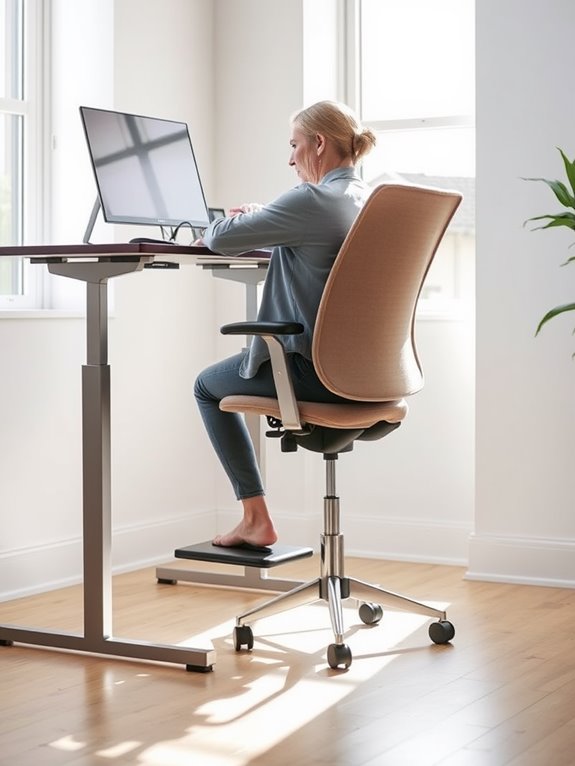
Proper foot placement is essential for maintaining comfort during long hours of work. Your feet should rest flat on the floor or on a footrest to provide support. This position helps reduce strain on your lower back and promotes good posture. Aim for your knees to be at a 90-degree angle, ensuring proper circulation. Incorporating ergonomic designs can further enhance your workspace comfort, much like the ergonomic grip found on top adjustable dumbbells that improves user experience during workouts. Additionally, ensuring that your feet are fully supported can significantly alleviate discomfort during extended sitting periods. Using an adjustable height desk can also contribute to optimal foot placement and overall comfort.
Here's a quick guide to foot placement options:
| Position | Description | Benefits |
|---|---|---|
| Flat on floor | Feet fully supported on the ground | Reduces lower back strain |
| Footrest | Using a footrest for elevation | Promotes blood circulation |
| Crossed legs | Crossing legs at the ankles | Can lead to discomfort |
| Flat with tilt | Feet flat with slight forward tilt | Enhances comfort |
| Raised knees | Knees slightly elevated | Improves posture |
Adjust as needed for ideal support! Additionally, ensuring that your desk height aligns with your chair position is crucial for ergonomic seating, as it contributes to overall comfort and productivity.
Importance of Taking Breaks
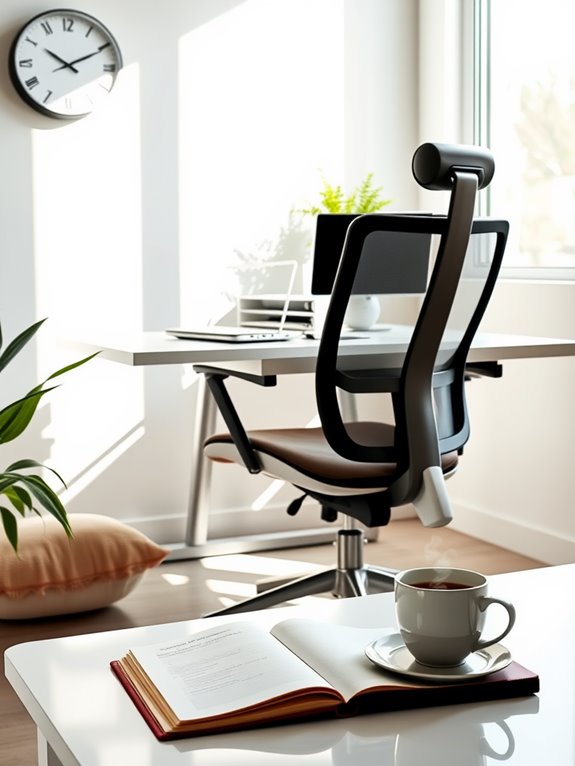
Taking regular breaks is essential for your physical health and can greatly boost your mental clarity. When you step away from your desk, you give your body a chance to recover and recharge. These moments of pause can enhance your focus and productivity when you return to work. Engaging in mindfulness exercises during breaks can promote emotional resilience, ultimately improving your overall well-being. Incorporating guided meditation during these breaks can help achieve a deeper state of relaxation and stress relief. Additionally, practicing techniques effectively reduces symptoms of anxiety, making your breaks even more beneficial. Research supports the use of mindfulness techniques for enhancing emotional balance and reducing stress during work breaks. Furthermore, using aromatherapy inhalers during breaks can further enhance relaxation and provide a natural alternative for stress relief.
Physical Health Benefits
While you might feel tempted to power through your work without breaks, doing so can seriously impact your physical health.
Regular breaks are essential to avoid discomfort and enhance your well-being. Here are four key physical health benefits of taking breaks:
- Reduces eye strain: Stepping away from screens helps prevent fatigue and discomfort in your eyes.
- Improves posture: Breaks encourage you to stretch and adjust your seating position, reducing the risk of back pain.
- Boosts circulation: Standing up and moving around promotes blood flow, which can alleviate stiffness and tension.
- Prevents repetitive strain injuries: Regular pauses help minimize the risk of injuries like carpal tunnel syndrome by allowing your muscles to recover. Additionally, incorporating handheld massagers during breaks can enhance relaxation and relieve muscle tension.
Mental Clarity Boost
When you step away from your work, you give your mind a chance to reset, which can greatly enhance your mental clarity. Taking regular breaks allows your brain to recharge, reducing fatigue and improving focus.
It's easy to get lost in tasks, but a quick walk or a moment of stretching can work wonders.
Try the Pomodoro Technique: work for 25 minutes, then take a 5-minute break. This rhythm not only boosts productivity but also keeps your thoughts fresh.
You'll find that stepping away, even briefly, helps you return with a sharper perspective. Prioritizing breaks isn't just about comfort; it's a key strategy for maintaining mental clarity throughout your workday.
Tips for Maintaining Good Posture
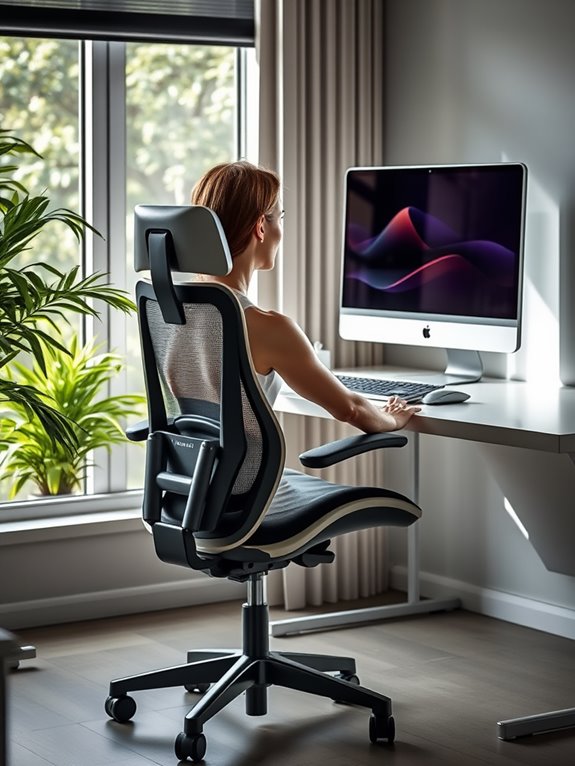
To maintain good posture throughout your workday, focus on aligning your body correctly in relation to your desk and chair. This alignment not only enhances comfort but also boosts productivity.
Here are some tips to keep in mind:
- Feet Flat: Keep your feet flat on the ground or on a footrest, ensuring your knees are at a 90-degree angle.
- Back Support: Use a chair with lumbar support or a cushion to maintain the natural curve of your lower back.
- Screen Level: Position your monitor at eye level, so your neck remains neutral and relaxed.
- Elbows at 90 Degrees: Adjust your chair height so your elbows are at a 90-degree angle, resting comfortably on the desk.
Implement these tips, and you'll feel the difference!
Frequently Asked Questions
How Can I Measure My Ideal Desk Height at Home?
To measure your ideal desk height at home, sit comfortably in your chair, keep your feet flat, and position your elbows at a 90-degree angle. Adjust the desk until your forearms rest parallel to the ground.
What Types of Chairs Are Best for Long Hours?
When comfort meets support, your productivity soars. For long hours, ergonomic chairs with adjustable features, lumbar support, and breathable materials are best. They'll keep you comfortable, focused, and energized throughout your workday.
Are There Specific Desk Shapes That Promote Better Ergonomics?
Certain desk shapes, like L-shaped or curved designs, can enhance ergonomics by allowing better access to materials and promoting natural movements. These shapes help you stay organized and reduce strain during long working hours.
Is There a Difference Between Sitting and Standing Desk Heights?
When it comes to desk heights, you can't judge a book by its cover. Sitting and standing desks differ; sitting should align with your elbows, while standing needs to be slightly higher for comfort and posture.
How Often Should I Change My Chair Position?
You should change your chair position every 30 to 60 minutes. This helps reduce strain, improve circulation, and keeps you focused. Remember to adjust your posture and take short breaks to stay comfortable and productive.
Conclusion
In crafting your perfect workspace, think of it as composing a symphony; each element must harmonize for ideal comfort. By fine-tuning your desk height and chair position, you create a melody of productivity that dances through your day. Remember, your monitor's gaze and foot support play essential roles in this performance. So, take a moment to breathe and stretch, ensuring your posture sings rather than strains. With these adjustments, you'll transform your work experience into a masterpiece of comfort.