To work comfortably with just a laptop and a few accessories, start by ensuring proper ergonomics. Adjust your chair and laptop height for a more natural posture, using an external keyboard and mouse for wrist comfort. Portable chargers keep your devices powered on the go, while noise-canceling headphones help minimize distractions. Add some adjustable lighting to reduce eye strain, and use cable management tools to keep your workspace tidy. There's more to discover for maximizing your setup!
Nomad Highlights
- Adjust your chair height to ensure your feet are flat on the floor and knees at a right angle for optimal comfort.
- Position your laptop screen at eye level to prevent neck strain and maintain a neutral back posture.
- Use an external keyboard and mouse to promote wrist alignment and reduce strain during long typing sessions.
- Incorporate a compact foam roller or memory foam travel pillow to provide support and relieve tension while working.
- Utilize noise-canceling headphones and adjustable lighting to create a focused, distraction-free work environment.
The Importance of Ergonomics in Your Workspace
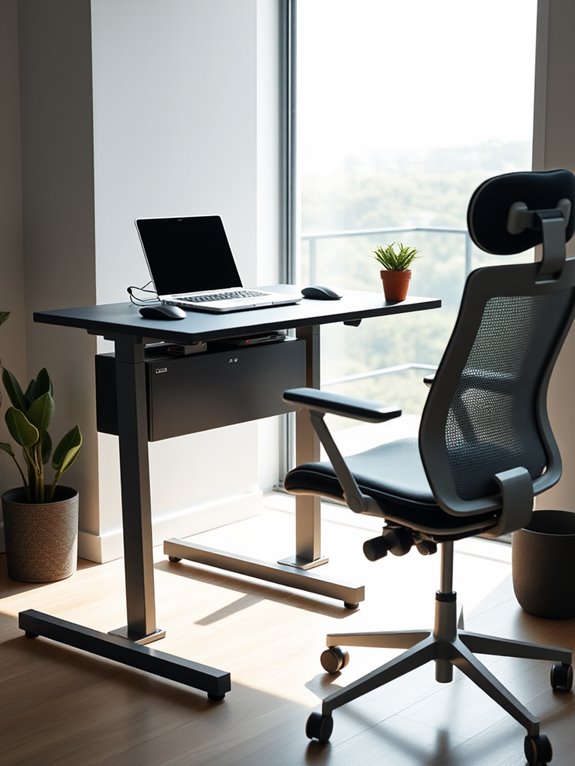
When you set up your workspace, understanding the importance of ergonomics can make a significant difference in your comfort and productivity. Proper ergonomics guarantees that your body is well-supported, reducing strain and fatigue. Start by adjusting your chair so your feet rest flat on the floor, and your knees are at a right angle. Position your laptop screen at eye level to prevent neck strain, and consider using an external keyboard to keep your wrists straight. Incorporating an adjustable footrest can further enhance your comfort by promoting better posture and circulation. Additionally, using an ergonomic lapstand can significantly improve your laptop's height adjustment and screen visibility. Good ventilation designs in lapstands also contribute to maintaining optimal device performance by preventing overheating during prolonged use. A well-designed ergonomic chair can provide comprehensive support for your back, head, and arms, which enhances your overall comfort. Using a lumbar support cushion can further help maintain spinal alignment and pressure relief while you work. Take regular breaks to stretch and move around; this helps maintain circulation and focus. Small adjustments can lead to a more comfortable and efficient work environment, allowing you to concentrate better and avoid long-term health issues associated with poor posture.
Essential Laptop Stands for Better Posture
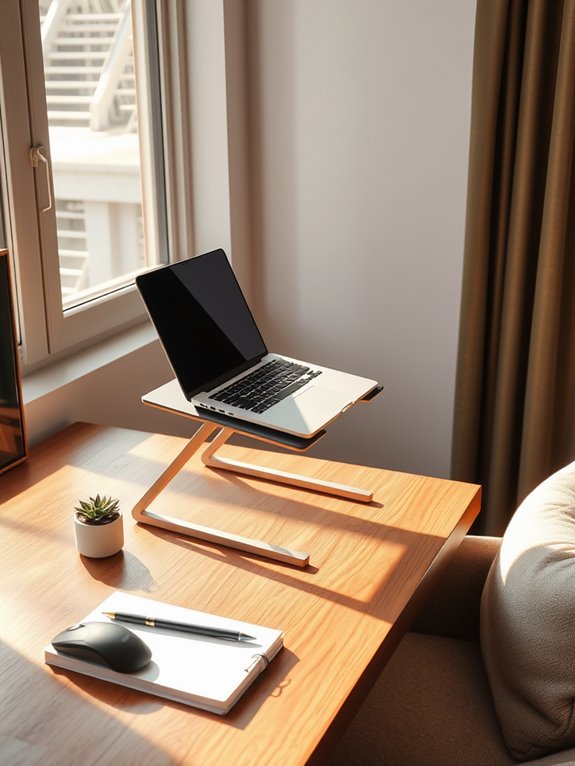
Using a laptop stand can considerably improve your posture and overall comfort while working.
With adjustable height options, you can find the perfect level that suits your needs, reducing strain on your neck and back. Many models offer a height adjustment range that accommodates various user heights, ensuring optimal ergonomics. Additionally, investing in ergonomic mounts can enhance your overall workspace setup, promoting better posture and focus. Moreover, utilizing a stand with a 360° rotating base can provide customizable angles for improved comfort and productivity. This is especially important for those who also engage in strength training, as maintaining good posture helps prevent injuries during workouts with adjustable dumbbells.
Plus, many portable stands make it easy to create an ergonomic workspace wherever you go. Additionally, choosing a model with multiple height adjustments can further enhance comfort by allowing for customized viewing angles.
Importance of Ergonomics
Although many people overlook the significance of ergonomics, investing in a good laptop stand can dramatically improve your posture and overall comfort.
When your laptop is at eye level, you reduce the strain on your neck and back, allowing you to work for longer periods without discomfort. A proper laptop stand helps keep your wrists in a neutral position, minimizing the risk of repetitive strain injuries. Additionally, using an ergonomic setup can enhance your overall workout experience, ensuring you're not only comfortable but also productive during long sessions. Furthermore, many laptop sleeves offer additional protection, allowing you to carry your laptop safely while maintaining an ergonomic setup. It's essential to choose accessories that complement your workspace, such as external keyboards which can further enhance comfort and efficiency. High-quality anti-glare screen protectors can also improve visibility in bright environments, making it easier to focus on your work.
Plus, it encourages you to sit up straight, which enhances your focus and productivity. Ultimately, prioritizing ergonomics isn't just about comfort; it's about enhancing your work experience. Adjustable heights between 9 to 14 inches in stands can further optimize your viewing angle and promote better posture.
Adjustable Height Options
Adjustable Height Options (Essential Laptop Stands for Better Posture)
Investing in adjustable height laptop stands can greatly enhance your workspace by allowing you to customize your setup for ideal posture. These stands let you position your screen at eye level, reducing neck strain and promoting better alignment. Additionally, many models incorporate non-slip pads to enhance stability during use. Regular use of an adjustable stand can help promote better alignment and reduce discomfort over time. Here's a quick overview of some popular adjustable options:
| Stand Type | Height Range | Weight Capacity |
|---|---|---|
| Basic Adjustable | 4-12 inches | Up to 15 lbs |
| Ergonomic Design | 5-15 inches | Up to 20 lbs |
| Premium Adjustable | 6-18 inches | Up to 25 lbs |
Choose a stand that fits your needs, and you'll notice an immediate difference in your comfort and productivity. The right adjustable stand can help prevent discomfort during long working hours. Additionally, incorporating a foldable desk can further enhance your workspace by offering flexibility and easy storage options.
Portable Stand Features
A portable laptop stand is a game-changer for maintaining good posture while working on the go.
These stands are designed with lightweight materials, making them easy to carry without adding bulk to your bag. Look for adjustable height options that help you position your screen at eye level, reducing neck strain. Many models also offer a tilting feature to enhance viewing angles, making typing more comfortable. Additionally, consider stands with anti-slip surfaces to keep your laptop stable during use. Some even come with built-in ventilation to prevent overheating, similar to how high-quality materials enhance the durability of foldable laptops. When choosing a portable stand, prioritize durability and stability to guarantee a safe work environment. A quality stand can significantly improve your working experience, similar to using a compact foam roller for on-the-go recovery. Moreover, incorporating a memory foam travel pillow can further enhance comfort during long working sessions, supporting your neck and back effectively. Resistance bands are also a great addition to your workspace, promoting progressive strength building for improved overall health.
Additionally, selecting a stand that features jam prevention technology can prevent any interruptions caused by overheating, ensuring a seamless working experience.
With the right stand, you'll work more comfortably and maintain your posture, no matter where you are.
The Benefits of an External Keyboard and Mouse

When you use an external keyboard and mouse, you'll likely notice a significant improvement in your comfort and productivity.
These accessories allow you to maintain a more ergonomic posture, reducing strain on your wrists and hands. Instead of hunching over your laptop, you can position the keyboard and mouse at a comfortable height and distance, promoting better alignment. This is particularly important because ergonomic designs aim to reduce strain and enhance comfort during prolonged computer use. Additionally, incorporating exercise sliders into your routine can further improve your overall well-being while working. Many portable ergonomic chairs provide high-density memory foam cushioning, which can also enhance your comfort during long hours of sitting. Studies indicate that investing in ergonomic wrist rests can further alleviate discomfort and improve productivity for long typing sessions.
Additionally, you'll find typing and maneuvering much smoother with dedicated devices, enhancing your overall efficiency.
The tactile feedback from an external keyboard often results in faster typing speeds, while a mouse gives you precise control over your cursor.
Whether you're working on a project or browsing, these tools can make your experience more enjoyable, allowing you to focus on what really matters. Furthermore, using a foldable Bluetooth keyboard can enhance portability and convenience, especially when traveling.
Portable Chargers: Keeping Your Devices Powered

When you're on the go, keeping your devices charged is essential.
You'll want to contemplate the types of portable chargers available, their charging speeds, and how capacity and size can affect your experience. For instance, a portable charger with a capacity of 50000mAh can charge devices multiple times, making it ideal for extensive use. Choosing a charger with high capacity (over 40,000mAh) can significantly enhance your ability to power multiple devices during outdoor adventures. Additionally, consider opting for chargers that are compact designs, as they can be easily stored and transported without taking up much space. Furthermore, ensure your charger has a surge protection rating to safeguard your devices from unexpected power surges.
Understanding these factors will help you choose the right charger to stay powered up throughout your day. Additionally, consider using a portable charger that supports advanced security protocols to ensure safe charging while traveling.
Types of Portable Chargers
As you navigate your day with a laptop and various accessories, having the right portable charger can make all the difference in keeping your devices powered.
Here are some types to contemplate:
- Slim Power Banks: Lightweight and perfect for slipping into your bag.
- High-Capacity Chargers: Ideal for extended trips, offering multiple full charges.
- Solar Chargers: Harness the sun's energy for eco-friendly power on the go.
- Multi-Port Chargers: Charge several devices simultaneously, keeping everything organized.
- Wireless Power Banks: Eliminate the hassle of cables with convenient Qi charging.
Choosing the right charger guarantees you won't run out of battery, allowing you to stay connected and productive throughout your busy day.
Charging Speed Considerations
While you might be tempted to grab the most powerful portable charger on the market, it's essential to evaluate the charging speed that suits your devices. Not all devices can handle rapid charging, and using a charger that delivers too much power can potentially harm them.
Look for portable chargers with adaptive charging technology, which adjusts the output based on your device's needs. This guarantees efficient charging without risking battery health.
Additionally, consider the charging ports available; some devices may need specific connectors for maximum speed.
Ultimately, finding the right balance between power and compatibility will keep your devices charged and performing well, allowing you to work comfortably wherever you are.
Capacity and Size Factors
Finding the right portable charger goes beyond just charging speed; capacity and size play a significant role in your overall experience.
You want a charger that fits your lifestyle while keeping your devices powered. A higher capacity means longer usage time, but you'll need to balance that with portability.
Consider these factors when choosing:
- Weight: Lightweight options won't weigh you down.
- Size: Compact designs easily slip into your bag.
- Capacity: Higher mAh ratings provide more charges.
- Output Ports: Multiple ports allow charging several devices.
- Durability: Look for rugged designs that withstand daily wear.
Noise-Canceling Headphones for Enhanced Focus
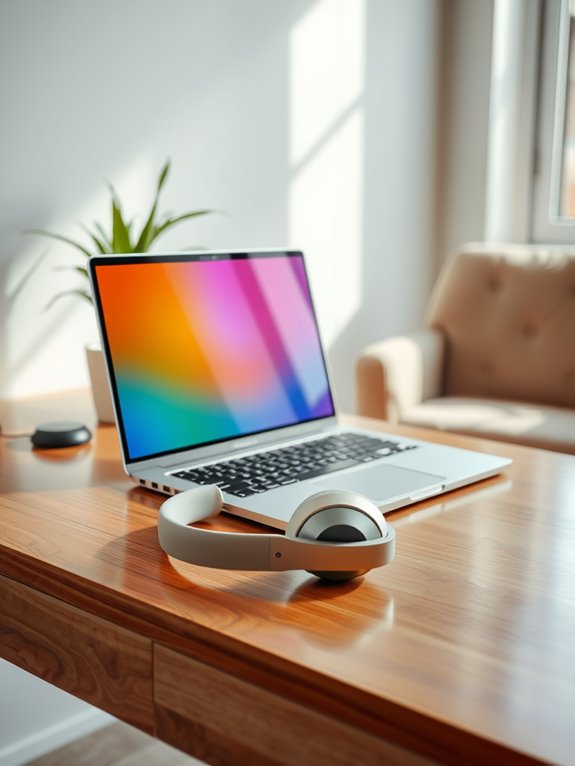
When you're trying to concentrate on a project or immerse yourself in a long task, noise-canceling headphones can be a game changer. They block out distracting sounds, allowing you to focus deeply on your work.
Whether you're in a busy café or a bustling office, these headphones create a personal sound bubble, helping you tune out chatter and background noise.
In crowded spaces, noise-canceling headphones form a personal sound bubble, effectively blocking out distracting chatter and background noise.
With various models available, choose ones that fit comfortably for long periods and offer good sound quality. Features like adjustable noise cancellation levels can be beneficial, letting you control how much outside noise you let in.
Investing in a quality pair can greatly enhance your productivity and make your work environment more enjoyable. So, gear up and enjoy the focus!
Compact Laptop Bags for Easy Mobility
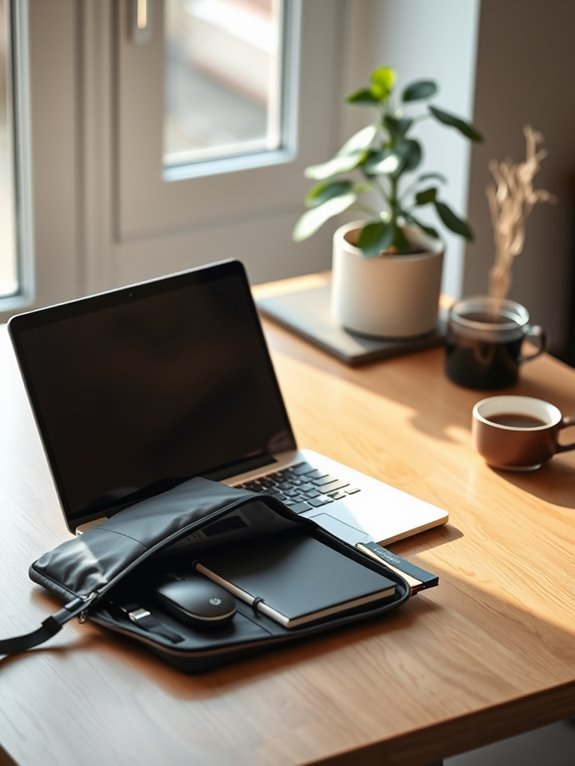
As you navigate your day-to-day tasks, having a compact laptop bag can make all the difference in staying organized and mobile. A well-designed bag not only protects your device but also keeps your essentials within easy reach.
Look for lightweight options that offer smart compartments for everything you need. Here are five features to take into account when choosing your perfect bag:
- Padded laptop compartment for protection against bumps
- Multiple pockets to store chargers, cables, and accessories
- Adjustable shoulder strap for personalized comfort
- Water-resistant fabric to safeguard against spills
- Sleek design that suits both professional and casual settings
With the right compact laptop bag, you can effortlessly shift from one location to another while keeping everything organized.
Adjustable Lighting Solutions for Eye Comfort
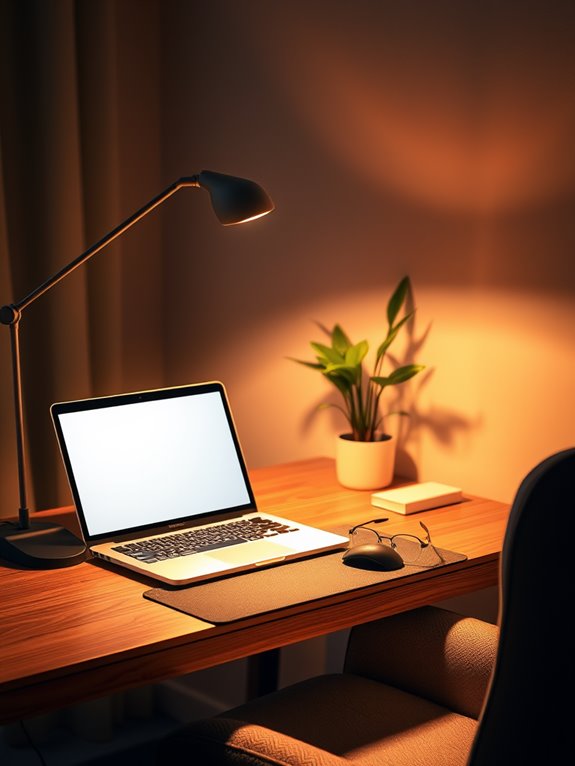
Adjustable lighting solutions can greatly enhance your comfort while working on a laptop. Proper lighting reduces eye strain and helps you maintain focus. Consider using a desk lamp with adjustable brightness. You can also try smart bulbs that change color temperatures based on the time of day.
Here's a quick comparison of lighting options:
| Lighting Type | Benefits |
|---|---|
| Desk Lamp | Adjustable brightness |
| Smart Bulbs | Color temperature change |
| LED Strip Lights | Ambient lighting |
| Natural Light Lamps | Mimics daylight |
Cable Management Tools to Reduce Clutter
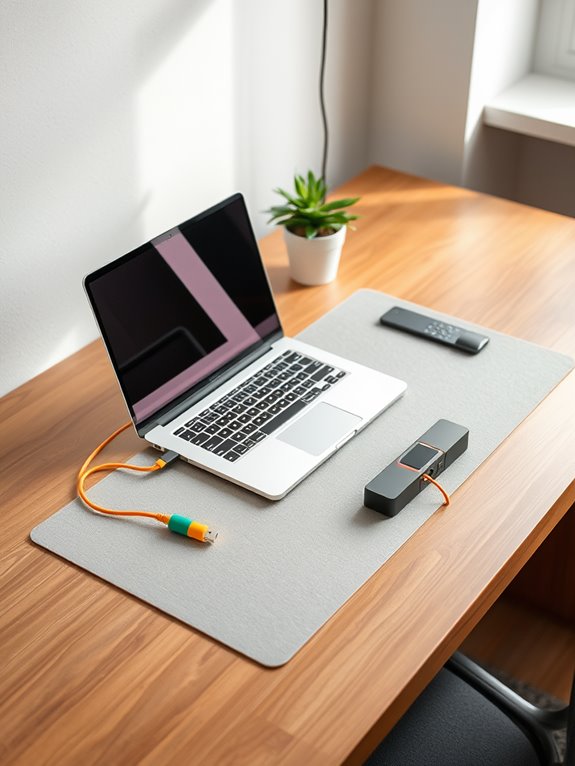
Managing cables can greatly enhance your workspace's appearance and functionality.
By using essential cable organizers and following a few simple tips, you can keep your setup tangle-free and efficient.
Let's explore some practical solutions to help you reduce clutter and improve your productivity.
Essential Cable Organizers
Three essential cable organizers can transform your workspace from chaotic to streamlined in no time.
With the right tools, you can keep your cables neat and accessible, enhancing both productivity and aesthetics.
Here are five must-have items to evaluate:
- Cable Clips: These small holders keep your cables anchored to your desk, preventing them from slipping off.
- Cable Sleeves: Bundle multiple cables together to create a clean, unified look while reducing tangles.
- Cable Ties: Velcro or plastic ties help you secure and manage excess cable lengths easily.
- Cable Boxes: Hide power strips and excess cables within a stylish box for a clutter-free appearance.
- Cable Management Tray: Install under your desk to keep cords off the floor and organized.
Investing in these organizers can make a world of difference!
Tips for Tangle-Free Cables
While you might think tangled cables are an inevitable part of using a laptop, there are effective strategies to keep them under control.
Start by using cable ties or Velcro straps to bundle your cords when they're not in use. This simple step prevents knots and tangles.
Consider a cable management box to hide excess length and keep your workspace tidy. You can also use adhesive clips to secure cables along your desk, keeping them off the floor and organized.
For portability, invest in a compact cable organizer that fits in your laptop bag.
Finally, regularly assess your cable needs—eliminate any you don't use to reduce clutter.
With these tips, you'll enjoy a cleaner, more efficient workspace.
Creating a Productive Environment Anywhere
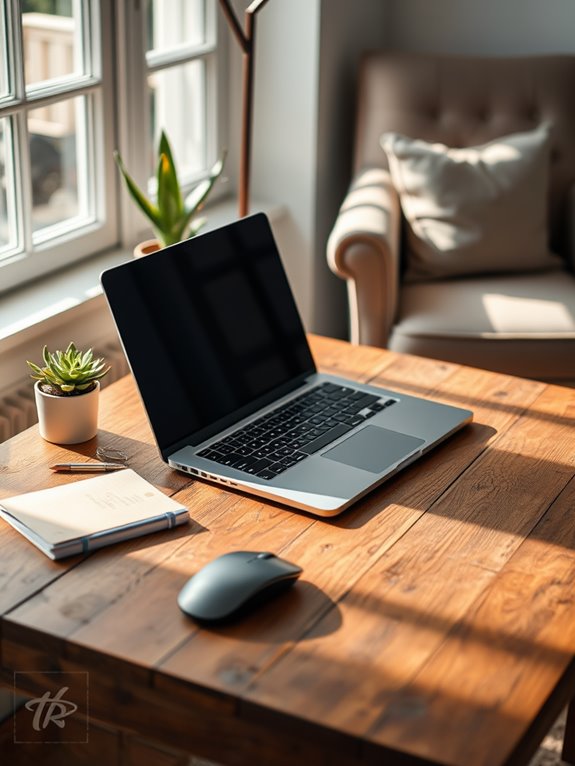
Creating a productive environment anywhere starts with understanding how to optimize your space, no matter where you are. You can enhance your focus and creativity by being intentional about your surroundings.
Here are a few key elements to take into account:
- A comfortable chair that supports your posture
- A sturdy table or desk for stability
- Good lighting to reduce eye strain
- Minimal distractions, like a quiet corner or noise-canceling headphones
- Personal touches, such as plants or artwork, to inspire you
Tips for Maintaining Work-Life Balance While Remote
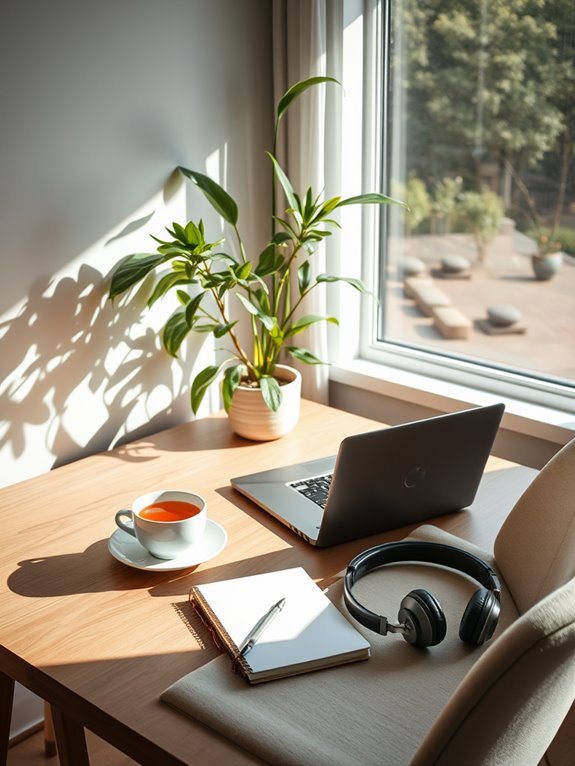
Establishing a productive workspace is just the beginning of your remote work journey; maintaining a healthy work-life balance is equally important.
Set clear boundaries by designating specific work hours and communicating them to your team. When the workday ends, step away from your laptop and resist the urge to check emails.
Establish clear work hours and communicate them to your team to maintain a healthy balance between work and personal life.
Use breaks to recharge—take a walk, stretch, or meditate. Prioritize your mental health by engaging in hobbies or spending time with loved ones after hours.
Finally, create a morning routine that signals the start of your workday, helping you shift from home life to work mode.
Frequently Asked Questions
What Are the Best Laptop Brands for Remote Work?
When choosing a laptop for remote work, consider brands like Apple, Dell, and Lenovo. They offer reliability, performance, and excellent customer support. You'll find models tailored for various needs and budgets, ensuring you stay productive.
How Can I Prevent Laptop Overheating During Long Sessions?
To tackle overheating, try these tips: trust in a tidy workspace, use a cooling pad, and take tech breaks. Keeping your laptop clean and ventilated helps guarantee smooth, sustained sessions without sizzling stress.
What's the Ideal Screen Size for Remote Work?
When choosing a screen size for remote work, you'll find that 15 to 17 inches strikes a balance between portability and visibility. Larger screens reduce eye strain, while smaller ones enhance mobility for on-the-go tasks.
Can I Use My Laptop on My Lap Comfortably?
Yes, you can use your laptop on your lap comfortably, but it's helpful to have a cushion or lap desk. This prevents overheating and provides a stable surface, making your work experience much more enjoyable.
What Accessories Are Must-Haves for Traveling Professionals?
As a traveling professional, you'll need a portable charger, noise-canceling headphones, and a compact laptop stand. These accessories enhance productivity, comfort, and focus, making your work experience enjoyable and efficient while you're on the go.
Conclusion
To sum up, creating a comfortable workspace with just your laptop and a few accessories can greatly boost your productivity and well-being. Did you know that maintaining an ergonomic setup can reduce the risk of musculoskeletal disorders by up to 60%? By investing in essential tools like a laptop stand, an external keyboard and mouse, and noise-canceling headphones, you'll not only enhance your comfort but also create a more effective and enjoyable work environment wherever you are.