For digital nomads, ergonomic apps and tech tools can greatly improve your comfort and productivity on the go. Consider posture-correcting apps that track your alignment and remind you to take breaks. Noise-canceling headphones help you focus in busy environments, while adjustable workstation solutions let you create a comfortable setup anywhere. Time management and health tracking apps keep your tasks and well-being in check. Explore more tools that can elevate your remote working experience and enhance your overall health.
Nomad Highlights
- Posture-correcting apps analyze alignment in real-time, helping digital nomads maintain proper posture and reduce strain during work hours.
- Timer-based stretch alert apps remind users to take breaks, promoting movement and reducing fatigue associated with prolonged sitting.
- Noise-canceling headphones and white noise apps create focused work environments, minimizing distractions in various settings for enhanced productivity.
- Adjustable workstation solutions, like portable standing desk converters, improve comfort and adaptability for remote work in diverse locations.
- Health tracking apps monitor well-being, including activity levels and sleep quality, essential for maintaining physical and mental health while traveling.
The Importance of Ergonomics for Remote Workers
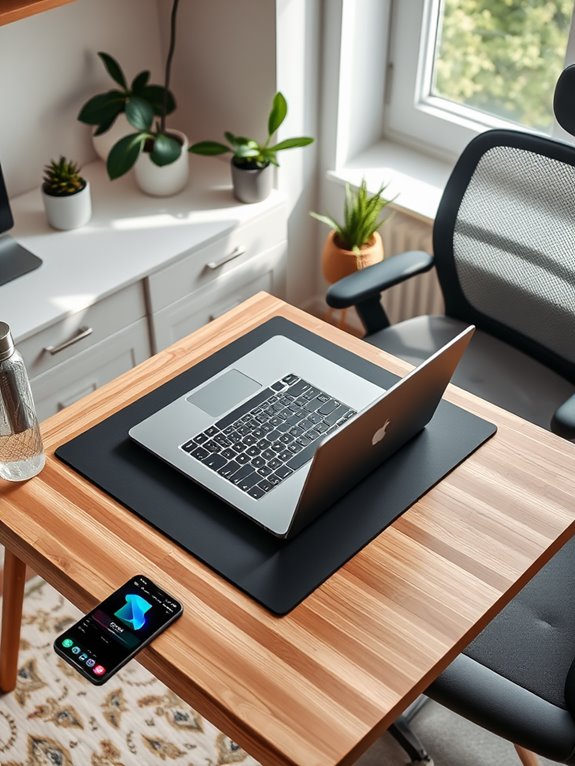
When you work remotely, maintaining good ergonomics is essential for your health and productivity. Poor ergonomics can lead to discomfort, fatigue, and long-term issues like chronic pain or repetitive strain injuries. Investing in an external keyboard can significantly enhance your typing experience and comfort during long work sessions. Additionally, using an adjustable phone stand can help position your device at eye level, promoting a more comfortable viewing experience. Ergonomic chairs should offer comprehensive support for head, back, hips, and arms to enhance comfort and productivity. Incorporating an ergonomic monitor mount into your setup can also improve your viewing angles and reduce strain on your neck and eyes.
By optimizing your workspace, you can enhance your focus and efficiency. Make sure your chair supports your lower back, and your desk height allows your elbows to rest comfortably at your sides. Position your monitor at eye level to reduce neck strain, and keep your keyboard and mouse within easy reach.
Don't forget to take regular breaks to stretch and move around. Investing time in your ergonomic setup now can pay off greatly in your overall well-being and work performance. Consider incorporating an adjustable footrest into your setup to improve posture and promote circulation.
Prioritize ergonomics, and you'll reap the benefits.
Posture-Correcting Apps to Maintain Your Alignment
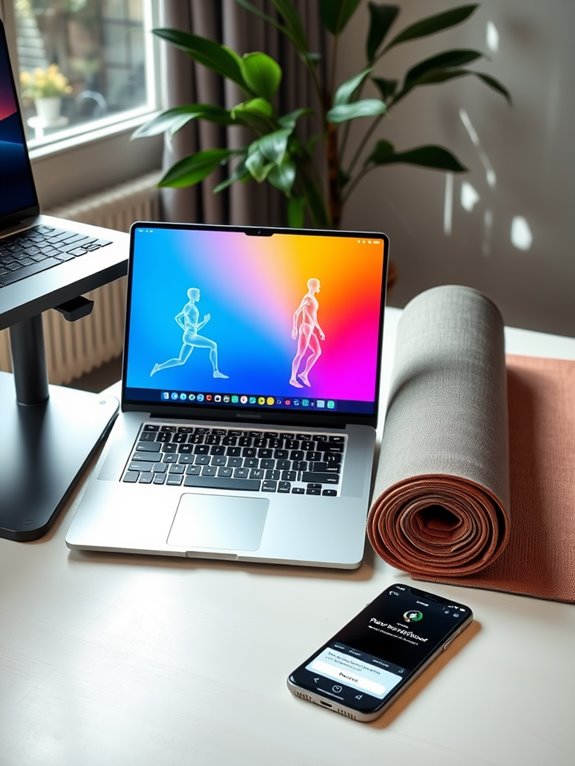
To keep your spine aligned and prevent discomfort, using posture-correcting apps can be a game changer for digital nomads. These apps remind you to sit up straight, helping you develop healthier habits while you work. They often use your device's camera or sensors to analyze your posture in real-time, alerting you when you slouch or lean too far forward. Additionally, many of these apps can complement your use of lumbar support cushions to enhance overall back health. Incorporating ergonomic designs can further support your posture by promoting a more comfortable grip during long hours of work. Regular use of these tools can lead to improved overall wellness, reducing reliance on pain relief methods. Moreover, utilizing unique products designed specifically for digital nomads can enhance your workspace experience.
Some even provide personalized exercises and stretches to strengthen your core and back muscles. By incorporating these tools into your daily routine, you'll notice improved posture, increased focus, and reduced strain during those long working hours. Additionally, ankle resistance bands can be an excellent complement to your routine, helping to strengthen your legs and enhance stability, ultimately supporting better posture.
Noise-Canceling Tools for Enhanced Focus
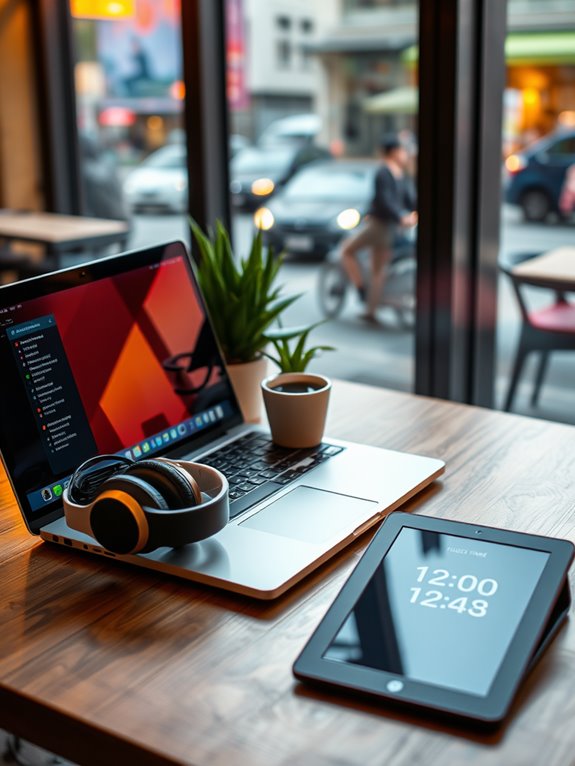
As distractions abound in bustling coffee shops or co-working spaces, noise-canceling tools can be essential for maintaining focus.
Investing in a good pair of noise-canceling headphones helps block out the chatter and clinking cups, allowing you to immerse yourself in your work without interruptions. Many models offer customizable settings, letting you filter out specific frequencies or ambient sounds. For instance, the Apple AirPods Pro 2 features adaptive audio, which enhances your listening experience by adjusting to your environment. Additionally, incorporating a portable white noise machine can further enhance your concentration by providing soothing sounds that mask disruptive background noise. Noise-canceling headphones, especially those with hybrid noise cancellation, can effectively reduce external disturbances, allowing you to focus better on your tasks. Models like the TOZO Hybrid Active Noise Cancelling Wireless Earbuds can reduce noise by up to 45dB, making them an excellent choice for distraction-free listening.
A quality pair of noise-canceling headphones allows you to focus deeply by blocking distractions and tailoring ambient sounds to your needs.
You can also explore apps that generate white noise or soothing soundscapes, perfect for creating a conducive work environment. Additionally, features like active noise cancellation can significantly enhance the effectiveness of your earbuds by blocking out more background noise.
Whether you prefer the silence of a library or the buzz of a café, these tools enable you to concentrate better and boost productivity.
With the right noise-canceling tech, you can transform any space into a focused work zone.
Adjustable Workstation Solutions for Any Environment
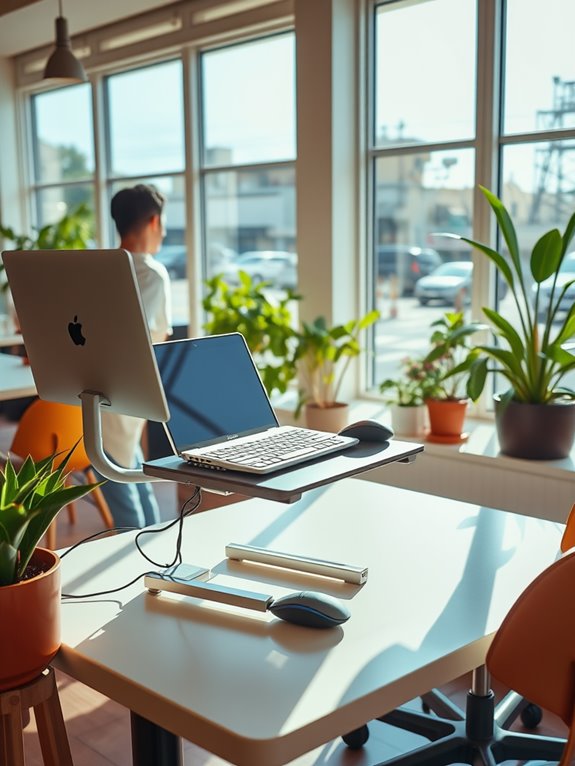
Finding the right noise-canceling tools can greatly improve your focus, but pairing them with adjustable workstation solutions takes your productivity to the next level. Whether you're in a coffee shop, co-working space, or your hotel room, a flexible workstation can adapt to your needs. Investing in portable standing desk converters not only enhances your comfort but also promotes a healthier workspace. Many adjustable solutions, like foldable keyboard stands, offer enhanced stability and support for various equipment. Additionally, ergonomic designs can help minimize discomfort during prolonged use, especially when considering non-slip pads that keep devices secure. Choosing options that meet Energy Star certification standards can also help ensure your tech tools are energy-efficient.
Here's a quick comparison of popular adjustable workstation solutions:
| Solution Type | Key Features |
|---|---|
| Portable Desk | Lightweight, foldable, easy setup |
| Sit-Stand Desk | Adjustable height, promotes movement |
| Laptop Stand | Improves ergonomics, lightweight |
Investing in these adjustable solutions not only enhances your comfort but also promotes a healthier workspace. With the right setup, you'll notice a significant boost in your overall productivity, no matter where you are!
Time Management Apps to Boost Productivity
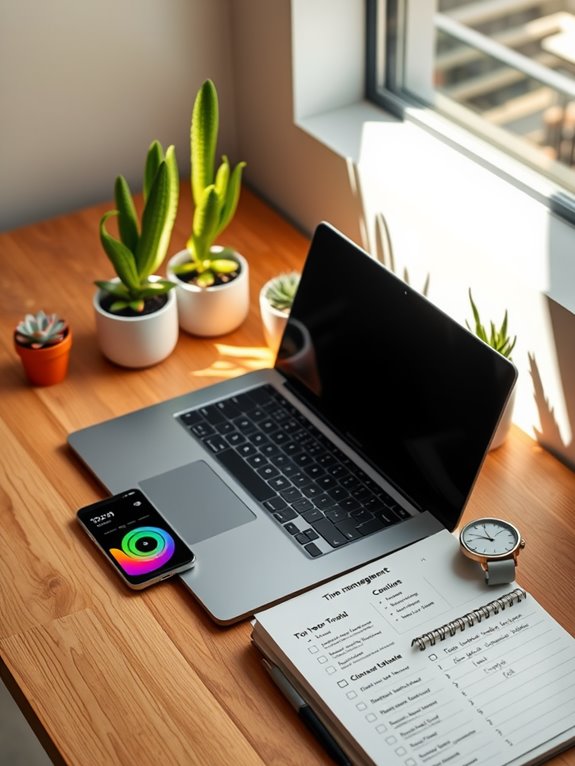
Managing your time effectively can make all the difference in your productivity as a digital nomad. By using task prioritization tools, you can focus on what truly matters, while techniques designed to enhance your focus help you stay on track. Let's explore how these apps can streamline your workday and boost your efficiency. Additionally, leveraging time management strategies can significantly improve your overall productivity and help you achieve your goals more efficiently. Utilizing time tracking software can also provide valuable insights into how you allocate your time, allowing for better adjustments and enhanced productivity. Incorporating collaboration tools into your workflow can further enhance team coordination and accountability, ultimately leading to improved project outcomes. Ensuring provider qualifications in your virtual collaborations can also contribute to successful outcomes and enhance team productivity. Moreover, adopting effective password management tools can safeguard your sensitive information, ensuring that your digital assets remain secure while you focus on your work.
Task Prioritization Tools
How can you effectively prioritize your tasks while juggling multiple projects as a digital nomad? Using task prioritization tools can make all the difference.
Apps like Todoist and Trello help you organize tasks by deadlines and importance, ensuring you focus on what really matters. You can categorize tasks, set due dates, and even assign priorities, giving you a clear roadmap for your day.
Another great option is Asana, which allows for collaboration, making it easier to manage joint projects. By integrating these tools into your routine, you'll not only boost your productivity but also reduce stress.
Focus Enhancement Techniques
Balancing multiple projects can often lead to distractions, making it hard to maintain your focus as a digital nomad. To enhance your concentration, consider using time management apps like Focus@Will or Forest. These tools help create an environment conducive to productivity by offering ambient sounds or gamifying your work sessions. Regularly engaging in mindfulness exercises can further improve your focus and reduce stress. Additionally, incorporating resistance bands into your routine can provide a physical outlet to help clear your mind and boost overall productivity. Tracking your physical activity with a fitness tracker can also positively affect your mental performance, as health monitoring features play a crucial role in maintaining overall well-being.
You can also try the Pomodoro Technique with apps like Tomato Timer, breaking your tasks into manageable intervals with short breaks in between. This method not only keeps you focused but also prevents burnout. Additionally, tools like Todoist help you organize your tasks efficiently, ensuring you know what to prioritize next. Many users find that online fitness subscriptions complement their productivity strategies by promoting physical health, which in turn enhances mental focus. By integrating these focus enhancement techniques, you'll boost your productivity and make the most of your digital nomad lifestyle. Regular use of acupressure mats can also support relaxation and reduce stress, further enhancing your ability to concentrate.
Stretch and Movement Reminders to Combat Sedentary Habits
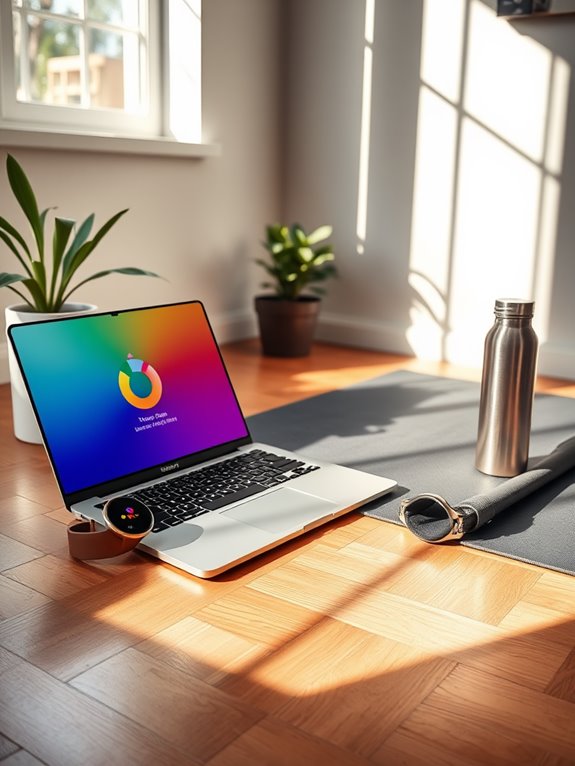
If you're working remotely, it's easy to slip into a sedentary routine. Timer-based stretch alerts can remind you to take breaks, while movement tracking features help you stay accountable. With customizable reminder settings, you can tailor your alerts to fit your schedule and keep your body moving throughout the day. Incorporating ergonomic designs can further enhance your comfort and support during long hours of work. Additionally, using biofeedback devices can help you monitor your body's responses to stress, encouraging you to pause and stretch when needed. Regular movement can contribute to overall health monitoring, ensuring you maintain a balanced lifestyle while working. Utilizing digital detox timers can enhance productivity and help regulate your time use, allowing for a structured balance between work and movement throughout the day. Moreover, integrating wearable activity trackers can provide continuous health monitoring, ensuring you stay aware of your physical activity levels throughout your workday.
Timer-Based Stretch Alerts
While you're immersed in your work as a digital nomad, it's easy to lose track of time and remain seated for hours on end. Timer-based stretch alerts can be your lifesaver, nudging you to take breaks and move around. These reminders help combat the sedentary lifestyle that often accompanies remote work.
Here's a simple breakdown of how these alerts can enhance your daily routine:
| Time Interval | Suggested Action |
|---|---|
| 30 minutes | Stand up and stretch |
| 1 hour | Take a short walk |
| 2 hours | Do a quick workout session |
Movement Tracking Features
How can you guarantee you're not spending too much time glued to your screen? Movement tracking features in ergonomic apps can help you stay mindful of your activity levels.
These tools monitor your sitting habits and remind you to take breaks, encouraging you to stretch or walk around. They often use gentle nudges or alerts to prompt you when it's time to move, making it easier to combat sedentary behavior.
You'll find that integrating these reminders into your daily routine boosts your energy and focus. By keeping your body active, you'll enhance your overall well-being, making your digital nomad lifestyle healthier.
Embrace these movement tracking features to ascertain you balance screen time with physical activity and maintain productivity.
Customizable Reminder Settings
Movement tracking features set the stage for the next step: customizable reminder settings. By tailoring these alerts, you can combat sedentary habits effectively. You can set reminders to stand, stretch, or take a brief walk, ensuring you break up long periods of sitting.
Choose intervals that work for you—every 30 minutes, an hour, or whatever suits your workflow. Some apps even allow you to personalize messages, making them more motivating. For instance, you might prefer a gentle nudge or an upbeat reminder.
Experiment with different settings until you find a rhythm that keeps you active and engaged. With these customizable reminders, you're more likely to stay healthy and energized throughout your workday, no matter where you are.
Blue Light Filter Tools for Eye Protection
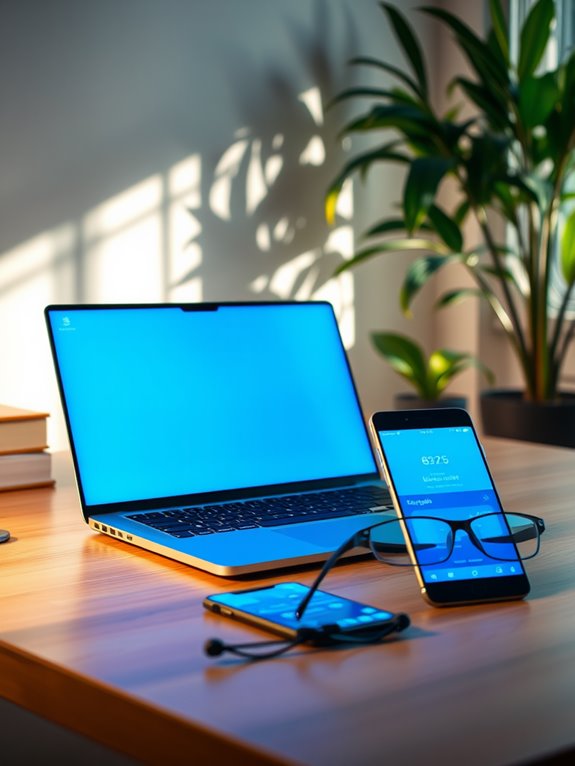
As you spend long hours in front of screens, blue light filter tools become essential for protecting your eyes from strain and fatigue. These tools help reduce exposure to harmful blue light emitted by devices, which can disrupt your sleep and contribute to discomfort.
Here's a quick comparison of popular blue light filter tools you might consider:
| Tool | Key Features |
|---|---|
| F.lux | Adjusts color temperature by time |
| Iris | Customizable settings for health |
| Night Shift | Built-in feature for Apple devices |
Using these tools can enhance your productivity and comfort while working remotely. By incorporating a blue light filter, you're taking a proactive step toward maintaining your eye health.
Digital Note-Taking Apps for Organized Workflow
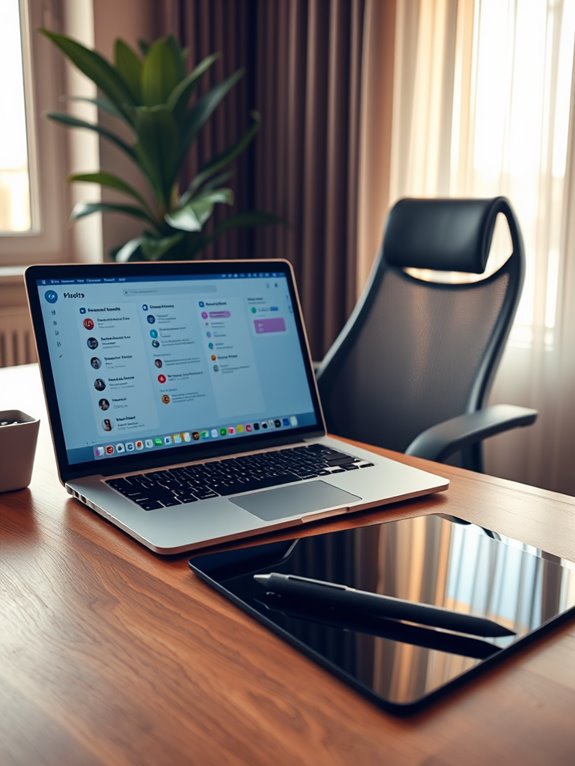
When you're on the go, staying organized is key, and digital note-taking apps can really help.
You'll want to explore the top apps that offer collaborative features and seamless synchronization across your devices.
Let's look at how these tools can streamline your workflow and keep your notes accessible anytime, anywhere.
Top Note-Taking Apps
While staying organized on the go can be challenging, the right note-taking apps can streamline your workflow and enhance productivity. One top choice is Evernote, offering robust features like tagging and search functions to keep your notes easily accessible.
Notion combines note-taking with project management, allowing you to create a customized workspace. If you prefer simplicity, Google Keep provides a straightforward interface for quick notes and reminders.
Microsoft OneNote's notebook structure mimics physical binders, making it easy to categorize your thoughts. Finally, Obsidian caters to those who love linking ideas, turning your notes into a network of knowledge.
Collaborative Features Overview
Finding the right note-taking app is just the beginning; understanding how these tools can enhance collaboration is equally important for maintaining an organized workflow.
Look for apps that allow real-time editing, so you and your team can work together seamlessly. Features like comment threads and tagging let you discuss ideas directly within the notes, ensuring everyone stays on the same page.
Additionally, shared folders can help you organize documents by project, making it easy to locate essential information. Don't overlook the importance of assigning tasks within your notes; it keeps accountability clear.
Finally, integrations with other collaboration tools can further streamline communication, making your workflow more efficient and allowing you to focus on what matters most.
Synchronization Across Devices
To guarantee your workflow remains organized and efficient, choosing a note-taking app that syncs seamlessly across devices is essential.
You want an app that allows you to jot down ideas on your phone, review them on your tablet, and finalize them on your laptop without any hiccups.
Look for features like real-time syncing and offline access, so you can capture thoughts anytime, anywhere.
Popular apps like Evernote, Notion, or Microsoft OneNote excel in this area, ensuring your notes are always up-to-date.
With these tools, you won't waste time searching for information across devices. Instead, you can focus on your tasks, enhancing your productivity as a digital nomad.
The right app can truly streamline your workflow.
Health and Wellness Tracking Apps for Holistic Care
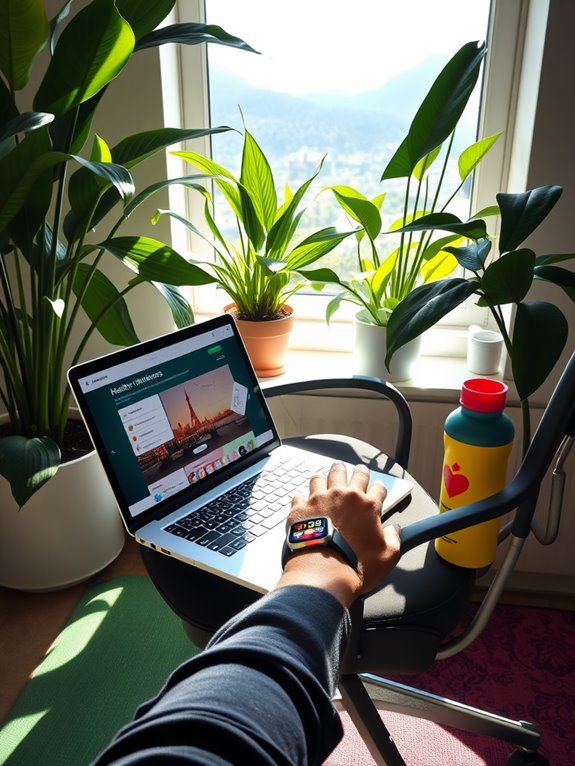
As you navigate the challenges of a digital nomad lifestyle, keeping track of your health and wellness becomes essential for maintaining balance and productivity.
Health and wellness tracking apps can help you monitor various aspects of your well-being, ensuring you stay on top of your physical and mental health while on the move.
Health and wellness tracking apps are essential tools for digital nomads to maintain their physical and mental well-being on the go.
Consider these features when choosing an app:
- Activity Tracking: Measure your daily steps, workouts, and active time.
- Nutrition Monitoring: Log your meals and nutritional intake for balanced eating habits.
- Mindfulness and Sleep Aids: Access guided meditation and sleep trackers to enhance mental clarity.
Community and Networking Platforms for Support and Inspiration
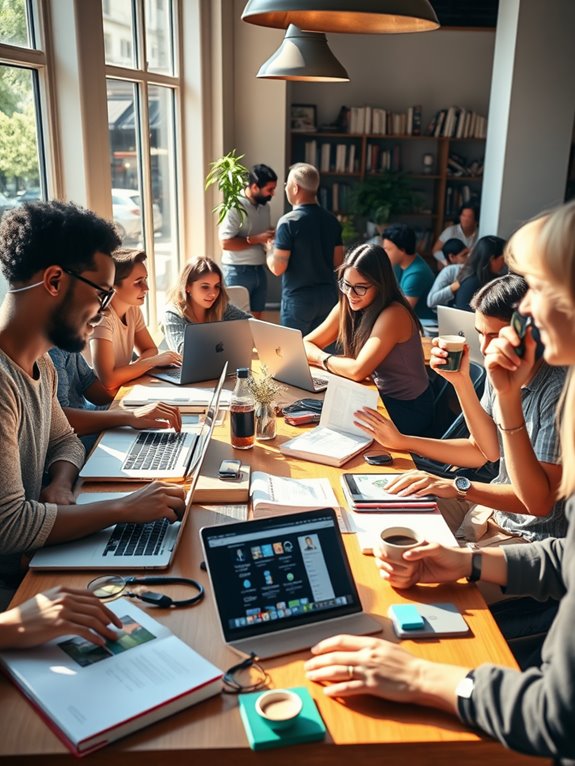
While you embrace the freedom of a digital nomad lifestyle, connecting with like-minded individuals can provide the support and inspiration you need to thrive.
Platforms like Nomad List and Remote Year offer vibrant communities where you can share experiences, tips, and resources. You can join forums or social media groups tailored to digital nomads, sparking conversations and collaborations that enrich your journey.
Attend local meetups or virtual events to network and meet fellow nomads, exchanging ideas and fostering friendships.
Don't underestimate the power of these connections; they can lead to valuable opportunities, partnerships, and even lifelong friendships.
Frequently Asked Questions
How Do I Choose the Right Ergonomic Chair for My Needs?
To choose the right ergonomic chair, consider your body type, preferred sitting style, and adjustability features. Test different models, ensuring proper lumbar support and seat height, so you can work comfortably and maintain good posture.
What Are the Benefits of Using a Standing Desk?
Using a standing desk boosts your energy, improves posture, and reduces back pain. You'll find it easier to stay focused and productive throughout the day while promoting better circulation and overall well-being.
Can Ergonomic Tools Improve My Overall Health?
Ergonomic enhancements can greatly support your well-being. They promote proper posture, reduce strain, and boost energy levels. By prioritizing comfort, you'll feel more focused, flexible, and fit in your daily activities.
Are There Specific Apps for Managing Screen Time?
Yes, there are specific apps designed for managing screen time. They help you track usage, set limits, and remind you to take breaks. You can find options like StayFocusd, Forest, or RescueTime to enhance your productivity.
How Can I Stay Motivated While Working Remotely?
How can you stay motivated while working remotely? Set clear goals, create a routine, and celebrate small wins. Surround yourself with inspiring people and remember why you started this journey to keep your passion alive.
Conclusion
In the fast-paced world of digital nomads, embracing ergonomic apps and tech tools is like finding a compass in uncharted territory. These resources not only enhance your productivity but also safeguard your health, ensuring you can navigate the remote work landscape with ease. So, equip yourself with these innovative solutions, and let them be the wind in your sails, propelling you toward a balanced and fulfilling work life, no matter where you're stationed.