To avoid screen fatigue while working remotely, take regular breaks using the 20-20-20 rule: look at something 20 feet away for 20 seconds every 20 minutes. Keep your workspace ergonomic; position your monitor at eye level and adjust your chair for comfort. Use blue light blocking glasses to reduce eye strain. Stay hydrated and snack on healthy foods. Limit multitasking to boost focus. Discover more tips to improve your comfort and productivity throughout your workday.
Nomad Highlights
- Implement the 20-20-20 rule by looking at something 20 feet away for 20 seconds every 20 minutes to reduce eye strain.
- Use blue light blocking glasses to minimize headaches and improve focus during extended screen time.
- Take regular breaks to stretch or walk, enhancing circulation and reducing physical discomfort from prolonged sitting.
- Optimize your workspace ergonomics by adjusting monitor height and chair position to prevent neck and eye strain.
- Stay hydrated and eat nutritious snacks to maintain energy levels and cognitive function throughout the workday.
Understand the Symptoms of Screen Fatigue
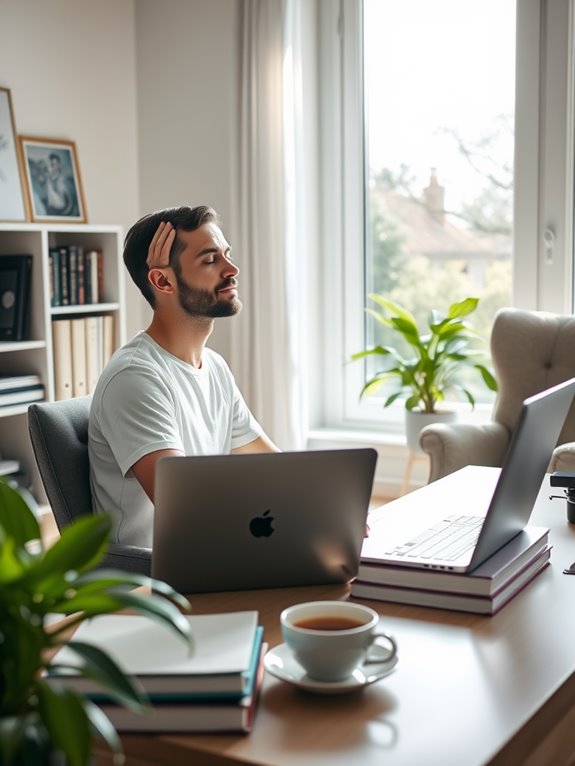
As you spend more time in front of screens, you might notice various symptoms that signal screen fatigue. Your eyes may feel strained, dry, or watery, and you might experience blurred vision or headaches. You could also find it harder to focus, leading to decreased productivity. Additionally, prolonged screen time can cause neck and shoulder tension, making you feel uncomfortable. You might even notice changes in your sleep pattern, as staring at screens can interfere with melatonin production. If you experience any of these symptoms, it's crucial to take them seriously. Incorporating a portable humidifier into your workspace can help alleviate some of these discomforts by improving air quality and moisture levels. Furthermore, wearing blue light blocking glasses can significantly reduce eye strain and enhance comfort during prolonged screen use. For optimal protection, consider glasses that effectively block harmful blue light, as this can further decrease the likelihood of experiencing screen fatigue. Moreover, using earbuds with Active Noise Cancellation (ANC) technology can help create a calming environment that promotes relaxation and better focus. Recognizing these signs early can help you take corrective measures and prevent further discomfort. Stay aware of how your body reacts to screens to maintain your well-being.
Implement the 20-20-20 Rule
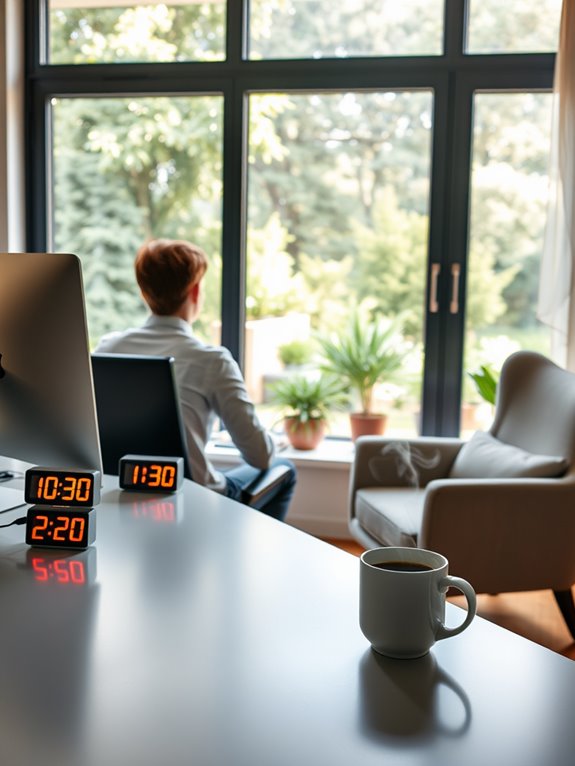
To combat screen fatigue, you should implement the 20-20-20 rule.
This simple practice encourages you to look at something 20 feet away for 20 seconds every 20 minutes of screen time. Not only does it help reduce eye strain, but it also promotes better eye health overall. Additionally, taking breaks to practice acupressure techniques can further enhance relaxation and relieve tension accumulated from prolonged screen time. Regular use of acupressure mats can promote muscle relaxation and improve overall wellness, making them a beneficial addition to your remote work routine. Incorporating handheld massagers into your breaks can provide effective relief for muscle tension and enhance your overall comfort. Furthermore, maintaining sensor accuracy in your wellness devices can help ensure that your efforts to reduce stress and tension are effective. Using a portable UV sanitizer during breaks can also help maintain a clean environment, reducing the likelihood of germs that could contribute to overall discomfort.
Purpose of 20-20-20
The 20-20-20 Rule is a simple yet effective strategy designed to combat screen fatigue. By taking regular breaks, you give your eyes a chance to rest and refocus, reducing strain caused by prolonged screen time. Additionally, incorporating an adjustable tablet stand can help maintain an ergonomic position while working, further enhancing your comfort and reducing eye strain.
To maximize the benefits of this rule, consider using unique products that promote a healthier workspace. The purpose of this rule is to prevent discomfort and potential long-term damage from excessive computer use. When you look at something 20 feet away for 20 seconds every 20 minutes, it helps relax the eye muscles that tighten up when you're staring at a screen. This practice can be particularly beneficial in environments where air quality is important, as compact air purifiers can help improve overall comfort during long working hours. Furthermore, using an adjustable footrest can enhance your posture and comfort during extended periods of sitting.
This practice improves your overall eye health and can even enhance productivity. Staying mindful of your eye care during remote work is vital, and the 20-20-20 Rule is an easy way to incorporate healthy habits into your routine. Additionally, using an ergonomic mouse can further reduce strain, promoting better wrist posture during long hours of computer use.
How to Implement
Here are a few tips to make it easier:
- Set a timer: Use your phone or computer to remind you when it's time for a break.
- Create a distraction: Keep an interesting object or picture at least 20 feet away to look at during your breaks.
- Use breaks wisely: Stand up, stretch, or take a short walk while following the rule. Incorporating compact foam rollers into your breaks can provide muscle relief and enhance relaxation, as they are designed to enhance muscle recovery and flexibility. Regular use of foam rollers can significantly improve flexibility and alleviate tension in your muscles. Additionally, taking a moment to sanitize your hands with a hand sanitizer containing 62% ethyl alcohol can help maintain hygiene while you refresh yourself.
- Involve others: Encourage your coworkers to join you in taking breaks together for added motivation.
- Consider incorporating portable sound therapy devices during your breaks to enhance relaxation and reduce stress.
Benefits for Eye Health
Implementing the 20-20-20 Rule not only helps reduce screen fatigue but also offers significant benefits for your eye health. By taking a short break every 20 minutes to look at something 20 feet away for 20 seconds, you're giving your eyes a chance to relax and refocus. This simple practice can help prevent eye strain, dryness, and discomfort associated with prolonged screen time. Additionally, incorporating regular breaks can enhance your overall productivity, much like how using noise-canceling headphones can improve your focus in a distracting environment. Research shows that active noise cancellation technology can significantly reduce background noise, further aiding in concentration. This aligns with the need to monitor overall health for sustained well-being in remote work settings. Furthermore, utilizing portable protein powder options can provide essential nutrients to support your energy levels throughout the workday. Choosing healthy snacks that are low in added sugars can also help maintain your energy and focus during long hours of work.
Here's a quick breakdown of the benefits:
| Benefit | Description |
|---|---|
| Reduces Eye Strain | Alleviates discomfort from screens. |
| Prevents Dryness | Keeps your eyes moist and comfortable. |
| Improves Focus | Enhances concentration after breaks. |
| Increases Productivity | Boosts overall work efficiency. |
| Promotes Eye Health | Supports long-term vision preservation. |
Incorporate this rule into your routine for better eye care!
Optimize Your Workspace Ergonomics
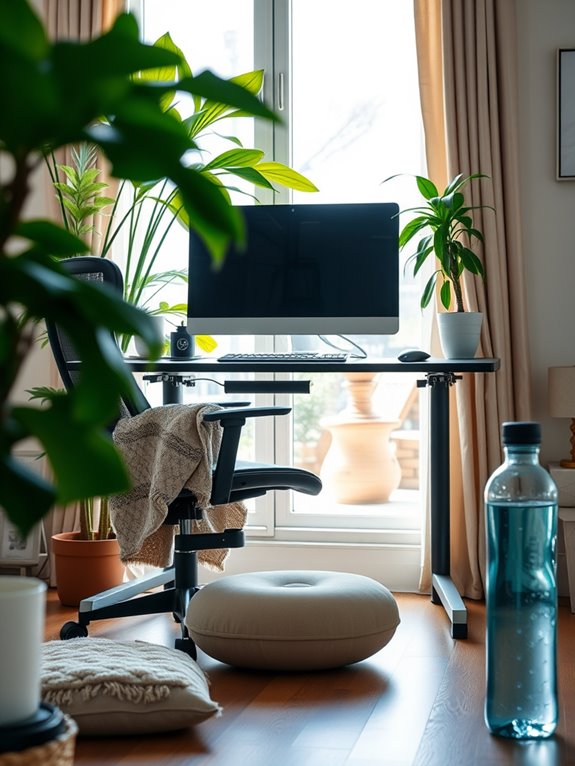
To reduce screen fatigue, it's essential to optimize your workspace ergonomics.
Start by adjusting your desk height so your elbows are at a 90-degree angle and your wrists are straight. Then, position your monitor at eye level to prevent strain on your neck and eyes. Additionally, investing in an ergonomic chair with adjustable features can significantly enhance your comfort during long hours of work. Look for chairs that provide lumbar support to ensure your back is properly supported while you sit. Incorporating continuous health monitoring into your routine, such as using a fitness tracker, can also help you stay aware of your physical well-being while working remotely. Using a portable lapstand can further improve your workspace ergonomics by allowing for adjustable heights and optimal comfort. Consider utilizing an adjustable phone stand to ensure your device is at the right angle, enhancing your viewing experience and reducing strain.
Desk Height Adjustment
Finding the right desk height is essential for maintaining comfort and reducing screen fatigue.
When your desk is properly adjusted, you'll feel more focused and less strained throughout the day. Ergonomic lapstands can also provide additional support to enhance your workspace setup. Additionally, using a lumbar support cushion can significantly improve your posture and reduce discomfort during long hours of sitting. Proper monitor height can also reduce neck strain by up to 40%, further enhancing your ergonomic setup. Adjustable height options on ergonomic lapstands ensure that you can customize your workspace to your specific needs for optimal comfort.
Here's how to find that sweet spot:
- Sit with your feet flat on the floor and your knees at a 90-degree angle.
- Your elbows should also rest comfortably at a 90-degree angle or slightly obtuse when typing.
- Keep your wrists straight and elevated above the keyboard to prevent strain.
- Adjust your chair height to achieve the right desk level—don't be afraid to experiment! Additionally, consider using high-performance insulation techniques in your workspace to enhance comfort and productivity.
Monitor Positioning Tips
When you're setting up your monitor, remember that its position can greatly impact your comfort and productivity. Follow these tips to optimize your workspace ergonomics:
| Tip | Description |
|---|---|
| Monitor Height | Position the top of the screen at or just below eye level. |
| Distance from Eyes | Keep the monitor about an arm's length away. |
| Angle | Tilt the monitor slightly backward (10-20 degrees). |
Use Blue Light Blocking Glasses
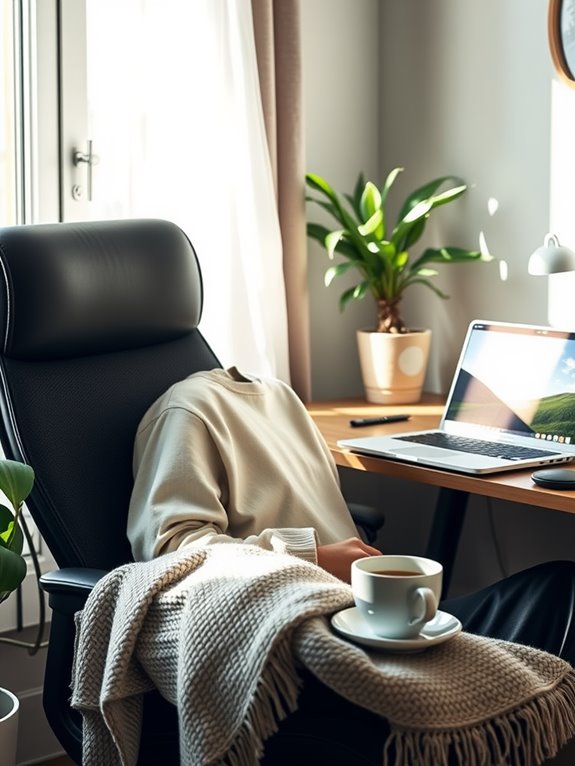
Although you may not realize it, blue light from screens can contribute to screen fatigue and disrupt your sleep patterns.
Using blue light blocking glasses can make a significant difference in how you feel during and after your workday. These glasses filter out harmful wavelengths, helping to reduce eye strain and improve your overall comfort.
Here are some benefits of blue light blocking glasses:
- They can enhance your focus, making it easier to concentrate on tasks.
- You might experience fewer headaches and less eye discomfort.
- They can help regulate your sleep cycle, promoting better rest at night.
- Wearing them can lead to a more enjoyable work-from-home experience by minimizing fatigue.
Make the switch and see how it changes your remote work routine!
Take Regular Breaks
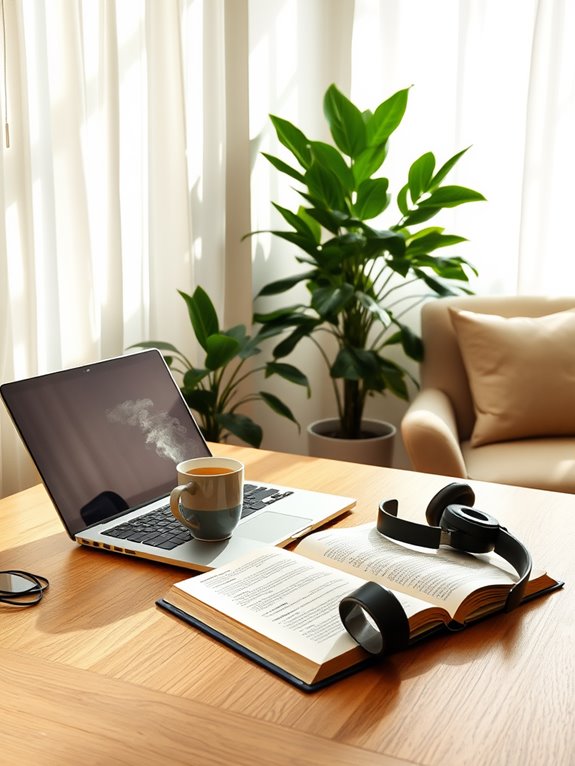
Taking regular breaks is essential for maintaining your focus and reducing screen fatigue. Schedule 5 to 10-minute breaks every hour to give your eyes a rest and refresh your mind. During these breaks, step away from your screen, stretch, or grab a drink. This simple practice can greatly boost your productivity and well-being.
Here's a quick table to help you plan your breaks:
| Break Duration | Activity | Frequency |
|---|---|---|
| 5 minutes | Stand up | Every hour |
| 10 minutes | Stretch | Every two hours |
| 15 minutes | Quick walk | Every three hours |
| 30 minutes | Relaxation break | Every four hours |
Implementing these breaks can make a big difference in your workday!
Adjust Your Screen Settings
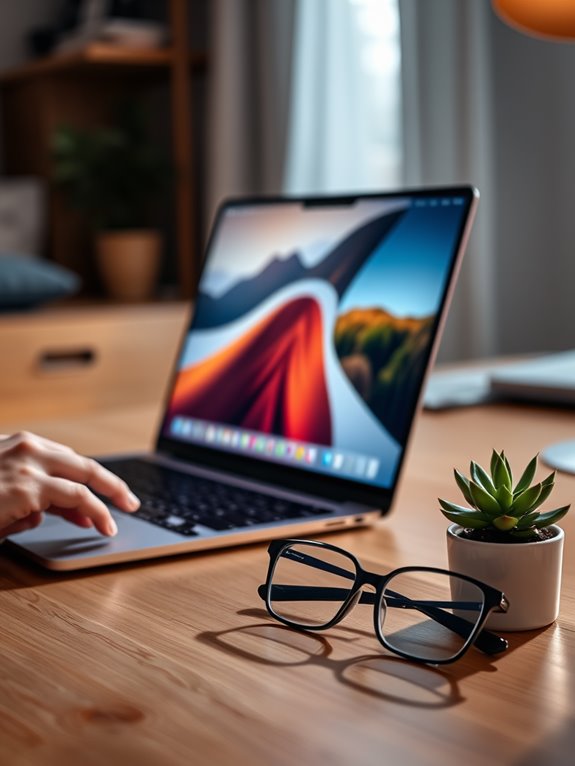
Adjusting your screen settings can markedly reduce eye strain and enhance your comfort while working.
A few simple tweaks can make a significant difference in your daily experience. Here are some adjustments you can easily implement:
- Brightness: Match your screen brightness to your environment to prevent glare and strain.
- Text Size: Increase the text size for easier readability, reducing the need to squint.
- Color Temperature: Shift to warmer tones in the evening to minimize blue light exposure, which can disrupt sleep.
- Contrast: Adjust the contrast settings to improve clarity, making text and images easier to distinguish.
Incorporate Eye Exercises
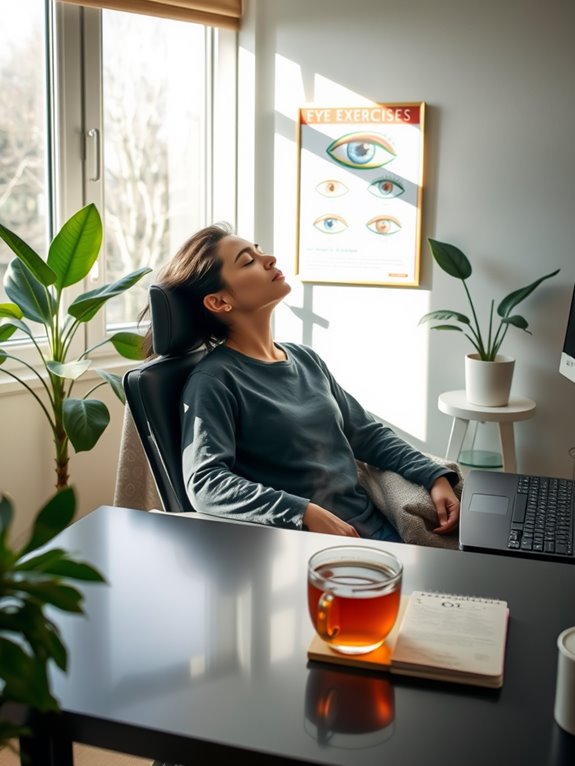
Incorporating eye exercises into your daily routine can considerably alleviate screen fatigue and improve your overall visual comfort.
Try the 20-20-20 rule: every 20 minutes, look at something 20 feet away for 20 seconds. This simple practice helps relax your eye muscles.
Additionally, practice focusing on your finger held close to your face, then gradually shift your focus to an object farther away. Repeat this several times.
Blinking frequently is also essential; it keeps your eyes moist and reduces dryness.
Finally, consider rolling your eyes—move them in circular motions to relieve tension.
Stay Hydrated and Maintain a Balanced Diet
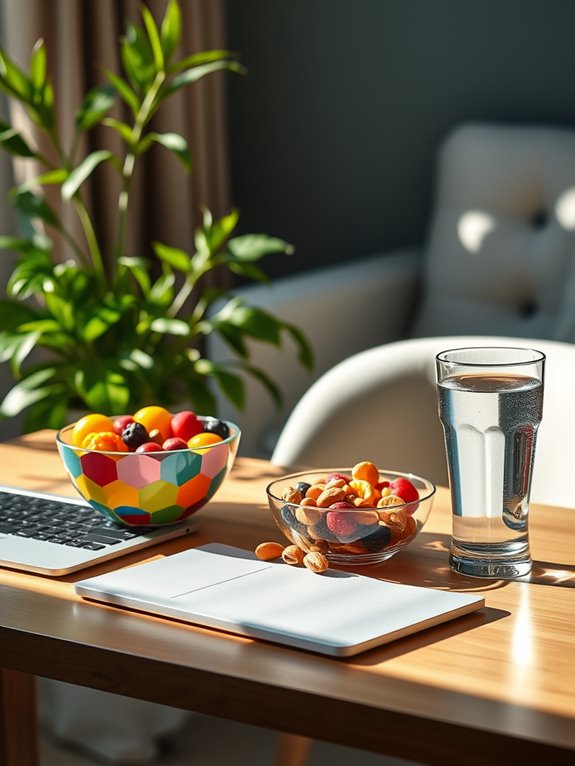
Along with eye exercises, staying hydrated and maintaining a balanced diet can greatly impact your screen time experience.
When you fuel your body with the right nutrients and fluids, you'll feel more alert and focused. Dehydration and poor nutrition can lead to fatigue and decreased productivity.
Here are a few tips to help you stay on track:
- Drink plenty of water: Aim for at least 8 glasses a day to keep your body and mind sharp.
- Snack wisely: Choose fruits, nuts, and yogurt instead of sugary treats.
- Eat balanced meals: Incorporate proteins, healthy fats, and whole grains.
- Limit caffeine: Too much can lead to crashes and increased fatigue.
Taking care of your body can enhance your remote work experience considerably!
Limit Multitasking and Distractions
While it might seem efficient to juggle multiple tasks at once, limiting multitasking and distractions can greatly enhance your focus and productivity. When you concentrate on one task at a time, you'll notice improvements in the quality of your work and decrease the likelihood of errors.
Start by creating a dedicated workspace free from interruptions. Turn off non-essential notifications and set specific times for checking emails or messages.
Use techniques like the Pomodoro Technique, where you work for 25 minutes and then take a short break. This helps maintain your mental energy and keeps distractions at bay.
Frequently Asked Questions
How Do I Know if My Screen Fatigue Is Severe?
You'll know your screen fatigue is severe if you experience persistent headaches, blurred vision, difficulty focusing, or increased eye strain. If these symptoms interfere with your daily tasks, it's time to take a break.
Can Screen Fatigue Lead to Long-Term Vision Problems?
Yes, screen fatigue can lead to long-term vision problems if not addressed. You might experience discomfort, blurred vision, or digital eye strain, which may worsen over time without proper breaks and care for your eyes.
What Are the Best Types of Lighting for Remote Work?
Did you know that 68% of remote workers report poor lighting affects their productivity? For ideal remote work, use natural light when possible, or invest in adjustable LED lights to reduce glare and enhance your workspace.
Is There a Specific Type of Computer Screen That Reduces Fatigue?
Yes, certain screens can reduce fatigue. Look for monitors with higher refresh rates, blue light filters, and anti-glare technology. These features help minimize eye strain, making your work experience more comfortable and enjoyable.
How Often Should I Change My Workspace Setup?
Changing your workspace setup can be a refreshing change. You should rearrange your environment every few weeks or whenever you feel your creativity waning. A new perspective can invigorate your productivity!
Conclusion
By implementing these strategies, you can greatly reduce screen fatigue and improve your overall productivity while working remotely. Remember, your eyes deserve a break, so why not prioritize their health? Whether it's adjusting your workspace or taking regular breaks, every little change can make a difference. Stay mindful of your habits, and you'll not only feel better but also work more efficiently. Take care of yourself, and let your screen time be enjoyable, not exhausting!