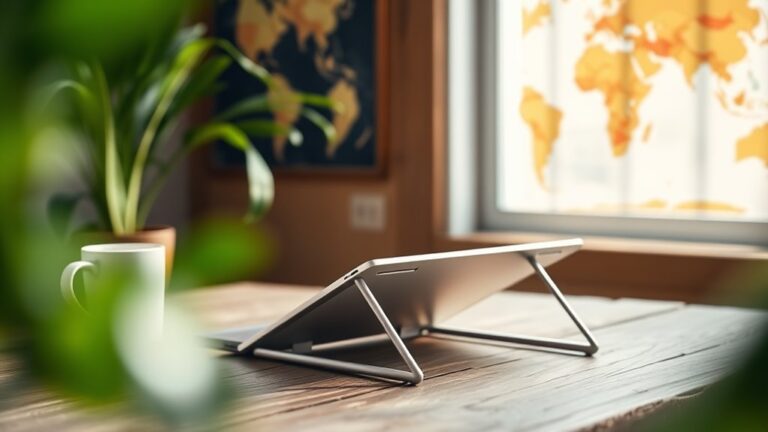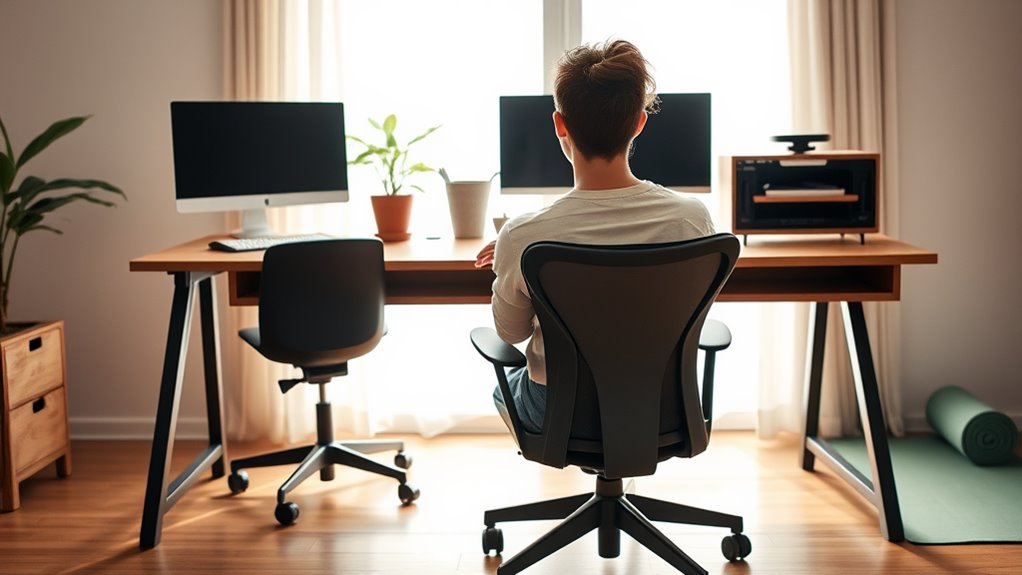
To maintain good posture while working remotely, set up an ergonomic workspace. Choose a chair with lumbar support that fits your body. Position your computer screen at eye level, and keep your feet flat on the floor. Take regular breaks to move around, and incorporate stretching exercises throughout your day. Stay mindful of your posture by checking in on your position often. If you want to discover more tips to enhance your comfort, keep exploring further.
Nomad Highlights
- Position your desk and computer screen at eye level to prevent neck strain and maintain a straight posture.
- Choose an ergonomic chair with lumbar support to promote proper spinal alignment and comfort during long hours.
- Keep feet flat on the floor and maintain a 90-degree angle at your elbows for optimal posture.
- Set a timer to remind yourself to take movement breaks and stretch regularly to alleviate stiffness.
- Use posture-correcting tools, like braces or ergonomic chairs, to reinforce good sitting habits while working remotely.
Set Up an Ergonomic Workspace
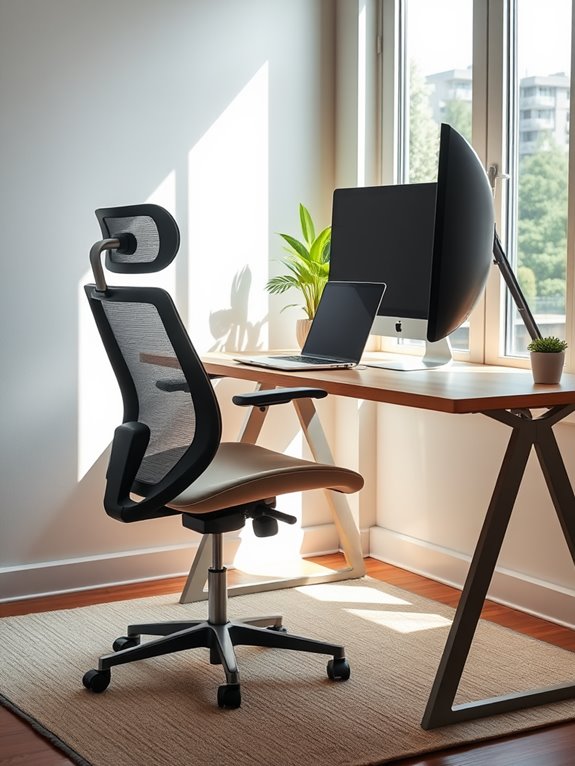
To maintain good posture while working remotely, you need to set up an ergonomic workspace that supports your body.
Start by positioning your desk at elbow height, allowing your forearms to rest comfortably parallel to the ground. Your computer screen should sit at eye level, so you don't strain your neck while looking at it. An effective way to achieve this is by using a portable standing desk converter that offers adjustable height options. By exploring unique products available online, you can find tools to enhance your workspace.
Position your desk at elbow height and ensure your screen is at eye level to maintain proper posture and avoid neck strain.
Keep your chair close enough so your feet can rest flat on the floor or on a footrest. Confirm that your knees are at or below hip level, promoting proper alignment. Using ergonomic designs can further enhance your writing comfort during long hours at your desk. Consider incorporating a height adjustable footrest to improve circulation and reduce discomfort while seated.
Organize your workspace to minimize reaching for items, keeping frequently used tools within arm's reach.
Finally, make certain your workspace is well-lit to reduce eye strain and fatigue throughout your workday. Additionally, choose an ergonomic chair with adjustable features to provide comprehensive support for your head, back, hips, and arms, enhancing comfort and productivity.
Choose the Right Chair
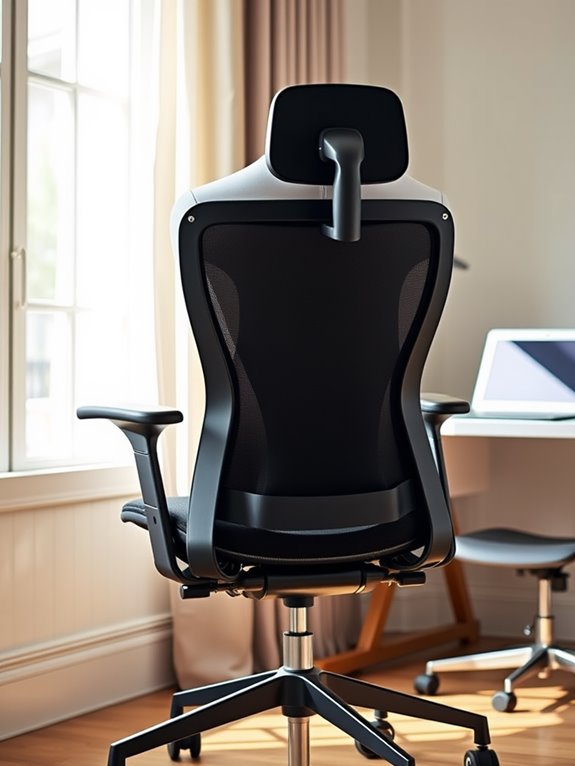
Choosing the right chair is essential for maintaining good posture while you work remotely.
Look for ergonomic features that support your back and guarantee adjustability to fit your body perfectly. Additionally, using a compact foam roller can help alleviate muscle soreness after long periods of sitting. A chair with non-slip features can further enhance your stability and comfort during long work sessions. Also, consider the material and comfort level, as a cozy chair can make a big difference during long hours of work. Additionally, incorporating a lumbar support cushion can significantly enhance comfort and promote better spinal alignment. It's also beneficial to choose a chair that complements your cooling pad's ergonomic features, ensuring a comfortable and productive workspace. Furthermore, a good chair can help you maintain proper alignment and reduce the risk of discomfort associated with prolonged sitting.
Ergonomic Chair Features
While you navigate the challenges of remote work, having the right ergonomic chair can make a significant difference in your comfort and productivity. Look for features that support your posture and overall well-being. Here are some essential ergonomic chair features to take into account:
| Feature | Benefit | Why It Matters |
|---|---|---|
| Lumbar Support | Supports lower back | Reduces strain on your spine |
| Adjustable Seat Height | Helps maintain proper posture | Keeps feet flat on the floor |
| Armrests | Reduces shoulder strain | Promotes relaxed arm position |
| Breathable Material | Enhances airflow | Keeps you cool during long hours |
Choosing the right ergonomic chair with these features can help you stay focused and comfortable throughout your workday. Additionally, look for high-density memory foam in the chair cushioning, as it provides lasting comfort during prolonged sitting sessions. Consider incorporating ergonomic wrist rests to further enhance your work setup and reduce discomfort. Incorporating a compact elliptical machine into your routine can also promote movement and improve posture while working. Having adjustable weights like adjustable dumbbells can also offer you the flexibility to engage in strength training during breaks, enhancing your overall fitness. Furthermore, ensuring your monitor is at eye level with a proper monitor stand riser can further contribute to maintaining good posture while you work.
Adjustability Importance
Having an ergonomic chair with the right features is just the beginning; adjustability plays a key role in ensuring your workspace meets your needs.
You should look for a chair that allows you to customize the seat height, backrest angle, and armrest positions. This flexibility helps you find the perfect fit, promoting better posture and reducing strain on your body. Additionally, having a chair that supports adjustable weights can further enhance your overall workspace experience by allowing you to maintain a balanced posture while engaging in varied activities. A chair with lumbar support can significantly improve your comfort during extended periods of sitting. Incorporating adjustable dumbbells into your routine can also aid in maintaining fitness levels while working remotely. To further enhance your stability while seated, consider using a balance board as part of your routine.
When your chair supports your natural spine curve and keeps your feet flat on the floor, you'll feel more comfortable during long work hours. Regular use of acupressure mats can also enhance relaxation and alleviate discomfort from prolonged sitting.
Don't overlook lumbar support — it's essential for maintaining a healthy back.
Material and Comfort
The right chair can make a world of difference in your remote work setup, especially when it comes to material and comfort.
Investing in a chair that feels good and supports your posture is essential for long hours at your desk. Here are three key factors to take into account when choosing the perfect chair:
- Material: Opt for breathable fabrics that keep you cool and comfortable, like mesh or high-quality upholstery. Consider how sturdy materials can contribute to the overall durability and support of your chair. Additionally, some models of compact air purifiers feature True HEPA filters for effective air purification in your workspace. Choosing a chair with adjustable features can further enhance comfort and support while you work.
- Cushioning: Look for adequate padding in the seat and backrest to provide comfort without sacrificing support.
- Ergonomics: Verify your chair promotes a healthy posture, with lumbar support and adjustable features to fit your body. Additionally, consider using compact air purifiers to enhance your workspace environment and improve air quality while you work, as energy-efficient designs can contribute to a more sustainable office setup.
Position Your Computer Screen Correctly
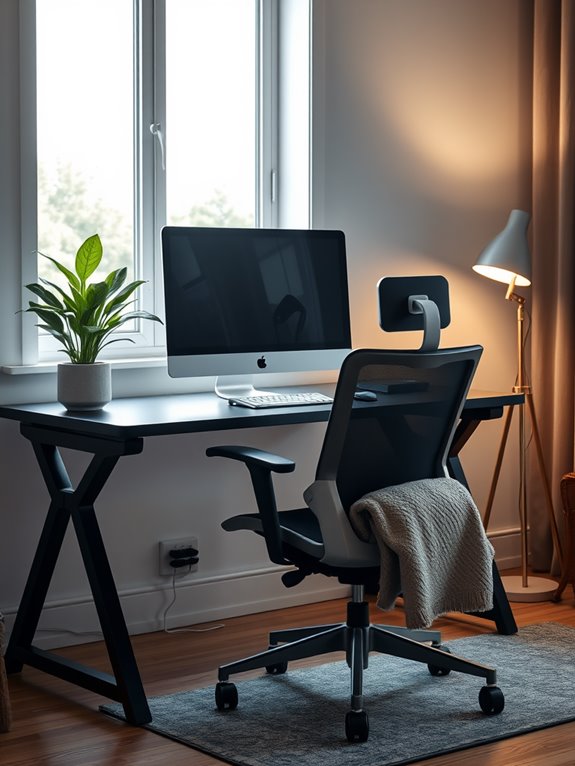
To maintain good posture while working remotely, you need to position your computer screen at eye level. This helps reduce neck strain and keeps your spine aligned.
If your screen's too low, you'll find yourself hunching over, while a screen that's too high can cause you to tilt your head back. Using an ergonomic lapstand can provide adjustable height options that help you achieve the optimal screen position. Additionally, using a fitness tracker can remind you to take regular breaks and monitor your activity levels throughout the day. Regular breaks can also help to mimic the benefits of acupressure mats, promoting relaxation and reducing tension. Maintaining good posture can also be supported by staying hydrated with portable water bottles with filters, which encourage you to take breaks for hydration.
Use a laptop stand or stack books to elevate your screen. Make certain the top of the monitor is roughly at or slightly below your eye line when sitting comfortably.
If you're using an external monitor, keep it about an arm's length away. Adjust the brightness and contrast to reduce eye strain. Additionally, incorporating all-day activity tracking can encourage you to take breaks and move around, further supporting good posture.
Keep Your Feet Flat on the Floor
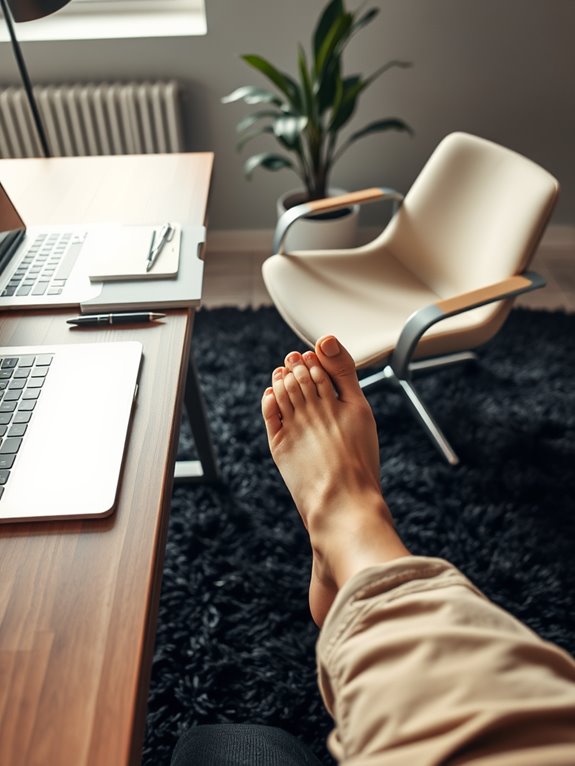
To maintain good posture, it's essential to keep your feet flat on the floor. Make sure your desk height is ideal, so your legs can rest comfortably. If that's not possible, consider using a footrest and avoid crossing your legs to stay aligned. Additionally, having an ergonomic workspace can significantly enhance your comfort and support while working remotely. Incorporating a balance board can further improve your stability and posture during long hours of sitting. Maintaining a compact design in your workspace can help prevent clutter and promote a more organized environment. Utilizing portable file organizers can also assist in keeping your documents orderly and accessible, reducing distractions while you work. Furthermore, ensuring your chair provides adequate support for posture can help maintain alignment and reduce strain during extended periods of sitting.
Optimal Desk Height
Finding the right desk height is crucial for keeping your feet flat on the floor and maintaining a healthy posture.
When your desk is at the proper height, you can work comfortably without straining your body. Here are three tips to achieve the best desk height:
- Elbow Position: Your elbows should be at a 90-degree angle when your hands are on the keyboard. Adjust your chair or desk to achieve this position.
- Knee Clearance: Make certain there's enough space underneath the desk for your knees. You should have about 2-4 inches of clearance.
- Monitor Level: The top of your monitor should be at eye level, so you don't have to tilt your head up or down, which helps keep your spine aligned.
Use a Footrest
A footrest can be a game-changer for maintaining good posture while working remotely. When your feet are flat on the floor, it helps align your spine and reduces strain on your back.
If your chair's height doesn't allow for this, a footrest gives you the support you need. You'll find that using one can help alleviate discomfort in your legs and improve circulation, making long hours at your desk more bearable.
Choose a footrest that's adjustable, so you can find the perfect height for your setup.
Avoid Crossed Legs
Crossing your legs might feel comfortable, but it can lead to poor posture and strain over time.
Keeping your feet flat on the floor is essential for maintaining good posture while working remotely. Here are three reasons to avoid crossing your legs:
- Improved Circulation: Keeping your feet flat encourages blood flow, reducing the risk of numbness or tingling in your legs.
- Better Spine Alignment: Flat feet help align your spine correctly, minimizing back pain and discomfort during long hours of sitting.
- Enhanced Focus: With your legs uncrossed, you'll find it easier to concentrate on your tasks, as your body feels more balanced and grounded.
Make this simple adjustment to your sitting habits and enjoy the benefits of better posture!
Take Regular Breaks to Move
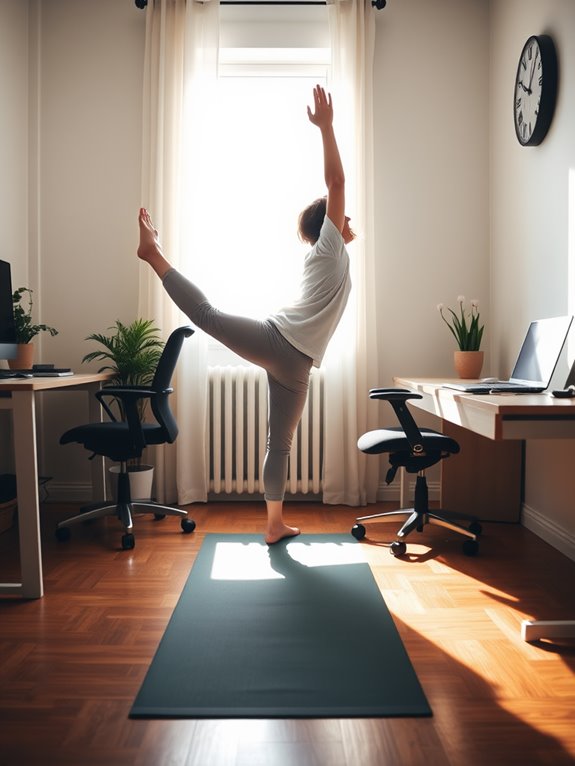
Incorporating regular breaks to move is essential for maintaining good posture while working remotely.
Sitting for long periods can lead to stiffness and discomfort, which can negatively impact your posture. Set a timer to remind yourself to stand up and stretch every hour. Use this time to walk around your workspace or perform simple movements to get your blood flowing.
Even short breaks can help reset your body and mind, allowing you to return to your tasks with better focus. Remember, it's not just about your physical health; taking these breaks can also boost your productivity.
Practice Stretching Exercises
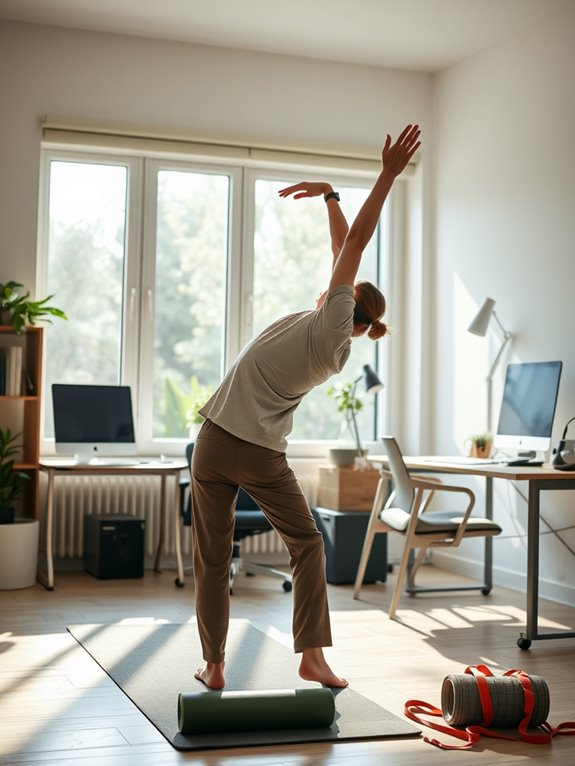
Practicing stretching exercises can greatly improve your posture while working remotely. Incorporating simple stretches into your routine can relieve tension and keep your muscles flexible.
Here are three effective stretches you can do throughout your day:
- Neck Stretch: Sit up straight, gently tilt your head to one side, and hold for 15 seconds. Switch sides and repeat.
- Shoulder Roll: While seated, roll your shoulders forward and backward in a circular motion. Do this for 30 seconds to release shoulder tension.
- Chest Opener: Stand up, clasp your hands behind your back, and gently lift them while opening your chest. Hold for 15 seconds to counteract hunching.
Incorporate these stretches regularly for better posture and overall well-being!
Be Mindful of Your Posture
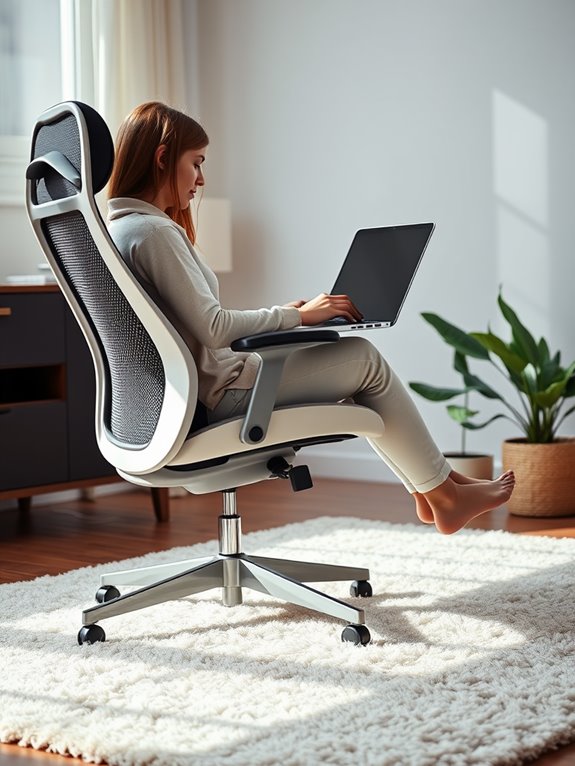
While you might be focused on your tasks, being mindful of your posture is essential for maintaining comfort and productivity.
Set a timer to remind yourself to check in on your posture regularly. Sit up straight with your shoulders relaxed and your feet flat on the floor. Make sure your screen is at eye level to avoid slouching or craning your neck.
If you notice tension building in your back or neck, take a moment to adjust your position. Consider shifting your weight or changing your sitting position to relieve pressure.
Use Posture-Correcting Tools
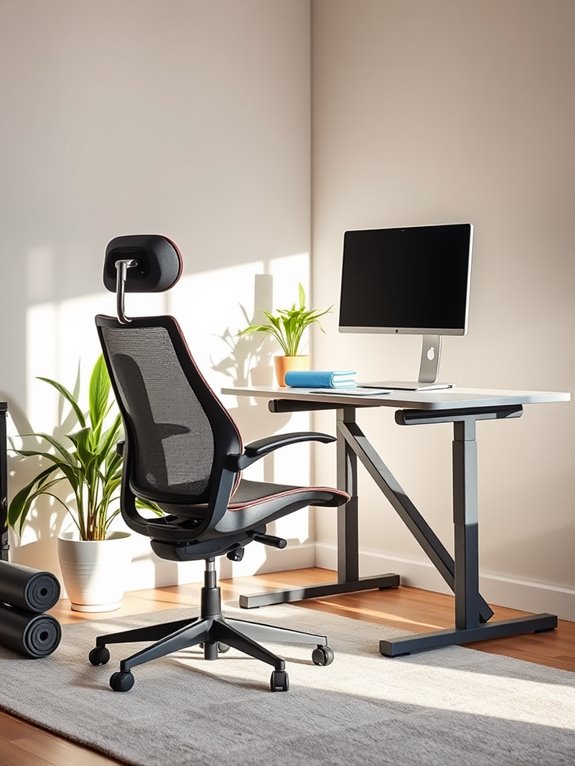
To support your efforts in maintaining good posture, consider using posture-correcting tools that can provide immediate benefits.
Consider posture-correcting tools to enhance your posture and comfort while working remotely.
These tools can help you develop better habits and reduce strain on your body while working remotely. Here are three effective options:
- Posture Brace: A simple device that gently reminds you to sit up straight and align your shoulders properly.
- Ergonomic Chair: Invest in a chair that supports your lower back and encourages a natural sitting position.
- Standing Desk: Alternating between sitting and standing can alleviate pressure on your spine and promote better posture throughout the day.
Incorporating these tools into your workspace can make a significant difference in your overall comfort and posture.
Frequently Asked Questions
How Often Should I Check My Posture While Working?
You should check your posture every 30 minutes. Set a timer as a reminder, and take a moment to adjust your position. It'll help you stay comfortable and prevent strain throughout your workday.
What Are the Signs of Poor Posture?
You might not realize it at first, but poor posture can sneak up on you. Look for signs like neck pain, shoulder tension, or a constant feeling of fatigue—those are your body's way of warning you.
Can Posture Affect My Mood or Productivity?
Yes, your posture can greatly affect your mood and productivity. Slouching may lead to feelings of fatigue and low energy, while maintaining an upright position often boosts confidence and focus, enhancing your overall work performance.
Are There Specific Exercises to Correct Bad Posture?
You might not realize it, but poor posture could be holding you back. Specific exercises like wall angels and chin tucks can help correct misalignments. Start incorporating them into your routine, and feel the difference unfold.
How Can I Remind Myself to Maintain Good Posture?
To remind yourself to maintain good posture, set hourly reminders on your phone. Place sticky notes around your workspace. You can also try a posture app that alerts you when you're slouching.
Conclusion
By building a balanced workspace and being mindful of your movements, you can conquer the common pitfalls of poor posture. Picture a peaceful posture paradise where your body feels aligned and your energy flows freely. With smart selections like supportive chairs and screen setups, plus regular stretches, you'll transform your remote routine. So, embrace these ergonomic essentials, and watch as your productivity and comfort soar, creating a harmonious home office haven that invites inspiration and innovation.