To stay active while sitting all day as a remote worker, incorporate short desk exercises like leg lifts and stretches. Set a timer for breaks every hour to recharge. Adjust your chair and monitor for better posture, which can help prevent discomfort. Consider using a standing desk or take short walks during breaks. Mini workouts like calf raises can boost your energy. There are more tips to enhance your well-being throughout your workday.
Nomad Highlights
- Incorporate short breaks every hour for stretching, walking, or performing desk exercises to boost circulation and energy levels.
- Adjust your chair and monitor for proper ergonomics to reduce strain and maintain comfort during long hours of sitting.
- Use resistance bands and compact foam rollers to engage in mini workouts without needing much space.
- Set a timer for focused work sessions followed by brief breaks to enhance mental clarity and productivity.
- Utilize acupressure mats and stretching straps to promote relaxation and improve flexibility throughout the day.
The Importance of Movement for Remote Workers
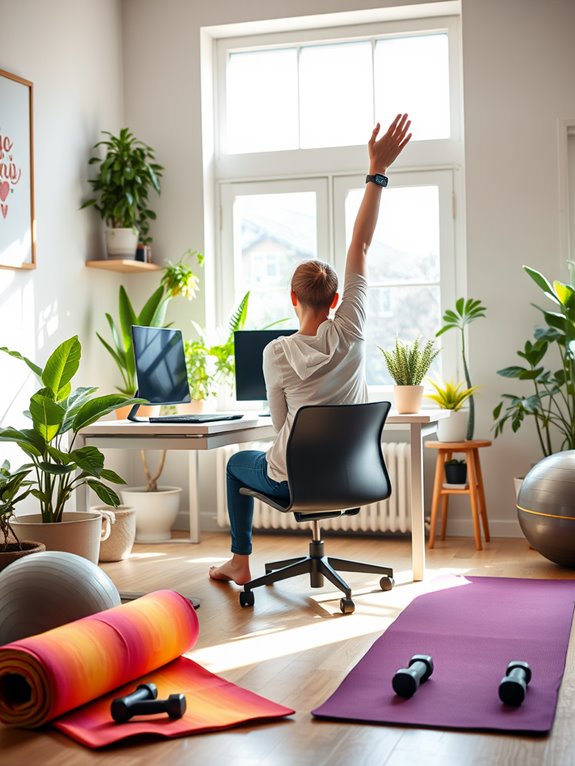
As you settle into the routine of remote work, it's essential to remember that staying active isn't just a luxury—it's a necessity. Movement plays an important role in maintaining your physical and mental health.
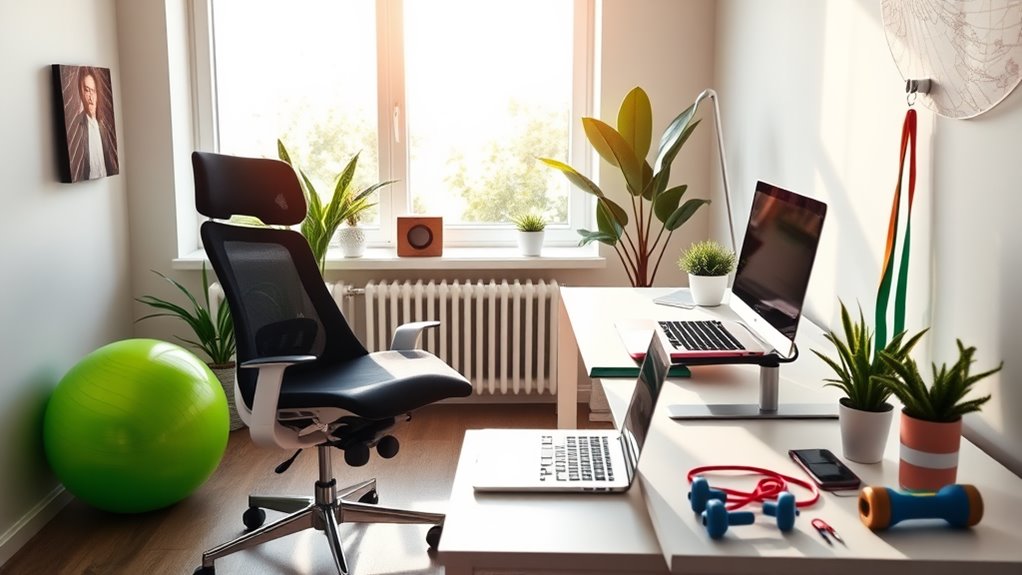
When you're working from home, it's easy to slip into a sedentary lifestyle, which can lead to fatigue, decreased productivity, and even health issues. Incorporating movement into your day helps improve circulation, boosts your mood, and enhances focus. Resistance bands, for example, can provide an effective way to enhance workout routines without requiring much space or equipment. These bands are versatile tools that can be used for a variety of exercises, making them perfect for home workouts. Additionally, using tools like compact foam rollers can offer on-the-go muscle relief and recovery, enhancing your overall wellness. Moreover, utilizing a portable standing desk converter can encourage more standing and movement throughout your workday. Regular movement can also help combat the negative effects of prolonged sitting, leading to improved health outcomes in the long run.
Whether it's a quick walk around your home, stretching, or even standing while you work, every bit counts. Prioritizing movement can prevent stiffness and promote a healthier work-life balance, so don't underestimate the power of getting up and moving throughout your workday.
Desk Exercises to Boost Your Energy
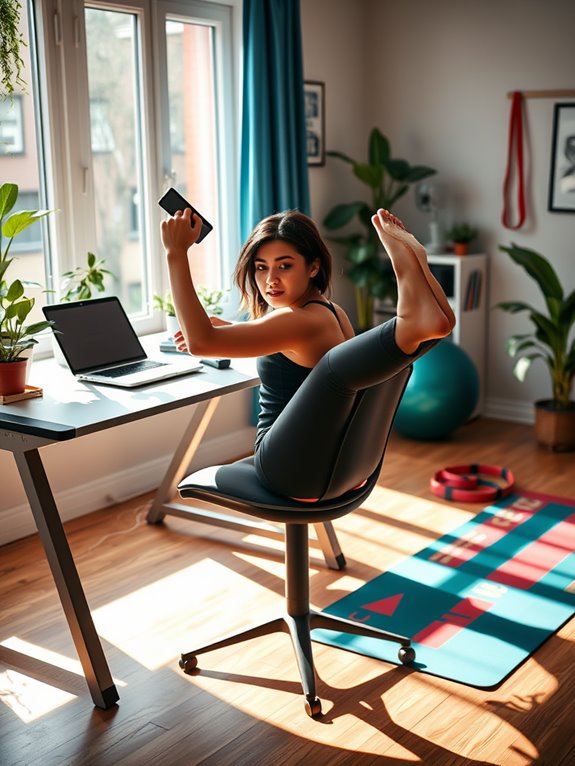
Incorporating desk exercises into your routine can greatly boost your energy levels throughout the day. Simple movements like seated leg lifts can engage your core and improve circulation. Additionally, using a stretching strap can enhance your flexibility and aid in muscle recovery during breaks. Regular movement, such as using an acupressure mat, can promote muscle relaxation and improve blood circulation, boosting overall energy. Studies have shown that mats with over 11,000 acupressure points mimic acupuncture, releasing endorphins for enhanced relaxation. Engaging in simple exercises throughout the day can lead to improved overall health and well-being.
Try standing up and doing calf raises; this gets your blood flowing and can refresh your mind. You can also perform seated torso twists to stretch your back and relieve tension.
Standing calf raises and seated torso twists can invigorate your mind while easing back tension.
Don't forget wrist and finger stretches to combat stiffness from typing. Even a few minutes of these exercises can help you feel more alert and focused. Additionally, using ankle resistance bands can further enhance your workouts and strengthen your legs while sitting at your desk.
Consider adding deep breathing exercises to enhance oxygen flow, further energizing you. By making these small changes, you'll notice a significant improvement in your productivity and overall well-being while working from home.
Setting a Timer for Regular Breaks
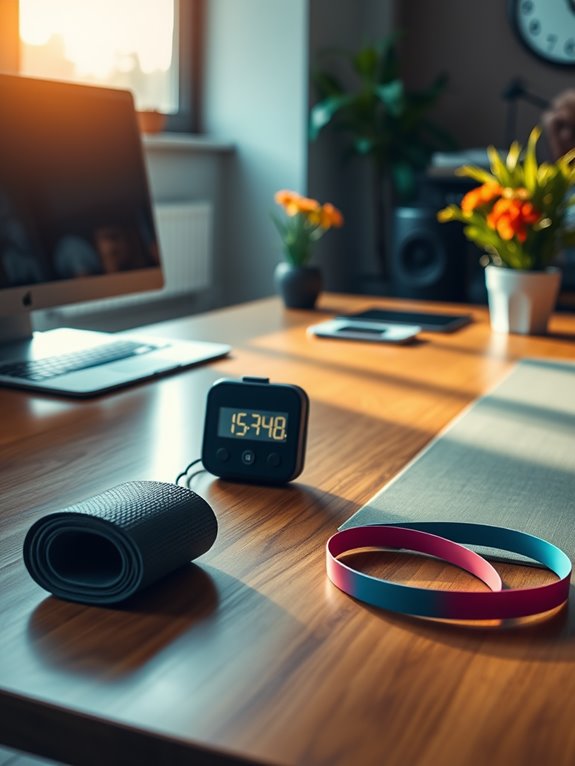
While you might feel tempted to power through your work without breaks, setting a timer for regular pauses can greatly enhance your focus and productivity. Taking short breaks allows your mind to recharge, ultimately improving your efficiency. Consider using the following schedule to guide your breaks:
| Activity | Duration |
|---|---|
| Work Session | 25 minutes |
| Break | 5 minutes |
| Work Session | 25 minutes |
| Longer Break | 15 minutes |
Incorporating AI personal assistants into your routine can help manage your schedule and remind you to take these crucial breaks. Additionally, engaging in unique products for every passion can provide you with fun and effective ways to stay motivated during these breaks. Regular breaks not only boost your mental clarity but also enhance overall job satisfaction, as fitness trackers can help you monitor your activity levels throughout the day. Frequent pauses can also encourage increased productivity by allowing you to return to your tasks with a refreshed perspective.
Ergonomic Adjustments to Promote Comfort
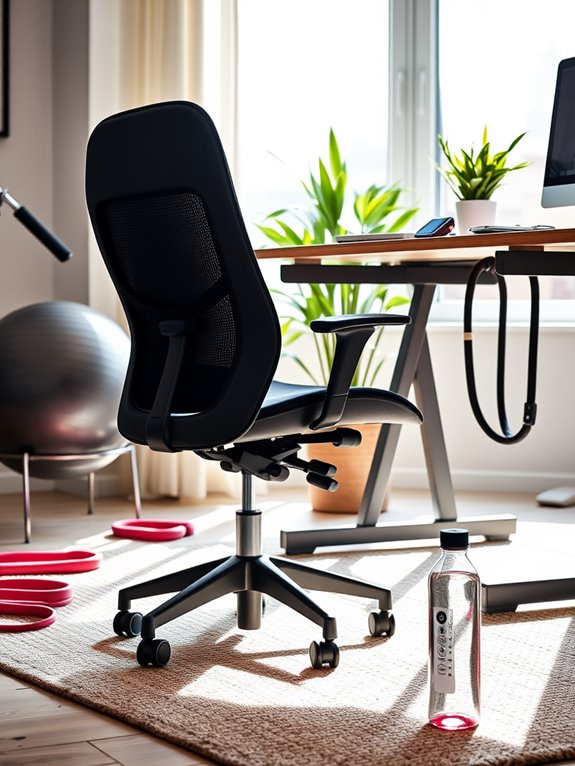
To stay comfortable while working remotely, you need to make some key ergonomic adjustments.
Start by ensuring your chair height is right, and position your monitor at eye level. A chair with adjustable features can significantly enhance your comfort during long work sessions. Additionally, using an ergonomic lapstand with multiple height settings can help customize your workspace for optimal posture. Incorporating a compact elliptical machine into your routine can also promote movement while you work, helping to counteract the effects of prolonged sitting. Many ergonomic chairs also include lumbar support options that can be adjusted to fit individual comfort needs.
Don't forget to set up your keyboard and mouse to keep your wrists in a neutral position for ideal comfort. Additionally, consider using an ergonomic lapstand to improve posture and reduce strain during long hours of laptop use.
Chair Height Adjustment
Adjusting your chair height is essential for maintaining comfort and preventing strain during long hours of remote work.
A well-adjusted chair allows your feet to rest flat on the floor, which helps reduce pressure on your legs and promotes proper circulation. Your knees should ideally be at hip level or slightly lower, ensuring your thighs are parallel to the floor. Incorporating compact foam rollers into your routine can also enhance muscle recovery, especially during long periods of sitting. Additionally, using a lumbar support cushion can provide targeted support for your lower back, improving overall comfort. Proper monitor height can reduce neck strain by up to 40% when combined with a well-adjusted chair. Compact juicers are also beneficial for maintaining a healthy lifestyle while working from home, allowing you to easily prepare nutritious beverages.
Make sure your back is fully supported by the chair, which enhances posture and minimizes discomfort.
If your chair has armrests, adjust them so your shoulders can relax, keeping your arms at a 90-degree angle.
Regularly check your chair height as you work, and don't hesitate to make adjustments throughout the day to stay comfortable and focused. Ergonomic designs are crucial for reducing strain and enhancing comfort during prolonged computer use.
Monitor Positioning Tips
Proper monitor positioning is essential for preventing neck and eye strain during your remote work hours.
Start by placing your monitor at eye level, so you don't have to tilt your head up or down. Your screen should be about an arm's length away, allowing you to read comfortably without leaning forward.
If you wear glasses, consider how your lenses affect your distance and adjust accordingly. Additionally, regular maintenance of your workspace, including monitor positioning, can enhance overall comfort. To support your well-being further, consider using a device that offers continuous monitoring of your health metrics throughout the day. Using an anti-glare screen protector can significantly reduce reflections and improve visibility, making it easier to focus on your work. Many of these protectors also feature anti-glare properties that can reduce glare by over 90%, promoting a more comfortable viewing experience.
Reduce glare by positioning the monitor away from windows or using an anti-glare screen.
Finally, tilt the screen slightly back, about 10 to 20 degrees, to keep your neck relaxed. These adjustments can greatly enhance your comfort, making your work hours more productive and enjoyable. Additionally, taking regular breaks to stretch can help counteract the effects of prolonged sitting and improve energy efficiency throughout your workday.
Keyboard and Mouse Setup
While you mightn't think about it often, the setup of your keyboard and mouse plays a crucial role in your overall comfort during long hours of remote work.
Position your keyboard at elbow height, keeping your forearms parallel to the floor. This helps reduce strain on your wrists. Your mouse should sit close to the keyboard to minimize reaching. Make sure your wrist stays straight while using both devices; consider wrist rests if necessary. Additionally, investing in ergonomic products can greatly enhance your comfort level during extended use. Proper ergonomic adjustments can lead to a significant increase in productivity. Accurate tracking of your heart rate can also help monitor stress levels during long working hours.
Also, try to keep your hands relaxed and hover your fingers lightly above the keys. To enhance your workspace further, explore unique products that can support your ergonomic setup.
Don't forget to adjust your chair height so your feet are flat on the ground. With these simple adjustments, you'll promote better posture and enhance your productivity throughout the day.
Incorporating Stretching Into Your Routine
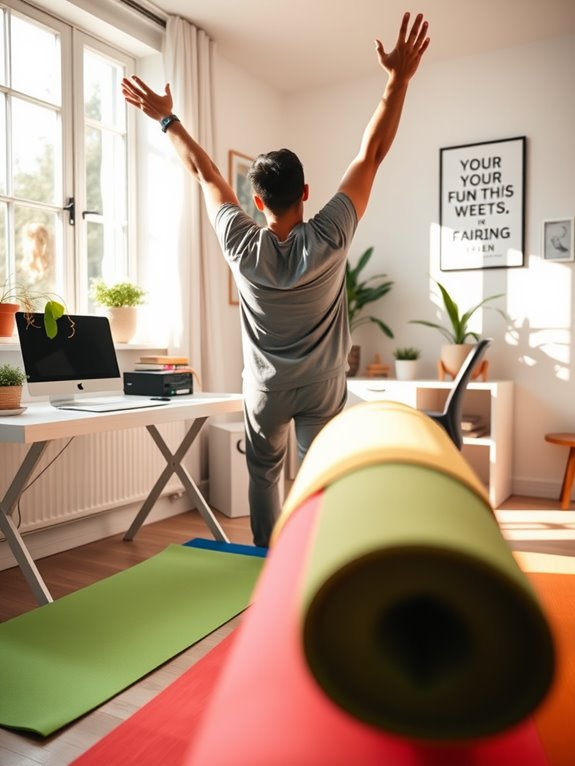
Incorporating stretching into your daily routine can greatly boost your energy and flexibility. It doesn't take much time to perform simple stretching exercises that can alleviate tension from long hours of sitting. Regular breaks for stretching can also improve your overall typing experience quality, allowing for greater comfort and productivity during your workday.
Benefits of Stretching
Stretching offers a simple yet effective way to enhance your well-being as a remote worker. By incorporating stretching into your daily routine, you can improve your flexibility and reduce muscle tension that builds up from prolonged sitting.
This practice not only helps alleviate discomfort but also boosts your circulation, which can increase your energy levels throughout the day. You'll likely find that taking short breaks to stretch can improve your focus and productivity, too.
Additionally, regular stretching can promote better posture, reducing the risk of chronic pain associated with long hours at a desk. Overall, making time for stretching can lead to a healthier, more balanced lifestyle, allowing you to thrive in your remote work environment.
Simple Stretching Exercises
Adding simple stretching exercises to your daily routine can make a significant difference in how you feel throughout the workday. Set a timer to remind yourself to stretch every hour.
Start with neck rolls to relieve tension, then move on to shoulder shrugs to loosen tight muscles. For your back, try seated twists; just rotate gently from side to side.
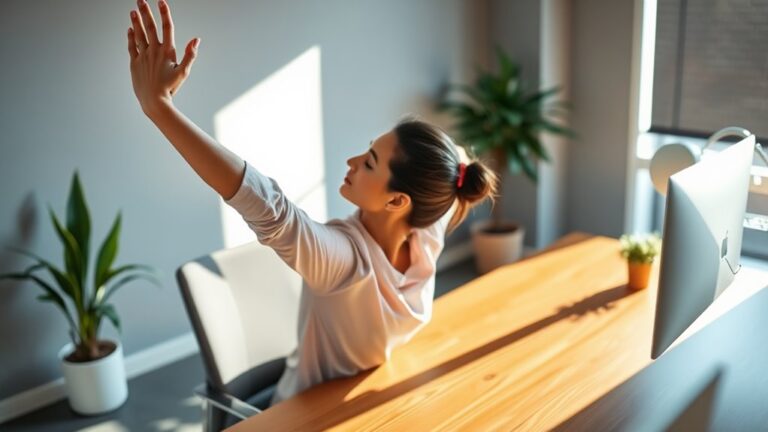
Don't forget to stretch your arms and wrists by extending them overhead and flexing your fingers. Finally, stand up and do a few forward bends to stretch your hamstrings and lower back.
These quick, easy stretches can help boost your energy levels, improve circulation, and keep you focused, making your remote work experience much more enjoyable!
Standing Desks and Alternatives
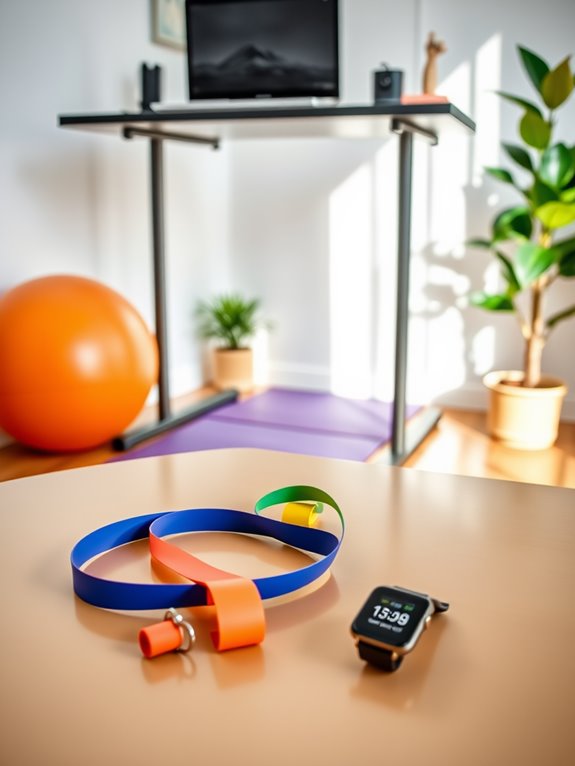
While working from home offers flexibility, you might find yourself sitting for longer stretches than you realize. To combat this, consider investing in a standing desk. These desks allow you to alternate between sitting and standing, promoting better posture and circulation.
If a standing desk isn't an option, try desk converters that easily adjust your workspace height. You can also use kitchen counters or high tables as makeshift standing areas. Another alternative is a stability ball, which engages your core while you work.
Additionally, take advantage of anti-fatigue mats to reduce discomfort while standing. By incorporating these options, you can create a more dynamic workspace that keeps you active throughout your day.
Mini Workouts You Can Do at Your Desk
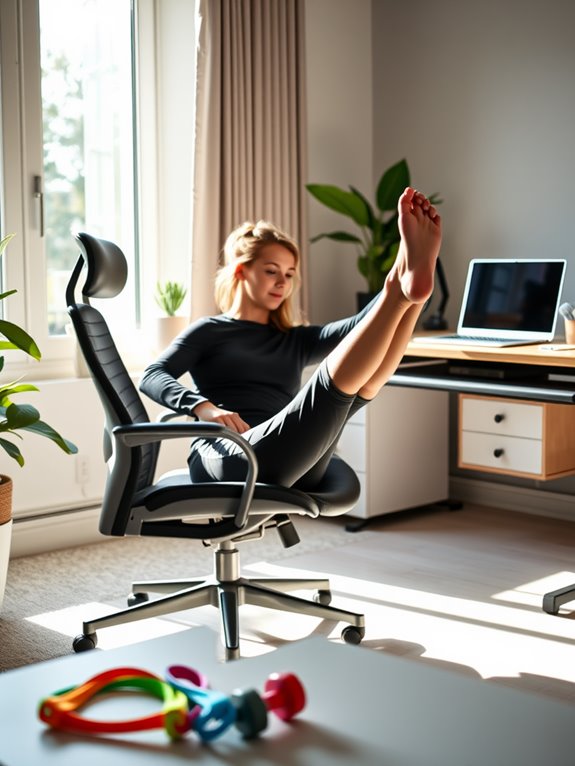
Even with a standing desk or alternatives in place, it's easy to fall into a sedentary routine during long work hours. To combat this, try mini workouts that you can easily do at your desk.
Start with seated leg lifts—sitting tall, extend one leg out and hold for a few seconds. You can also do desk push-ups by placing your hands on the edge of your desk and stepping back.
For a quick boost, perform shoulder shrugs or neck stretches to relieve tension. Don't forget about standing calf raises; just rise onto your toes and hold.
These short bursts of activity can refresh your mind and body, keeping you energized throughout your workday.
Staying Mindful of Your Posture
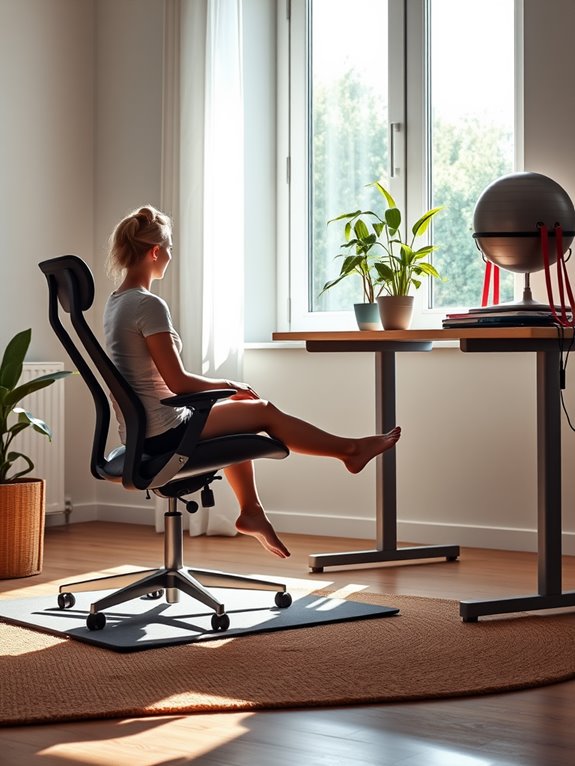
Posture plays an essential role in your overall well-being as a remote worker. Sitting for long hours can lead to discomfort and chronic pain if you're not mindful of how you sit.
Make sure your chair supports your lower back, keeping your feet flat on the floor. Position your computer screen at eye level to avoid straining your neck. Remember to keep your shoulders relaxed and your elbows close to your body.
Taking short breaks to stretch or walk around can also help reset your posture. When you notice yourself slumping, gently adjust your position.
Practicing good posture not only boosts your comfort but also enhances your focus and productivity throughout the day.
Frequently Asked Questions
How Can I Remind Myself to Take Breaks Regularly?
To remind yourself to take breaks regularly, set timers on your phone or computer. You could also use sticky notes around your workspace or schedule breaks in your calendar to create a consistent routine.
What Types of Chairs Are Best for Long Hours of Sitting?
Imagine sitting on a cloud; ergonomic chairs can feel that way. For long hours, look for chairs with lumbar support and adjustable features. They'll keep you comfy, focused, and ready to tackle your tasks.
Can I Combine Sitting Exercises With My Work Tasks?
Yes, you can combine sitting exercises with your work tasks. Try simple stretches or leg lifts while typing. You'll keep your muscles engaged, enhance focus, and improve your overall productivity without interrupting your workflow.
How Often Should I Change My Sitting Position?
Changing your sitting position as often as a cheetah sprints is ideal. Aim to shift every 30 minutes. This keeps your muscles engaged, boosts circulation, and helps maintain your focus throughout the day.
What Are the Mental Benefits of Staying Active While Working?
Staying active while working boosts your mood, sharpens focus, and reduces stress. You'll find that regular movement enhances creativity, helps you think clearer, and ultimately improves overall productivity, making your workday more enjoyable and fulfilling.
Conclusion
Staying active while sitting all day is like tending to a garden; with a little care and attention, you can cultivate a healthier work life. By incorporating movement, taking breaks, and making ergonomic adjustments, you'll boost your energy and productivity. Remember, your body's an essential tool for your remote work success, so nourish it with stretches, mini workouts, and mindful posture. Embrace the little changes, and watch your well-being flourish!